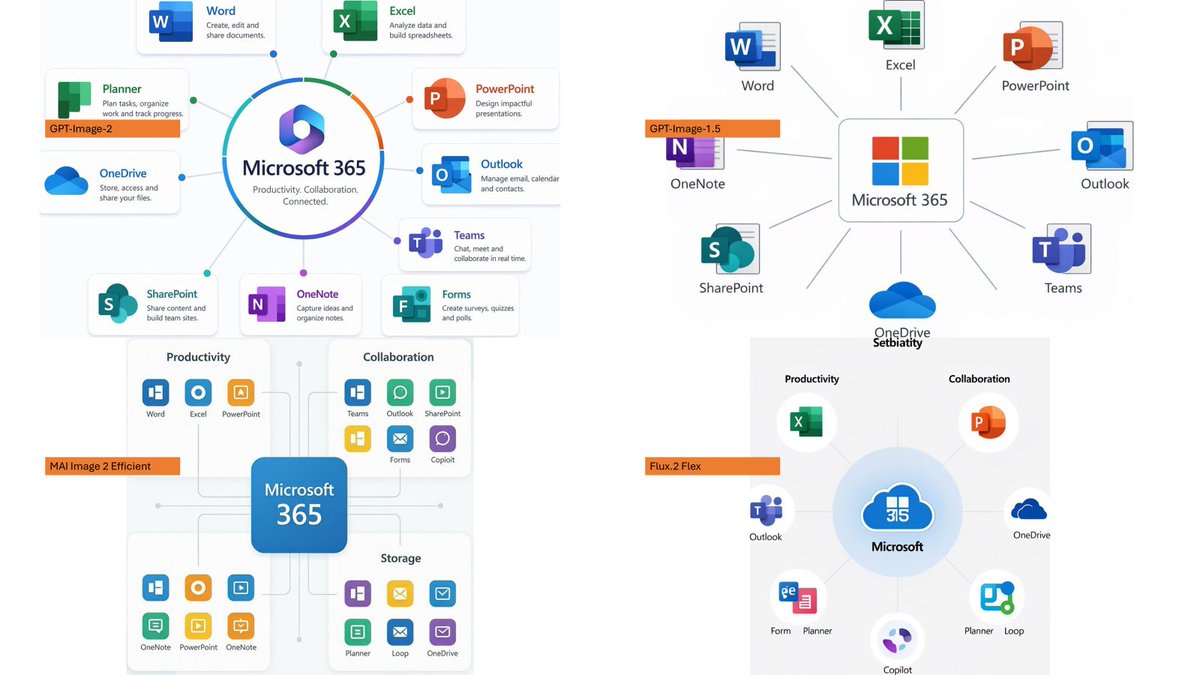
Four-Panel Eyewear Store Model Comparison
Creates a photorealistic 2×2 comparison collage of eyewear boutique interiors labeled by image generation model.
vues9,300
j’aime104
commentaires1
partages7
favoris68
citations2
Using the provided reference image as a layout/comparison inspiration, replace the dense Japanese policy infographic with a photorealistic 2×2 comparison collage. Each of the 4 panels should show a different realistic interior view of {argument name="store type" default="a modern eyeglasses boutique"}, with warm retail lighting, shelves full of glasses, wooden cabinetry, display cases, mirrors, and a polished upscale showroom feel. Add one small horizontal orange label near the left side of each panel, using exactly these 4 labels: {argument name="top left label" default="GPT-Image-2"}, {argument name="top right label" default="GPT-Image-1.5"}, {argument name="bottom left label" default="MAI Image 2 Efficient"}, and {argument name="bottom right label" default="Flux.2 Flex"}. Keep the image as a clean four-quadrant comparison, with no Japanese report text, no diagrams, no government-style boxes, and no extra captions beyond the four orange labels.


