Excel VBA Community Promo Banner
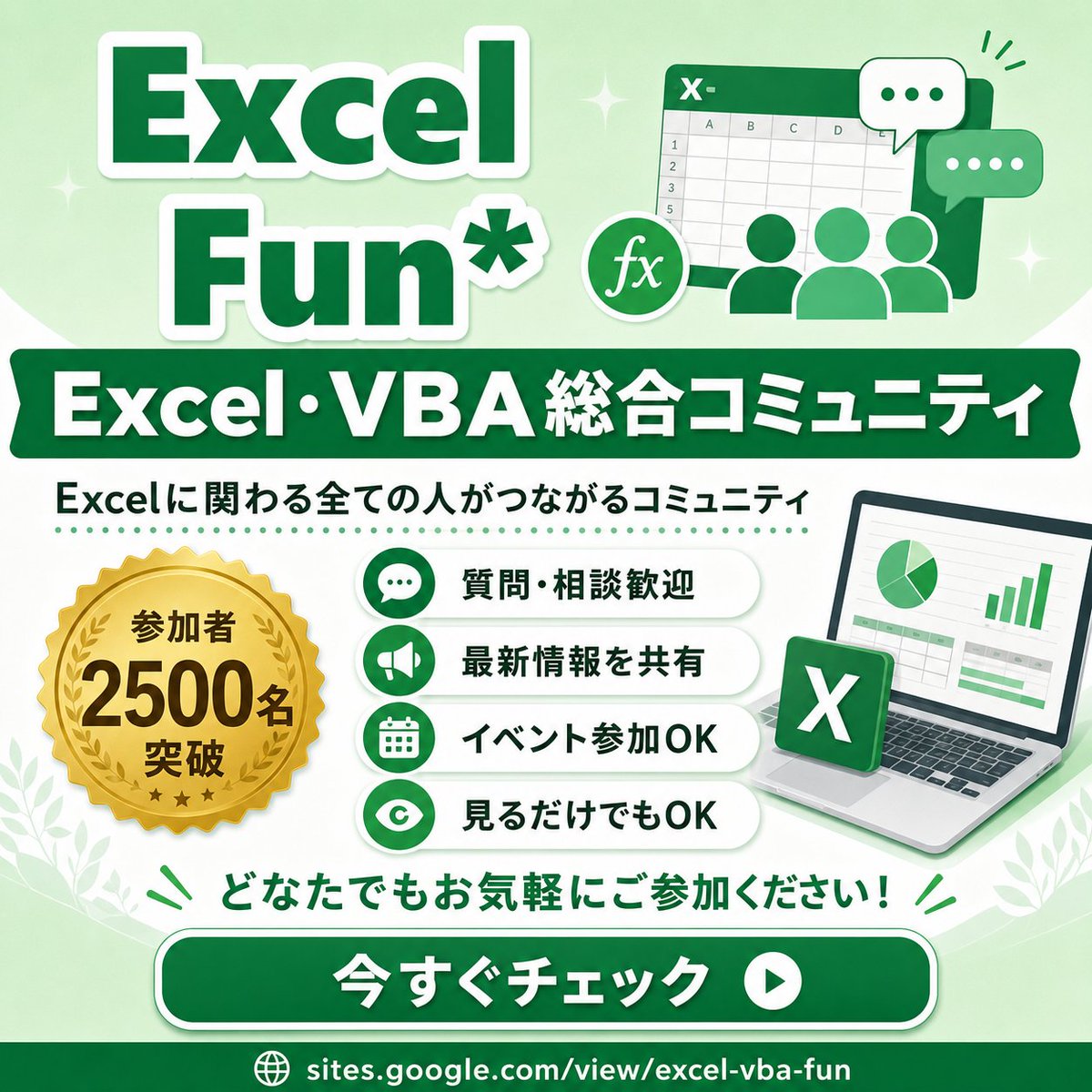
Generates a square Japanese promotional infographic for an Excel and VBA community with benefits, member badge, CTA, and friendly green branding.
Prompt
Goal: Create a square promotional infographic for an Excel and VBA online community, using a friendly green-and-white corporate style with Japanese typography.

Canvas: 1:1 square social media image, 768 x 768 px feel, pale mint green gradient background with soft white curves, subtle sparkles, small leaf decorations in the lower corners, and a clean high-contrast layout.

Layout: Large title block at the top left, illustration block at the top right, wide dark-green banner across the upper middle, main information area in the center, call-to-action button near the bottom, and URL footer at the very bottom.

Text content: Top title reads “{argument name="main title" default="Excel Fun*"}” in oversized bold dark green letters with thick white outline and soft drop shadow. Middle ribbon banner reads “{argument name="community headline" default="Excel・VBA 総合コミュニティ"}” in bold white text. Under it, add the subtitle “{argument name="community description" default="Excelに関わる全ての人がつながるコミュニティ"}” in dark green. The gold medal badge says “{argument name="member badge text" default="参加者 2500名 突破"}”. Bottom encouragement line says “どなたでもお気軽にご参加ください!” in green. Large rounded CTA button says “{argument name="button text" default="今すぐチェック"}” in bold white, with a white circular play icon on the right. Footer URL reads “sites.google.com/view/excel-vba-fun” with a small globe icon.

Subject details: Top-right illustration shows a stylized Excel spreadsheet window with an “X-” mark in the header, visible grid cells and column letters, three simplified green user silhouettes in front, a round “fx” formula icon, and exactly 2 chat bubbles: one white bubble with three green dots and one green bubble with three white dots. Center-left contains exactly 1 gold seal medal with serrated edge, laurel wreath, three small stars, and bold black-brown lettering. Center-right contains exactly 1 laptop angled slightly right, showing a spreadsheet dashboard with exactly 1 pie chart and exactly 1 green bar chart; place exactly 1 floating green Excel app tile with a white X in front of the laptop.

Benefit list: Create exactly 4 horizontal rounded white pill cards stacked vertically in the center. Each card has a green circular icon on the left and bold dark green Japanese text on the right. The 4 cards are: 1) chat bubble icon, “質問・相談歓迎”; 2) megaphone icon, “最新情報を共有”; 3) calendar icon, “イベント参加OK”; 4) eye icon, “見るだけでもOK”. Add a dotted green divider line above the benefit list.

Visual style: Bright vector illustration, glossy social-banner design, rounded shapes, thick outlines, soft shadows, clean Japanese sans-serif typography, mostly emerald green, mint green, white, and gold. Keep everything crisp, cheerful, accessible, and community-oriented.

Constraints: Use exactly the counted elements described above; do not add extra benefit cards, extra badges, extra chat bubbles, QR codes, watermarks, or unrelated logos. Preserve the Japanese text exactly where specified.
Open in Hitboard Original post