Sam Altman透明背景UI
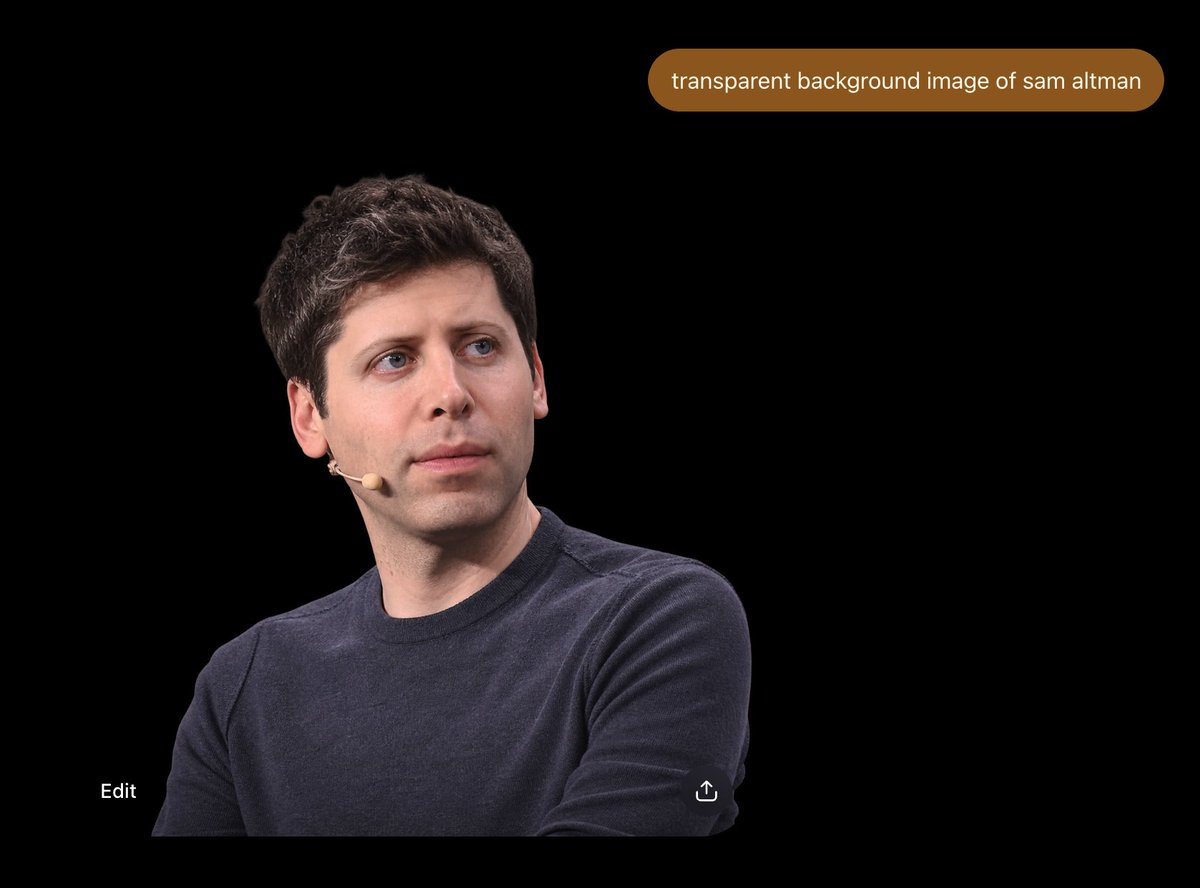
A dark ChatGPT-style interface mockup showing a photorealistic Sam Altman cutout and a prompt bubble about transparent background generation.
Prompt
創建一個 4:3 寬螢幕截圖風格的圖像,背景為純黑色,類似深色的 ChatGPT 圖像結果視圖。在左下象限放置一個 {argument name="person" default="Sam Altman"} 的逼真剪影肖像,從中軀幹向上裁剪,穿著深藏青色圓領毛衣,左臉頰上有一個小型米色頭戴式麥克風,頭髮短而深色波浪狀,皮膚白皙,藍色眼睛,表情中性若有所思,目光略微向上向右看。主體應佔據畫面左下角大約一半的面積,邊緣乾淨,彷彿從透明背景圖像中隔離出來,但顯示在黑色背景上。靠近右上方,添加一個圓形藥丸狀的棕色聊天提示框,裡面 Exactly 包含白色小寫文字「{argument name="prompt bubble text" default="transparent background image of sam altman"}」。底部 Exactly 包含兩個小型 UI 元素:左下角的白色單詞「Edit」,以及靠近底部中間偏右的一個小型白色分享/上傳圖標。保持構圖簡潔,無其他人,無額外文字,無浮水印,以及空黑色介面上的真實照片剪影美學。
機器翻譯 — 實際產出作品的是原文 prompt。
原文 Prompt
Create a 4:3 widescreen screenshot-style image on a pure black canvas, resembling a dark ChatGPT image result view. Place one photorealistic cutout portrait of {argument name="person" default="Sam Altman"} in the lower-left quadrant, cropped from mid-torso upward, wearing a dark navy crewneck sweater and a small beige headset microphone on his left cheek, with short dark wavy hair, pale skin, blue eyes, and a neutral thoughtful expression while looking slightly up and to the right. The subject should occupy roughly the lower-left half of the frame, with clean edges as if isolated from a transparent-background image but displayed over black. Near the top-right, add one rounded pill-shaped brown chat prompt bubble containing exactly the white lowercase text “{argument name="prompt bubble text" default="transparent background image of sam altman"}”. Include exactly two small UI elements near the bottom: the word “Edit” in white at bottom-left, and a small white share/upload icon near the bottom-center-right. Keep the composition sparse, with no other people, no extra text, no watermark, and a realistic photo cutout aesthetic against the empty black interface.