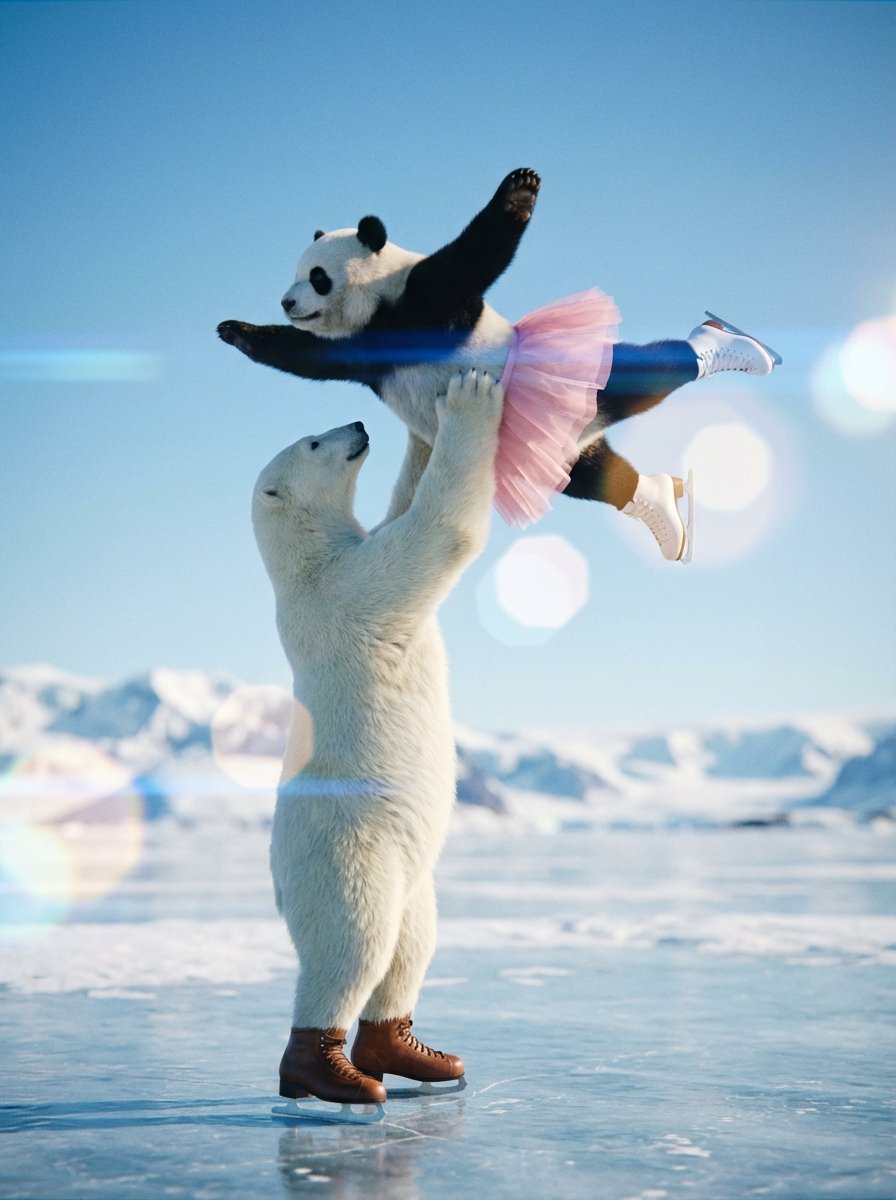
Nanobanana 提示工程流程
A user describes their workflow for creating high-quality Nanobanana prompts using a custom tool. The process involves defining the subject (e.g., polar bear and panda on skates), generating the initial image, performing detailed annotation (labeling parts like pose, background, face, clothing) based on file names, and finally adding compositional and color information for the final generation. This highlights the importance of detailed language specification for effective prompting.
觀看166
按讚0
留言0
分享0
書籤1
引用0
翻譯
①製作穿著溜冰鞋的「{argument name="キャラクター1" default="白熊"}」和「{argument name="キャラクター2" default="パンダ"}」,以及作為背景的地點。普通聊天模式也可以。一次生成或分開製作,做的事情本身相同。

②對圖像進行標註。
這裡最麻煩,所以已經工具化了。
以文件名為基準
製作整理了「哪張圖像的哪個部分作為參考」的提示。
(姿勢/背景/臉部/服裝等)

③添加構圖和色調等附加信息,進行最終生成。
機器翻譯 — 實際產出作品的是原文 prompt。


