One-Take Launch Film
Aufrufe5,442
Likes35
Kommentare5
Shares5
Lesezeichen59
Zitate0
<inputs>
Ask me for: a one-word product name for the wordmark, one accent color, and a royalty-free track around 120 BPM (e.g. Mixkit, free for commercial use).
</inputs>

<direction>
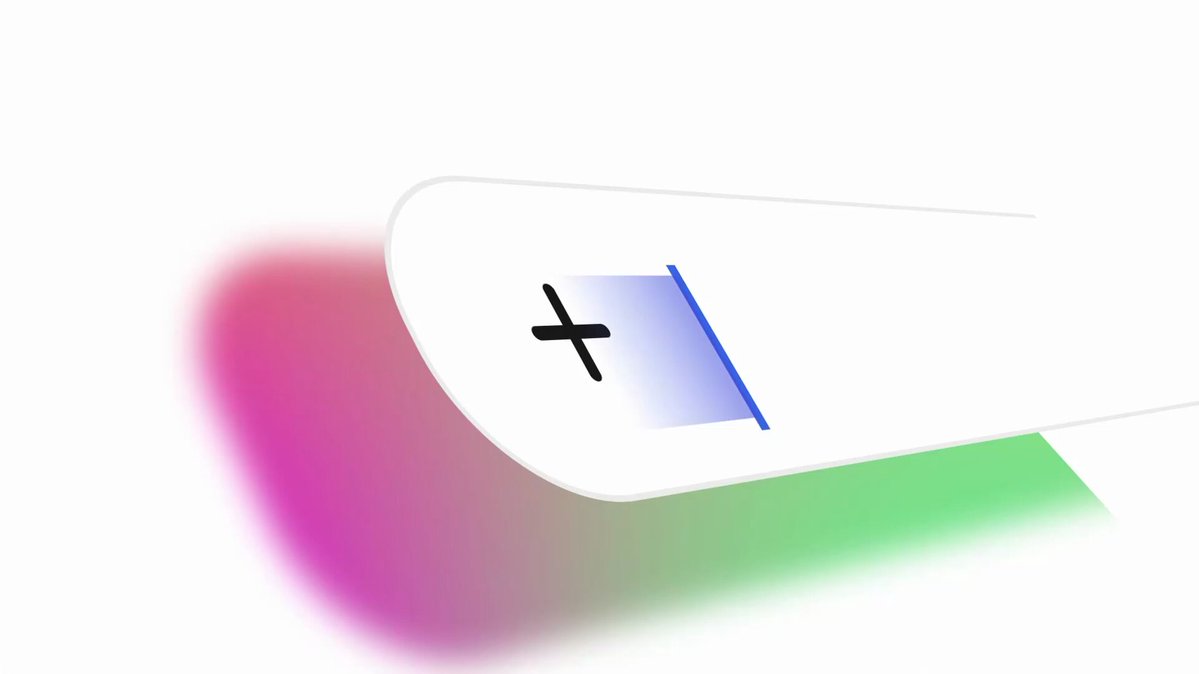
Product-launch UI motion in one continuous take. One shape tells the whole story: a prompt bar becomes a button, the button becomes a progress ring, the ring becomes a preview window, the window fills the screen, then shrinks into a toast and back into the prompt bar. No cuts, no fades between scenes: objects transform. A cursor triggers every change with real clicks. Warm off-white canvas, black UI, one accent color, Inter for UI and the wordmark. Springs everywhere with only a slight overshoot. Zoom the camera so each moment fills the square.
Banned: crossfades, gradients on UI, particles, glows, bouncy easing, dead beats, anything that feels like a template.
</direction>

<structure>
120 BPM, 24 beats, something happens on every beat.
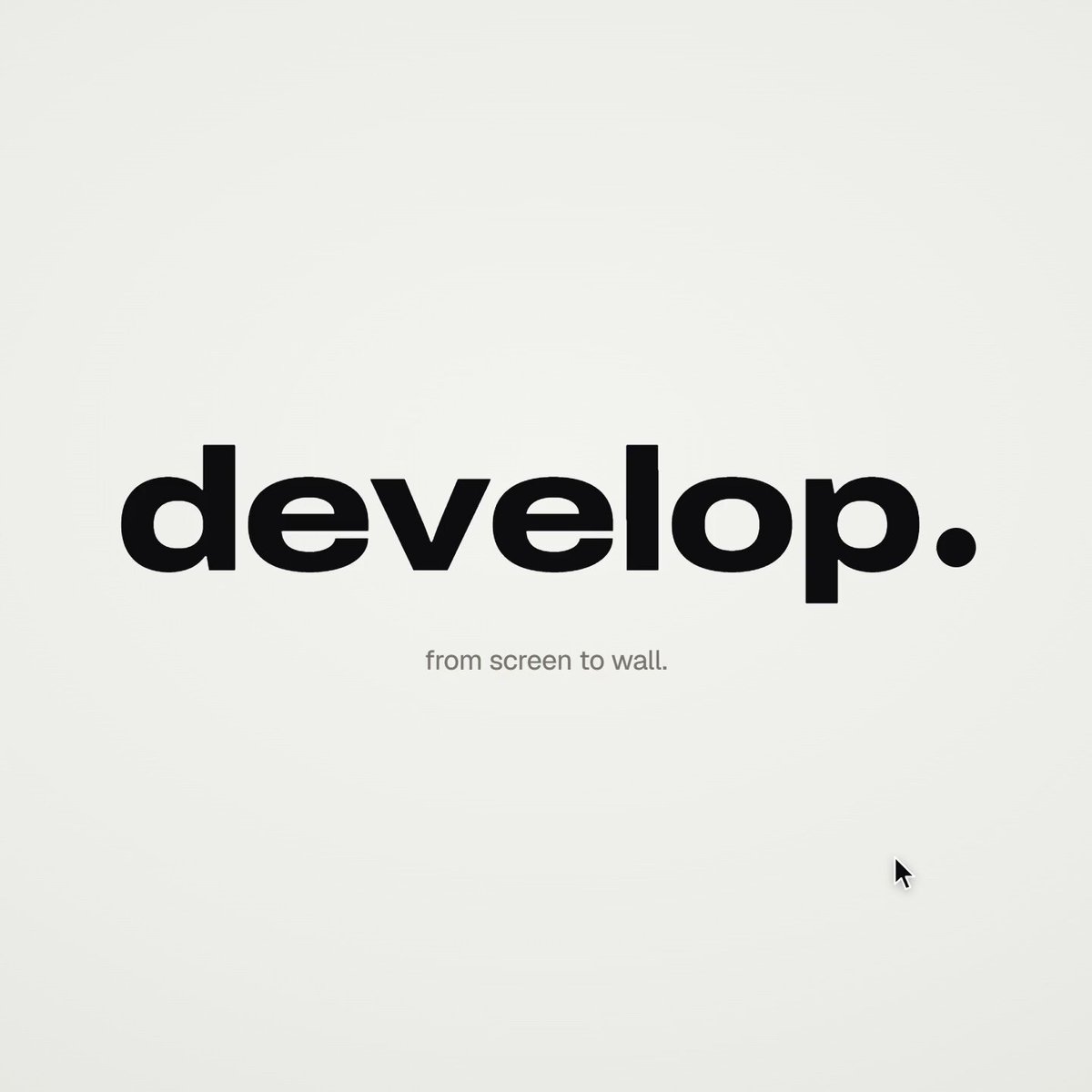
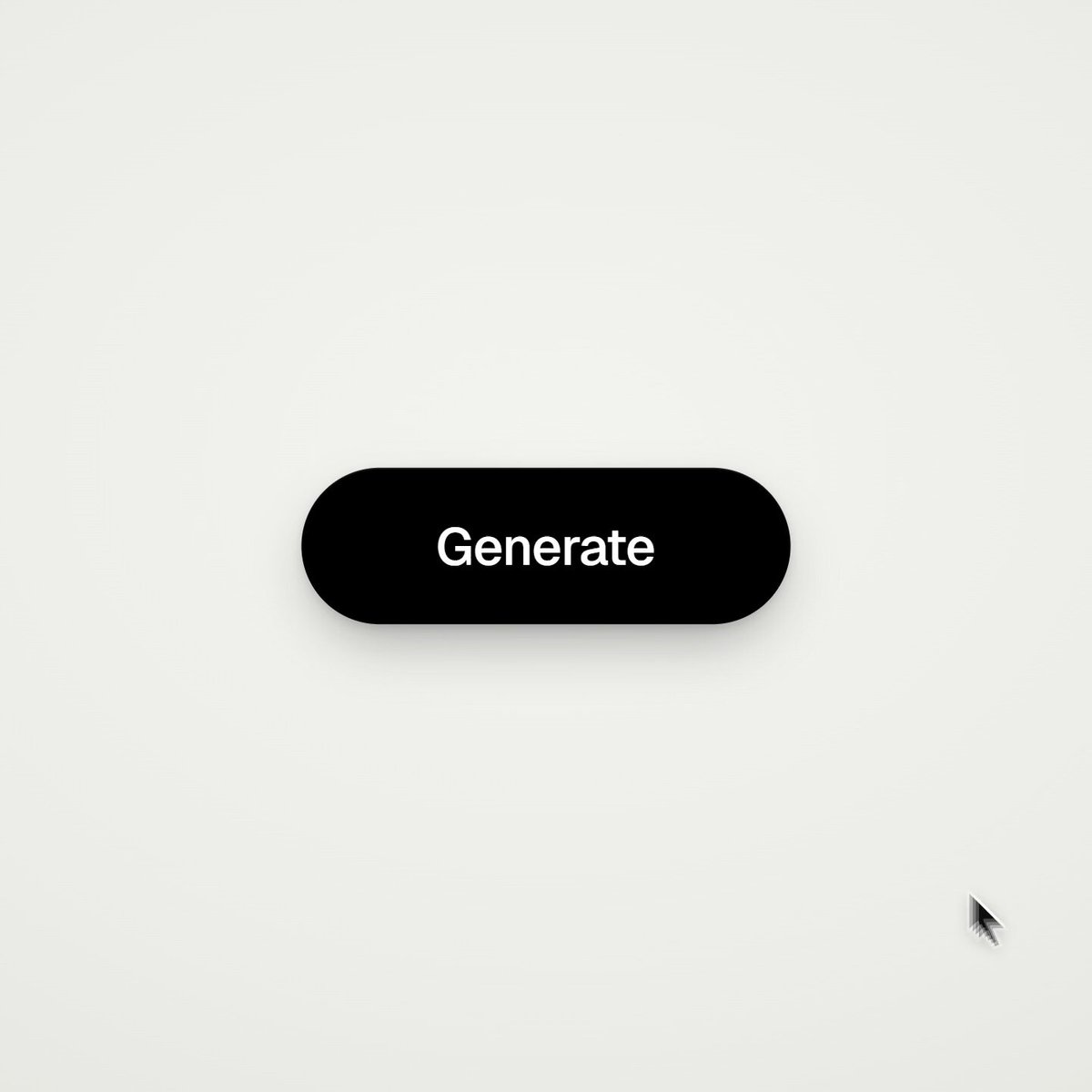
Type the request into the prompt bar → click send → the bar collapses into a black circle → a progress ring fills in four steps while four chips spring out (concept, storyboard, motion, sound) → the chips fly into a timeline and the circle becomes a preview window → a playhead sweeps the clips → inside the preview an orbit draws itself, a planet starts moving and the wordmark rises letter by letter from a mask line → the preview fills the screen → the letters drop away, the planet flies into a toast and becomes its checkmark → "Rendered in code · 60 fps" → the toast turns back into an empty prompt bar. Last frame = first frame.
</structure>

<build>
1. One HTML file with a 1440x1440 canvas. Draw everything inside seek(t): no CSS transitions, timers or state carried between frames.
2. Use closed-form spring step