Four Seasons Flower Timelapse
vistas1,457
me gusta37
comentarios12
compartidos3
guardados16
citas1
{
  "duration": "10s",
  "aspect_ratio": "16:9",
  "fps": 24,
  "style": "Cinematic realism, time-lapse macro cinematography, National Geographic visual fidelity, shallow depth of field",
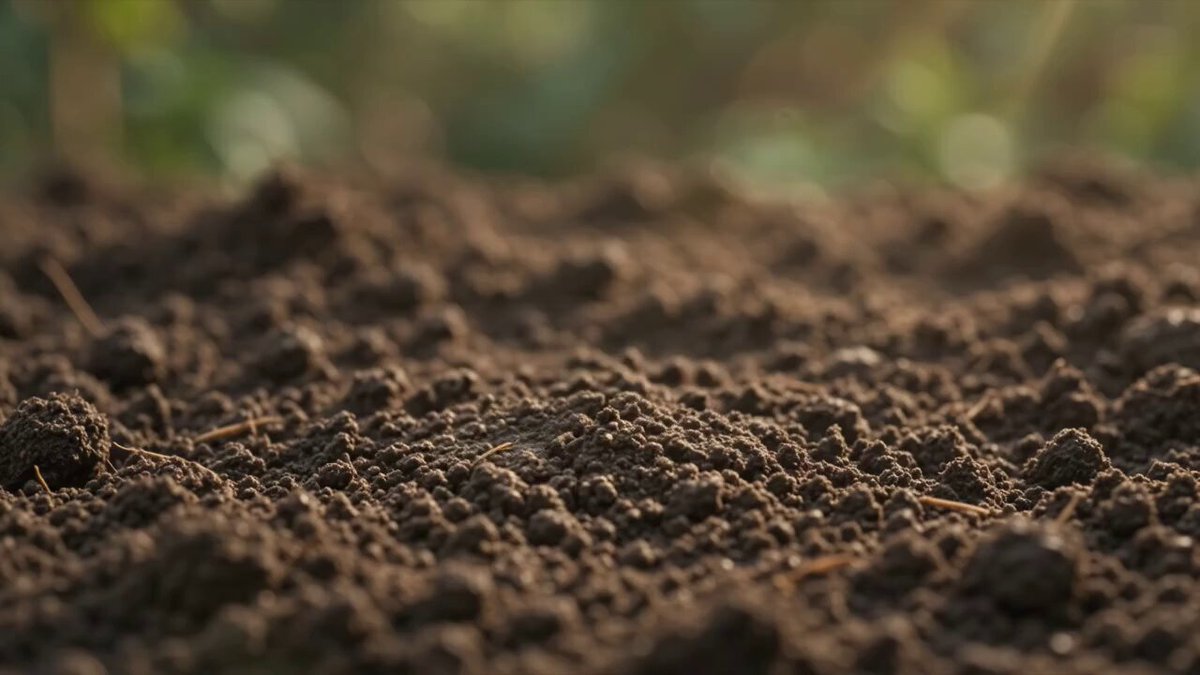
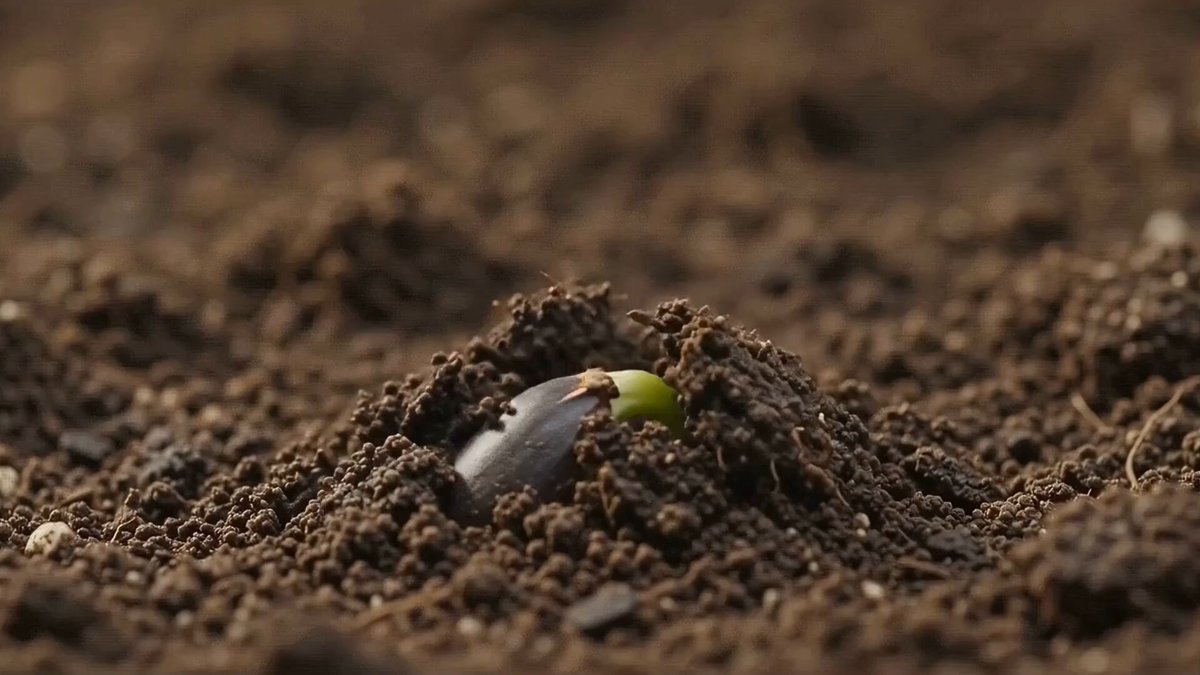
  "prompt": "A continuous 10-second macro time-lapse centered on a solitary, radiant wild flower growing from dark mossy soil, capturing the passage of four seasons to evoke impermanence. At 0:00–0:03, golden morning spring sunlight illuminates vivid petals unfurling in lush bloom with glistening dewdrops. At 0:03–0:06, the sunlight intensifies into high summer warmth before rapidly shifting into autumn amber; the petals dry, curl, and develop rich burgundy-ochre hues. At 0:06–0:08, delicate crystalline frost and light snow creep over the wilting blossom under cold twilight. At 0:08–0:10, a winter gust scatters the dried petals and snow dust into the air, revealing empty, quiet soil. In the final scene (0:08–0:10), elegant, minimalist serif typography fades smoothly into center frame reading: 'Everything is temporary…' in warm, translucent off-white with subtle blur and gentle light bleed before fading to black.",
  "lighting": "Dynamic lighting shifting fluidly from golden dawn rim lighting to crisp midsummer daylight, moody autumnal overcast, and cold crystalline winter twilight.",
  "camera": "Macro 85mm lens, f/2.8, slow circular orbit with subtle push-in, keeping focus centered through the bloom to the final text fade.",
  "text_overlay": {
    "text": "Everything is temporary…",
    "timestamp": "0:08 - 0:10",
    "font_style": "Minimalist, elegant serif, soft glowing off-white, subtle film-grain texture, smooth fade-in and fade-out",
    "placement": "Center screen"
  },
  "audio_cues": "Gentle ambient birdsong transitioning into the rustle of dry leaves, howling soft winter wind, and a deep, fading ambient piano chord beneath the final text."
}