Text Pathway Walking Film
vistas51,820
me gusta413
comentarios9
compartidos47
guardados461
citas12
Commercial film.

Maintain the initial background color throughout the sequence.

The camera smoothly tracks the character with a continuous horizontal scrolling movement, moving alongside them as they walk.

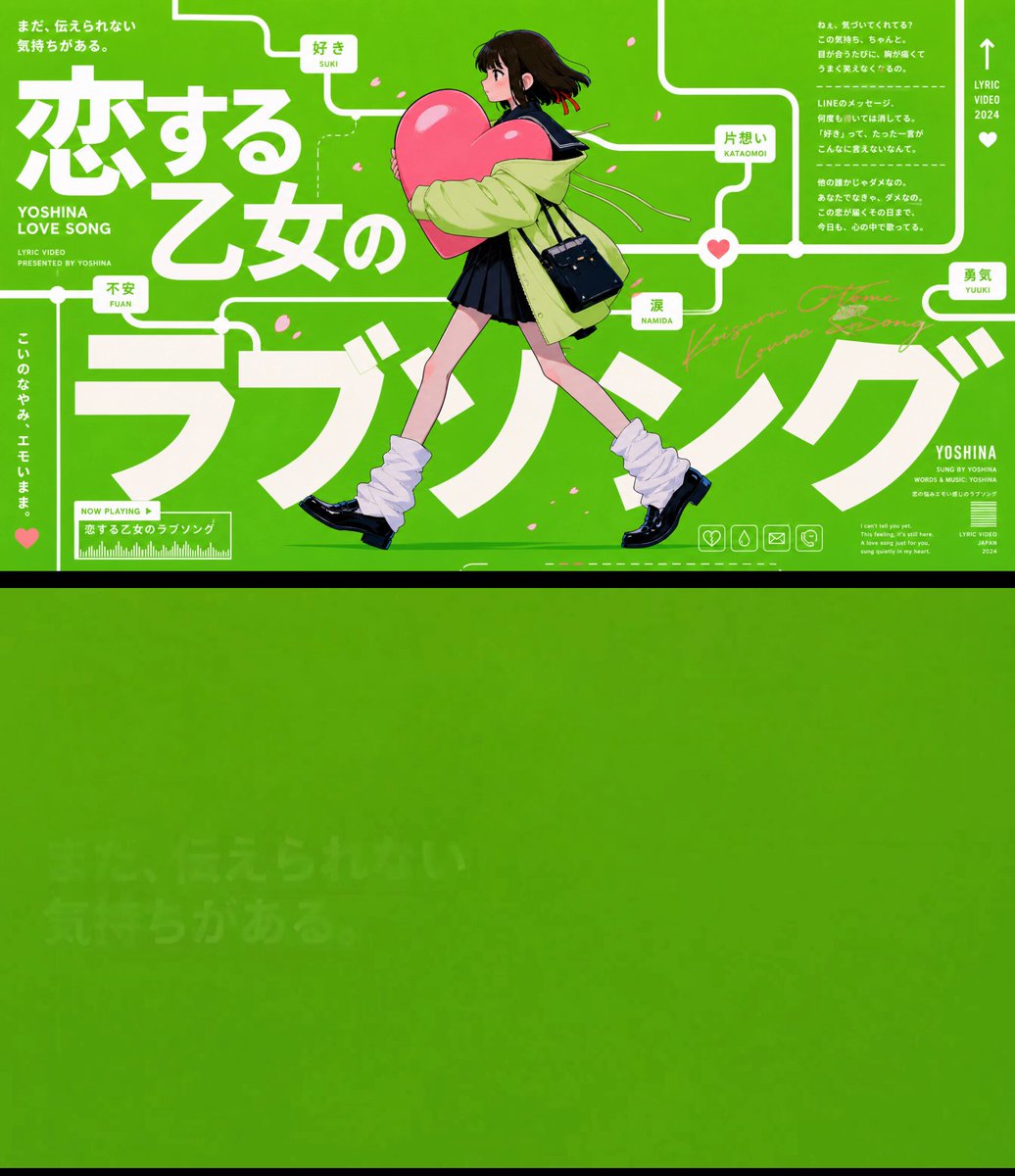
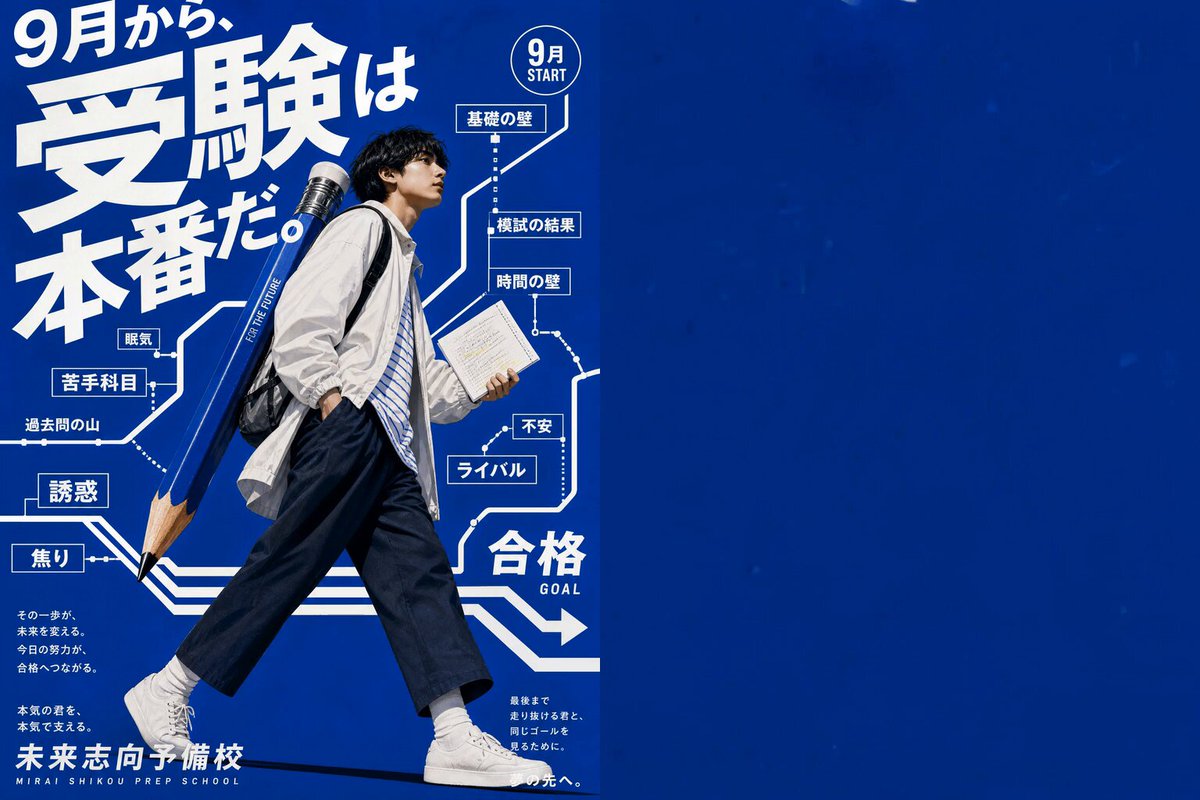
Text and connecting lines progressively appear across the screen, forming a continuous visual pathway.

As the character walks, they recognize the text and graphic elements appearing around them as physical objects that actually exist within the same space. They naturally interact with these elements as they move forward: occasionally tapping nearby text with a fingertip, looking up at words above them, glancing sideways at graphics, slightly stepping aside to avoid an element, ducking underneath one, or briefly stopping to observe something.

A continuous line, resembling a railway track or visual route, connects one text element to the next. The text from the reference image appears sequentially along this connected path, following the original order.

The text and graphic elements must not feel like flat background decorations. They should feel physically present in the same three-dimensional space as the character, with convincing spatial relationships and interaction.

Do not repeat or duplicate any text.

Keep the overall pacing fast, rhythmic, and fluid. The horizontal scrolling movement should remain continuous and uninterrupted throughout the sequence.

Faithfully reproduce all text from the reference image without garbled characters, corrupted typography, misspellings, or altered wording.

For the final transition, a large foreground object or graphic element passes very close in front of the camera, completely covering the entire frame and creating a natural foreground-blur wipe transition.

As the foreground object clears the frame, seamlessly reveal the final logo screen.

Camera moveme