Horizontal To Vertical Reframe
vistas64,792
me gusta725
comentarios27
compartidos134
guardados953
citas3
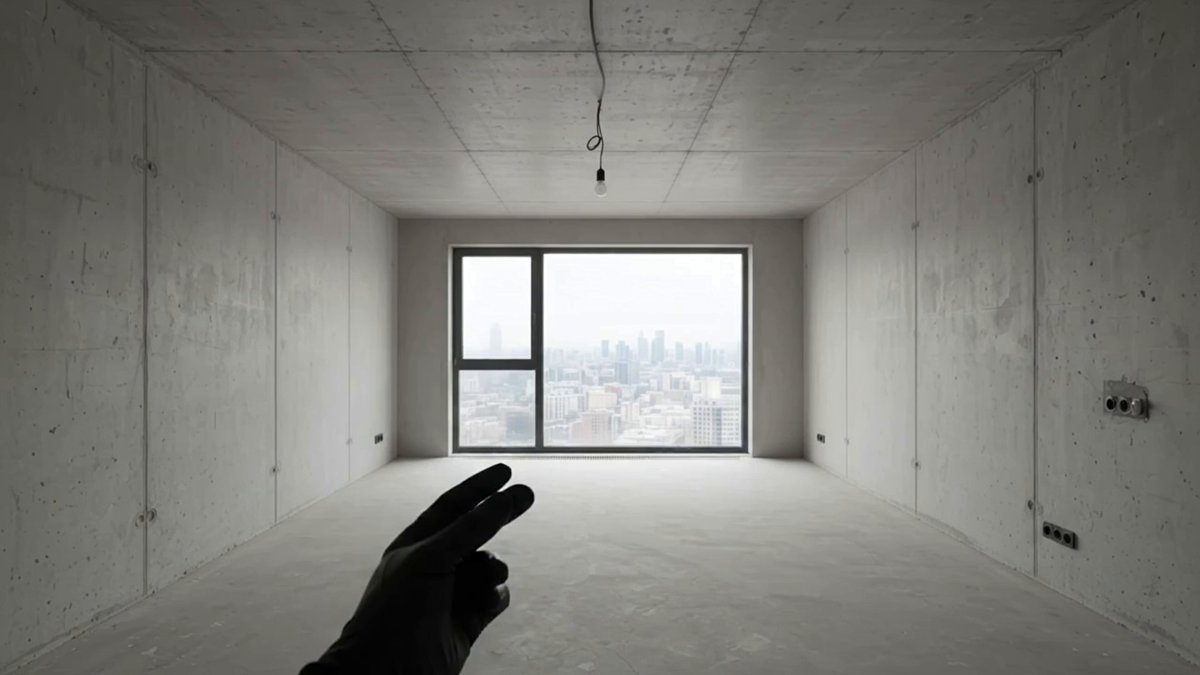
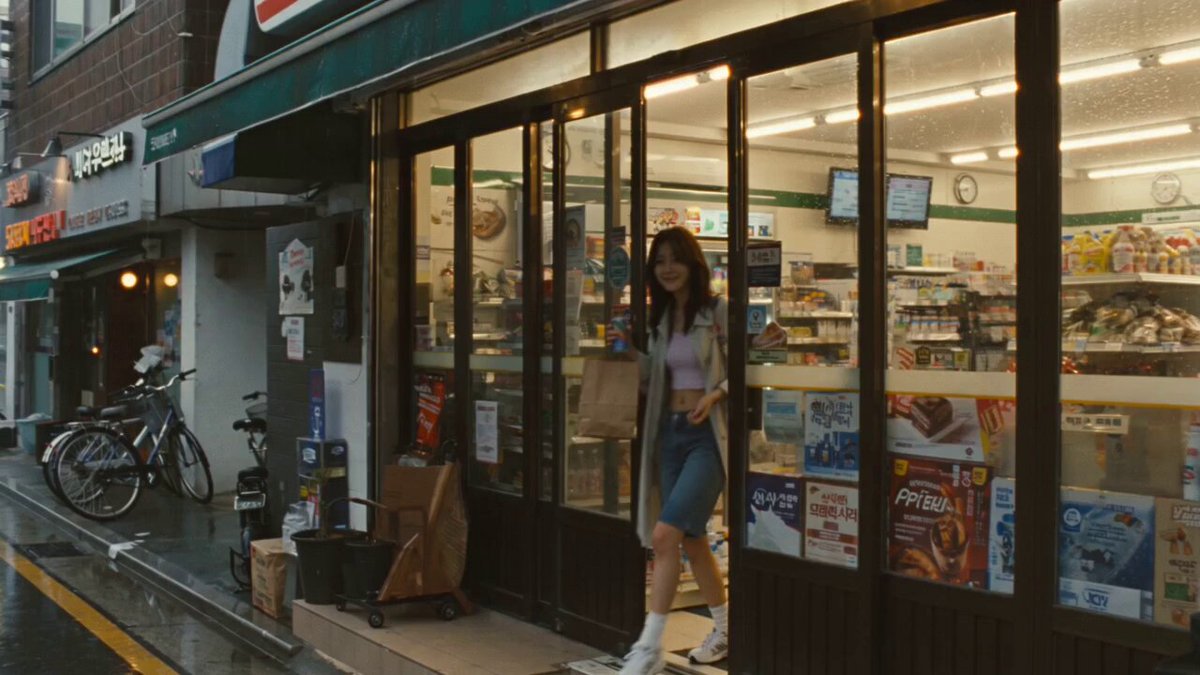
Convert the original 16:9 horizontal video 1 into a native 9:16 vertical video.

Do NOT simply crop the original video. Intelligently reframe and extend/reconstruct the scene so the vertical composition feels like it was originally created in 9:16.

Preserve all important visual information, characters, actions, objects, background details, and story beats from the original horizontal video. Prioritize framing adjustments and scene extension over repositioning individual elements. Keep characters and objects in their original relative positions wherever possible. Reposition elements only as a last resort, using the smallest possible adjustment without changing their interactions, actions, or narrative meaning. Do not rearrange elements merely to fill the vertical frame.

Keep the exact same characters, animation, actions, timing, environment, lighting, colors, saturation, and visual style as the original video. Preserve the direction, speed, and timing of the original camera movement, allowing only the framing adjustments necessary for the vertical composition.

Maintain correct anatomy, object geometry, perspective, spatial relationships, and continuity. Newly generated areas outside the original frame must seamlessly match the existing environment.

Maintain strict temporal consistency throughout all extended or reconstructed areas. Background structures, objects, and textures must remain consistent across frames and respond naturally to the original camera movement, with no flickering, warping, texture crawling, positional drift, or unexplained appearances and disappearances. Generated details must remain consistent when they leave and re-enter the frame.

Final result: 9:16 vertical, full-frame, naturally composed, no black bars, no stretched image, no important details cropped, and visually consistent with the original 16:9 video.