Steam Iron ASMR Storyboard
vues33,414
j’aime585
commentaires22
partages87
favoris693
citations5
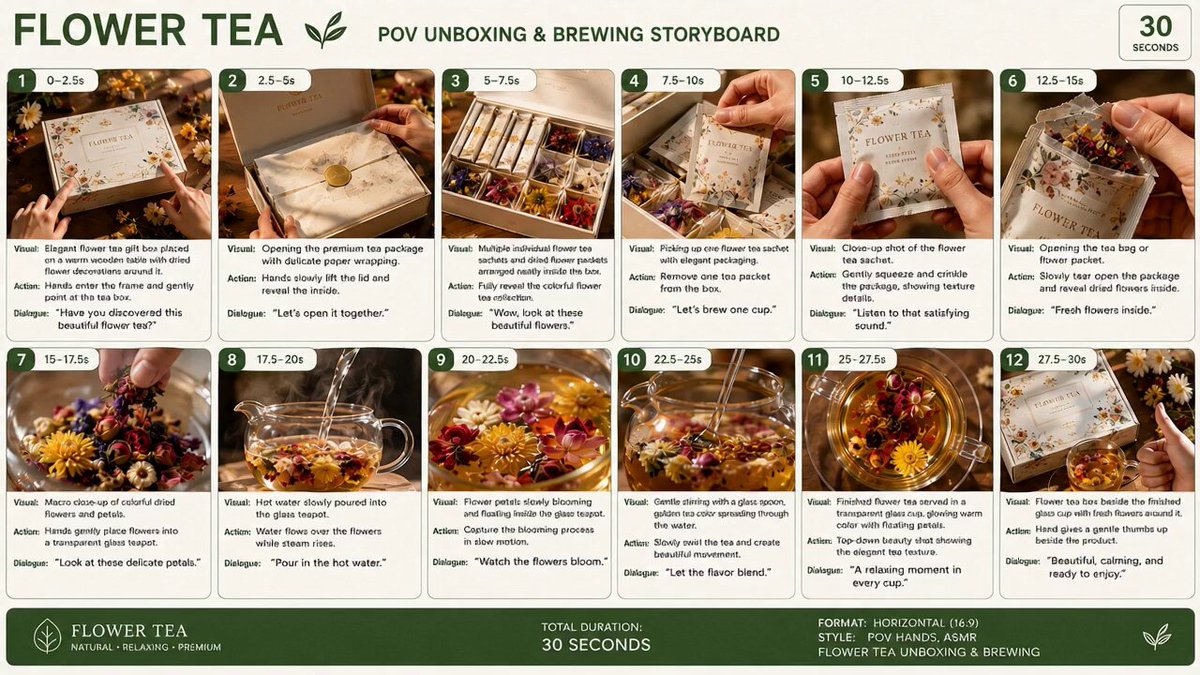
Create a clean, premium storyboard infographic for a product ASMR unboxing video.

Design specifications:

Background: White background with a modern, minimalist layout.

Title at the top: STORYBOARD

Product name in bold dark blue: HAN RIVER WET & DRY 2 IN 1 STEAM IRON

Subtitle: ASMR UNBOXING (POV HAND)

Information boxes below the title:

Duration: 30 Seconds (3 Parts)

Style: POV Hand, ASMR, Premium Product Commercial

Audience: Home Users, Housewife, Young Adults

Voiceover: No Voiceover (Pure ASMR)

Audio Suggestion: Tapping, Crinkle, Cardboard, Click, Steam, Water Pouring

Layout:

Create 12 storyboard panels arranged in a 4 column × 3 row grid, divided into three horizontal blocks labeled PART 1 (0 to 10s), PART 2 (10 to 20s), and PART 3 (20 to 30s).

Each panel should contain:

A numbered dark blue badge (1 to 12) with its respective timestamp.

A realistic cinematic image showing the scene.

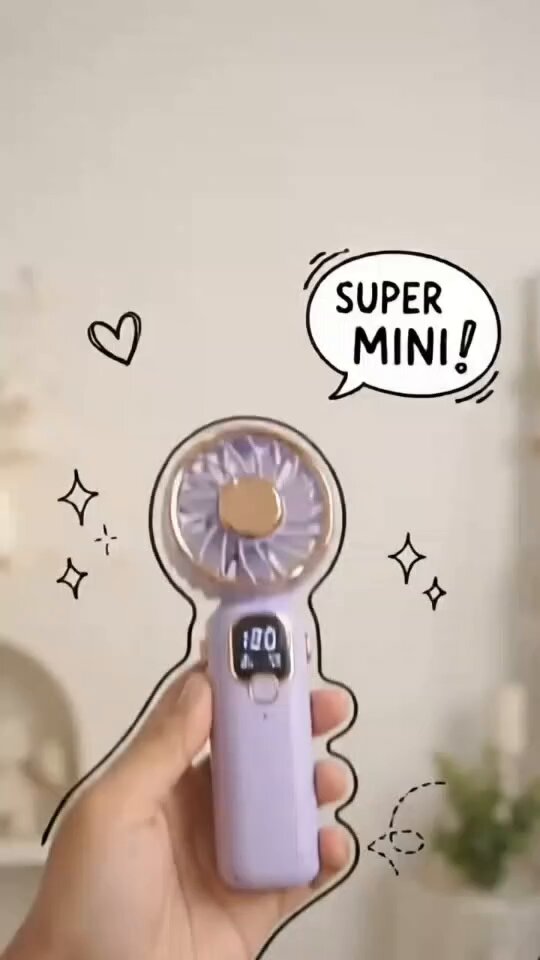
Handwritten white and orange doodle text sketched over the image.

Four text sections below every image:

VISUAL:

ACTION:

DOODLE:

AUDIO:

Aesthetic Style:

Premium lifestyle commercial advertising style. Realistic product photography, light wood or beige table, soft warm studio lighting, shallow depth of field, POV hands only with no face visible. The product is a sleek, cream colored handheld steam iron with a gold rimmed ceramic base.

Storyboard sequence:

PART 1 (0 to 10s)

1 (0 to 2.5s)

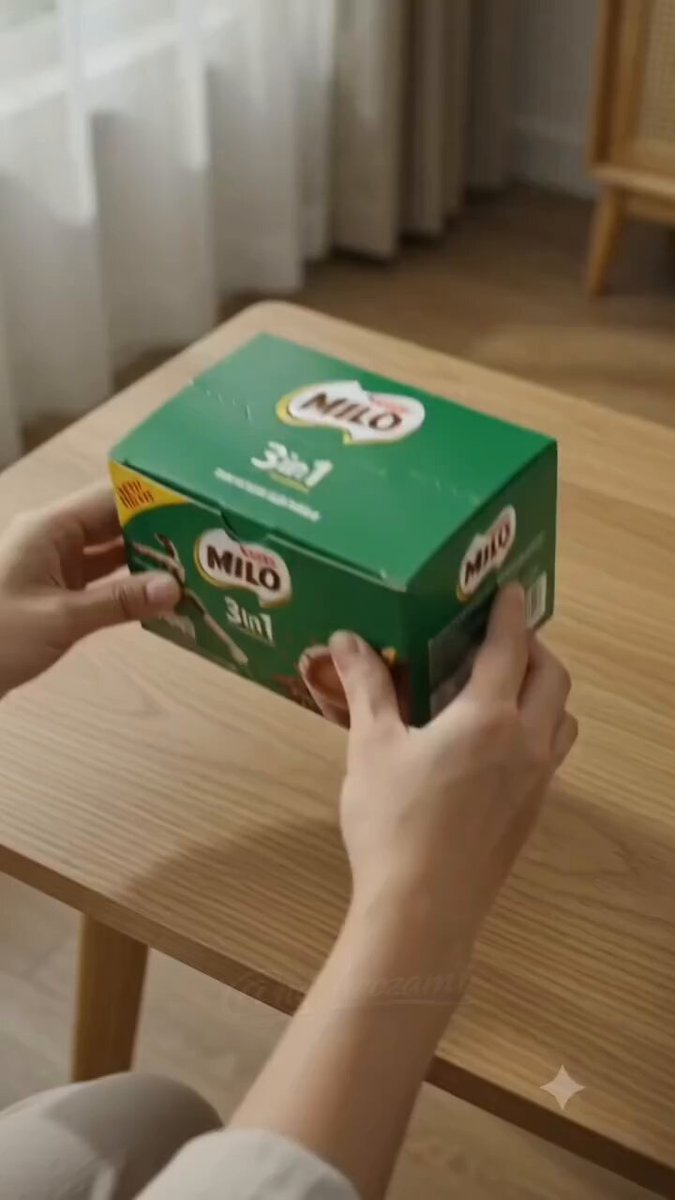
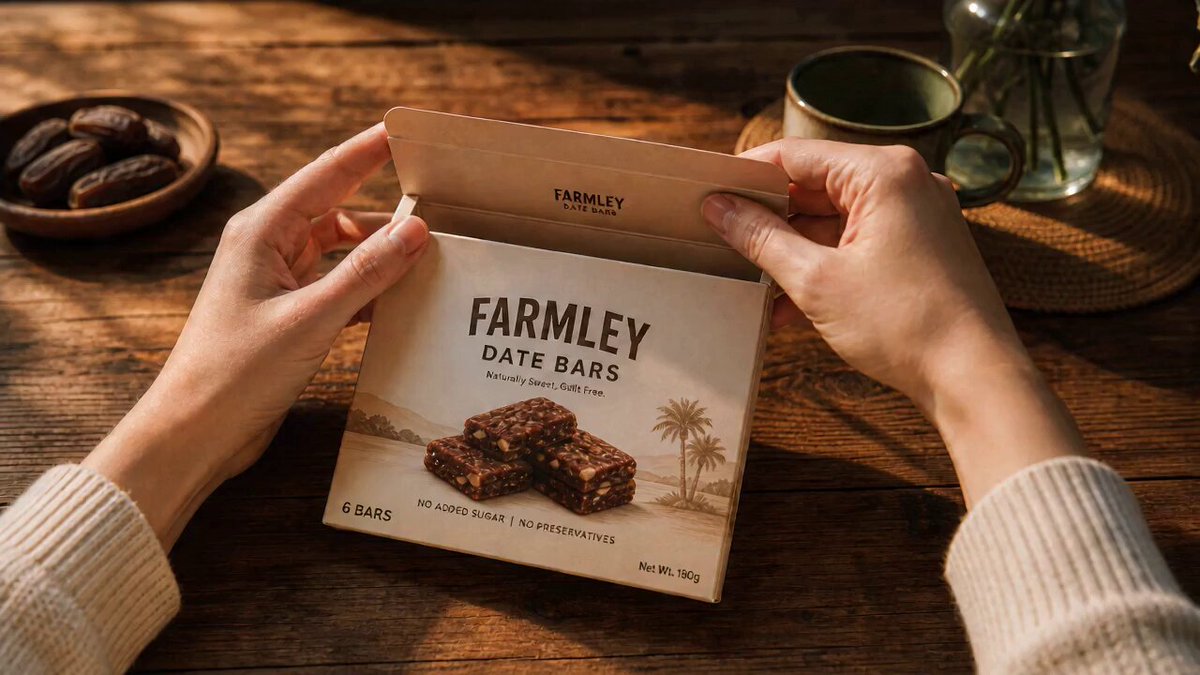
Visual: Product box placed flat on a wooden table.

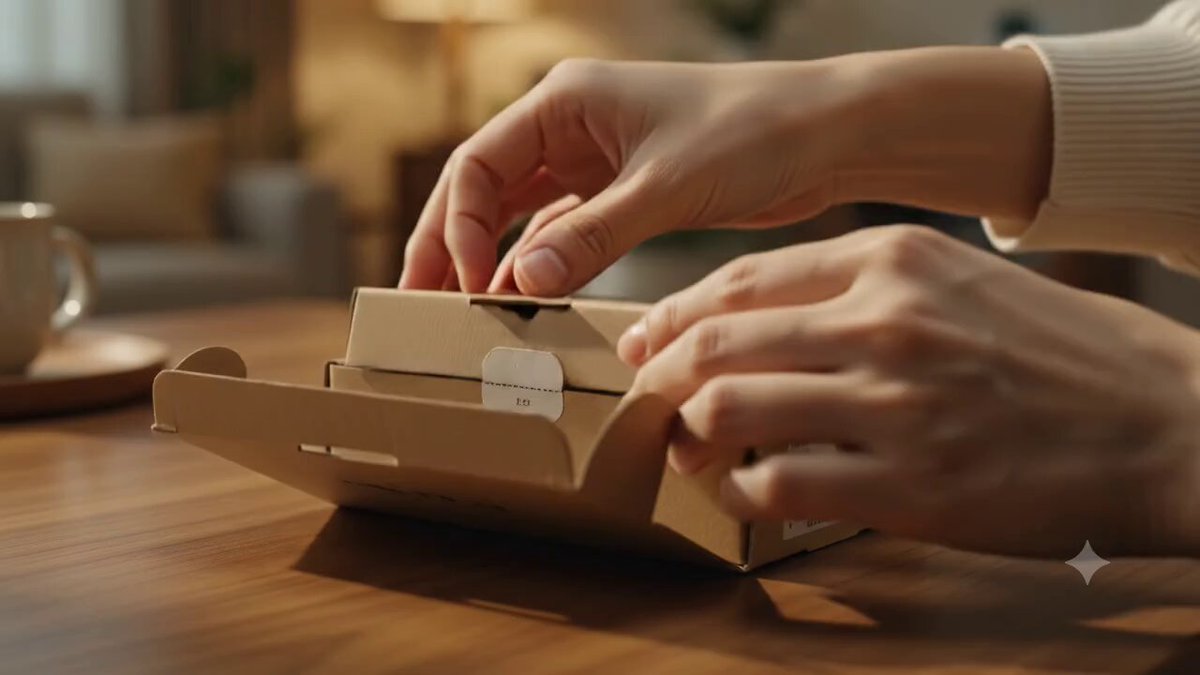
Action: Hands enter frame and tap the sides of the box.

Doodle: NEW!

Audio: Cardboard tapping.

2 (2.5 to 5s)

Visual: Close up of the box lid, focusing on the brand logo.

Action: Fingers gently trace the printed logo and illustration.

Doodle: LET'S OPEN!

Audio: Finger scratching on cardboard.

3 (5 to 7.5s)

Visual: A box cutter slicing the sealing tape.

Action: Blade slowly cuts through the adhesive tape.

Doodle: SLICE...

Audio: Tape cutting.

4 (7.5 to 1