Pastel Assassin Anime Intro
vues11,804
j’aime210
commentaires27
partages28
favoris8
citations0
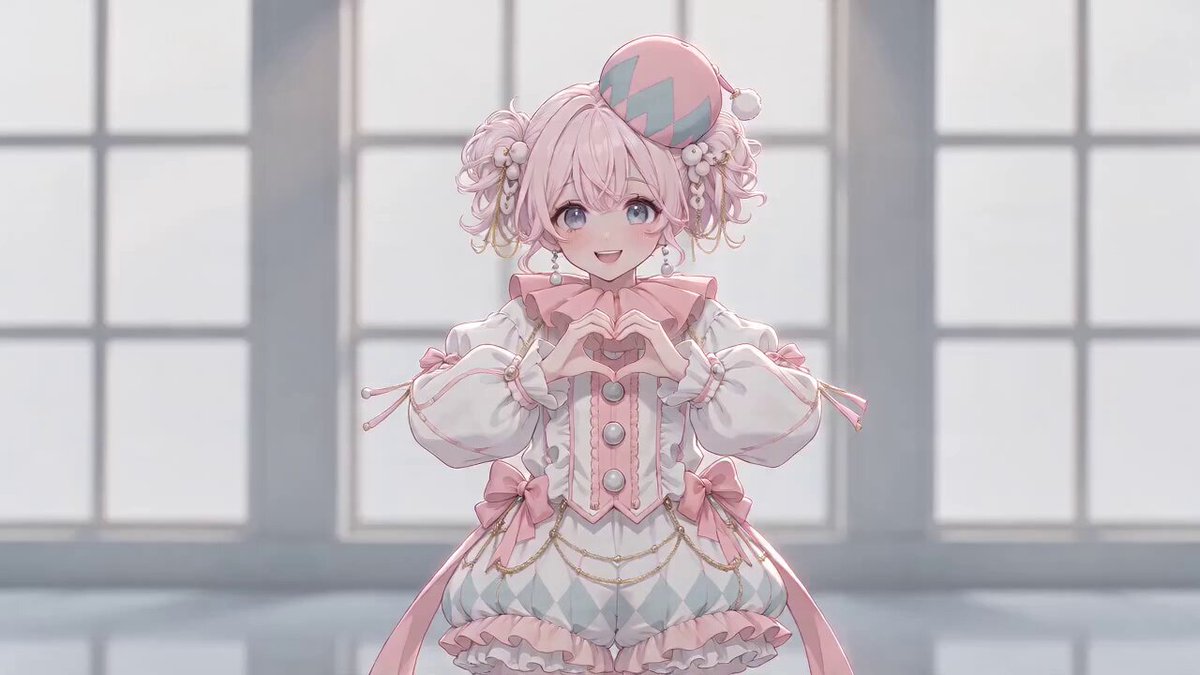
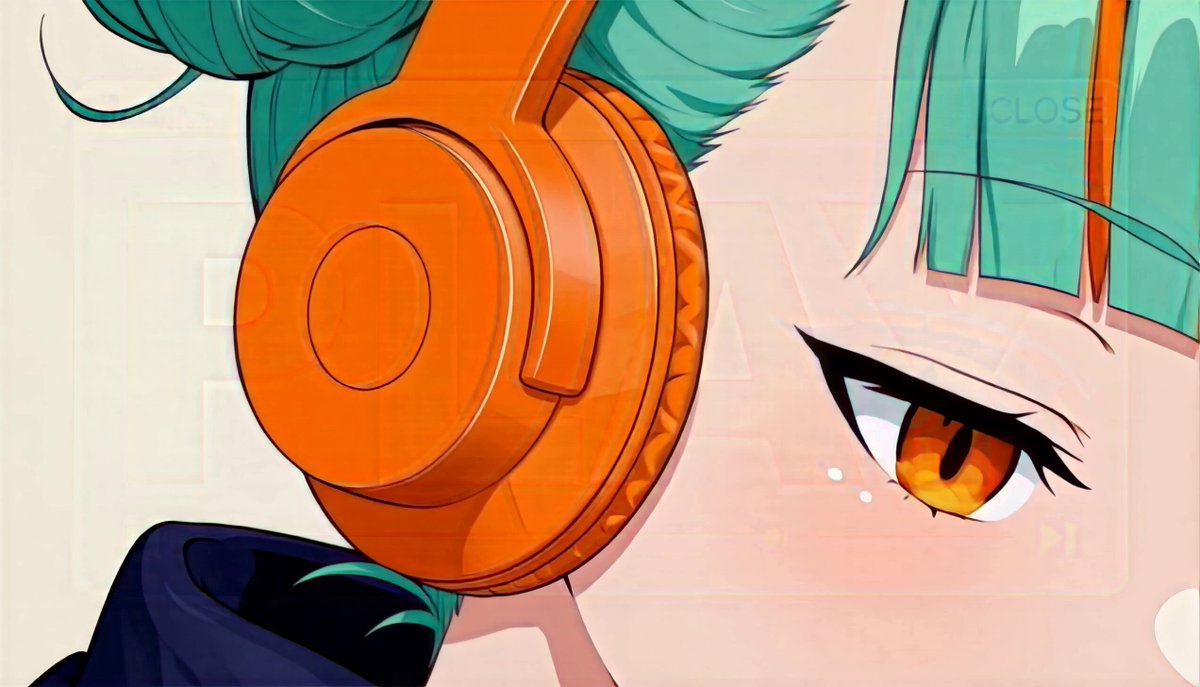
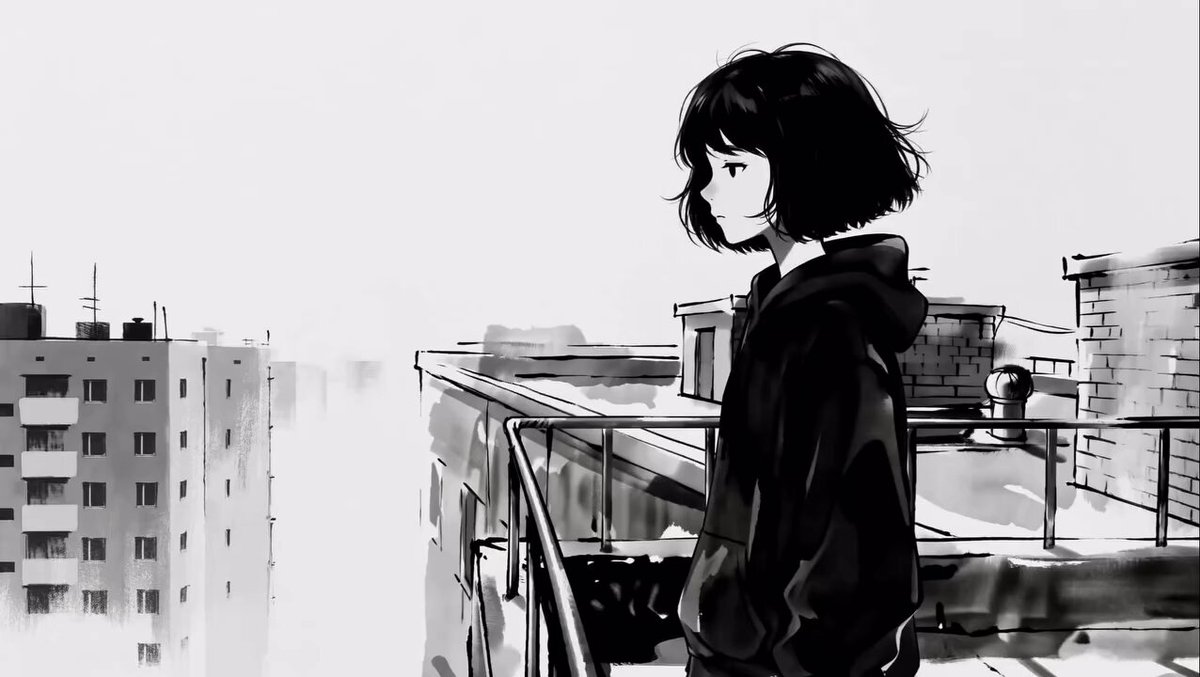
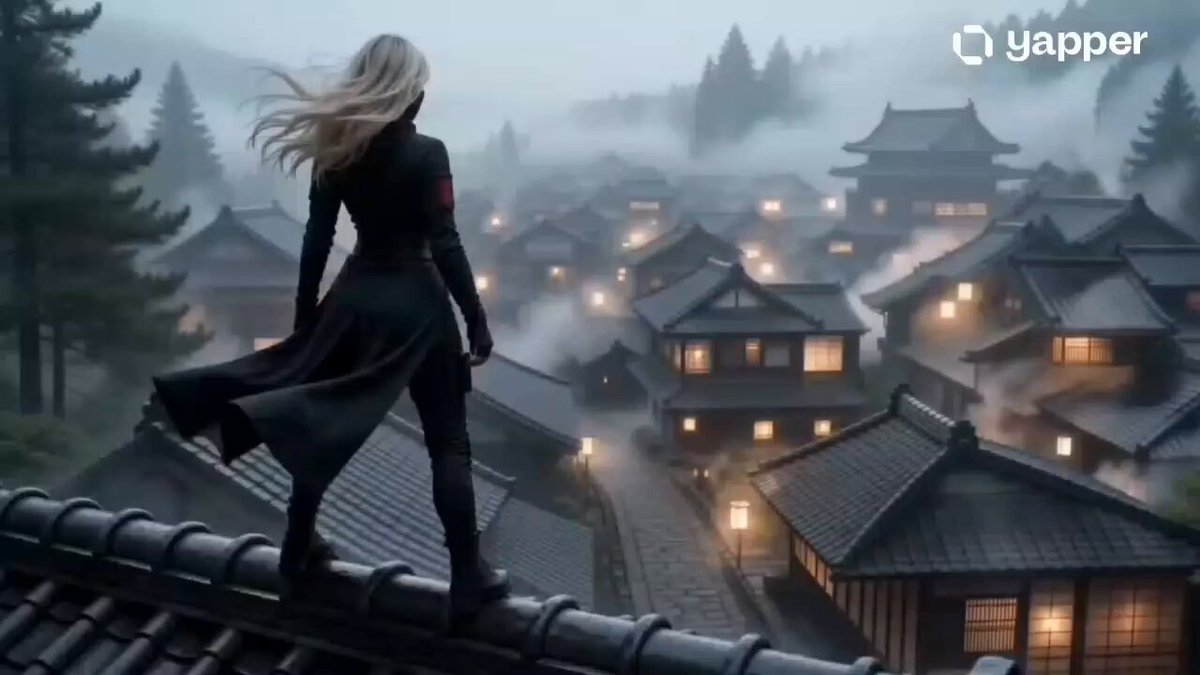
Use the attached character reference (Image1) as the silhouette base. Create a pastel neo-noir teen-assassin anime title sequence, cut like a music video with hard, punchy edits (no crossfades). Style the character as a flat black silhouette against solid baby-pink gradients (blush pink, bubblegum, rose quartz, cotton-candy white), rendered in bold pop-art compositions with retro shōjo-manga panel breaks, chrome-and-neon accent lines, extreme close-ups on eyes/lips/weapon, and wide skyline or rooftop establishing shots.

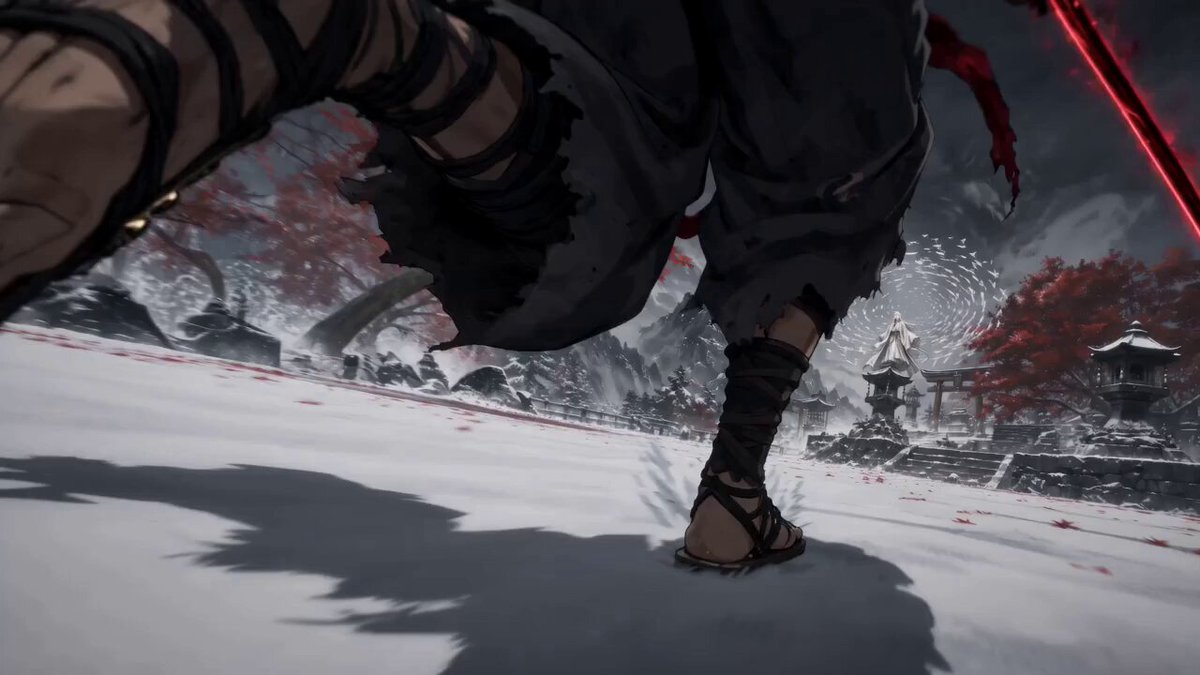
Alternate fast, kinetic action bursts (sprint, blade draw, spin-kick, hair whip) with hard freeze-frame beats — each freeze holding just long enough to read as a "poster moment." Use motion graphics throughout: speed-lines, halftone dot shading, comic-style impact bursts ("POW"-style but in soft pastel palettes), chromatic glitch flickers, and light streaks trailing off silhouette edges on transitions.

Bold typography: chunky, rounded bubble-serif or Y2K-manga-style lettering (like sticker-text or magazine cutouts) slamming into frame on each hard cut, sometimes overlapping the silhouette, sometimes punched into negative space. Title cards should feel like collectible trading-card / vinyl-poster inserts — thick outlines, drop shadows, slight jitter/shake on impact.

Finish with the character frozen in full silhouette against a solid baby-pink background as the title logo stamps in with a soft chrome shimmer and a light glitter-dust settle effect.

Apply a light VHS/Y2K digicam texture throughout — subtle scan lines, soft chromatic aberration, occasional analog glitch/tracking-line flicker, and faint sparkle/bloom — for a nostalgic early-2000s music-video finish (instead of film grain/dust, since there's no rugged western texture here). BGM: hard-hitting electronic / drum-heavy future bass with aggressive drops, risers, sub hits and glitch fills locked to every cut. Sneaker impa