Skyscraper Assembles Itself
vues10,338
j’aime201
commentaires63
partages7
favoris3
citations0
Photorealistic cinematic aerial video of a modern glass skyscraper assembling itself on a city construction site.

Subject: a rectangular glass office tower growing from an empty lot, surrounded by three yellow tower cranes. Cyan holographic construction overlays with grid lines, vertical pillars, and orbiting energy rings.

Environment: dense low-rise East Asian city block with tiled roofs, green rooftops, trees lining the streets, buses and cars on the roads, taller buildings and a sports field in the distance.

Style: ultra-realistic aerial photography, golden-hour to sunset color grade, sharp glass reflections, warm interior lights versus cool cyan holograms.

Camera: one continuous high-angle drone shot. Starts looking down on the lot, then slowly pulls back and lifts as the building grows, ending on a hero three-quarter view of the completed tower against the sunset.

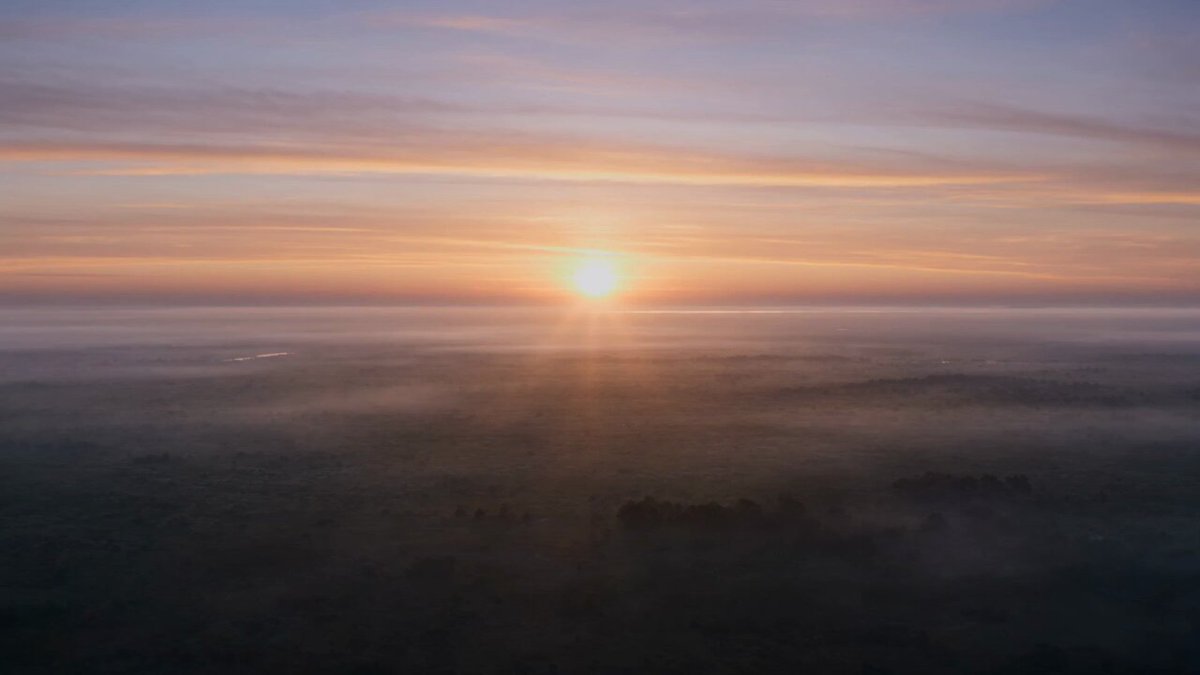
Lighting: late afternoon sun at the start; sky shifts to orange, coral, and pink clouds; finished tower glows with warm yellow office lights.

[0s] Empty rectangular construction pit in the city. Three yellow cranes stand around the site. A faint cyan holographic floor grid appears on the dirt.

[2s] Glowing cyan pillars rise from the grid and lock into a structural skeleton. Cranes stay in place.

[4s] Concrete core and first floor slabs materialize. Cyan rings begin orbiting the structure. Camera starts a slow pull-back and rise.

[7s] Mid-rise floors stack rapidly. Dark glass curtain walls wrap the lower levels. Interior lights start coming on. Sky turns warmer.

[10s] Tower is now a tall glass skyscraper. Cranes lift the last rooftop mechanical sections into place. Cyan hologram fades. Sunset sky is intense orange-pink.

[13s] Construction complete. Clean modern tower with lit interiors, one remaining crane at the base. Hold the final cinematic aerial frame.

Audio: