Woman Lying In The Rain
조회692
좋아요46
댓글24
공유0
북마크1
인용0
Create a 10-second photorealistic cinematic animation from the original image. Do not make it anime or illustrated. Preserve the exact woman, face, wet hair, white clothing, flowers, grass, lighting, composition, and overall atmosphere.

The woman remains peacefully lying in the meadow, naturally breathing while looking upward toward the falling rain. Her chest and shoulders make very subtle realistic breathing movements. Her facial expression remains calm and relaxed, with only tiny natural eye and eyelid movements.

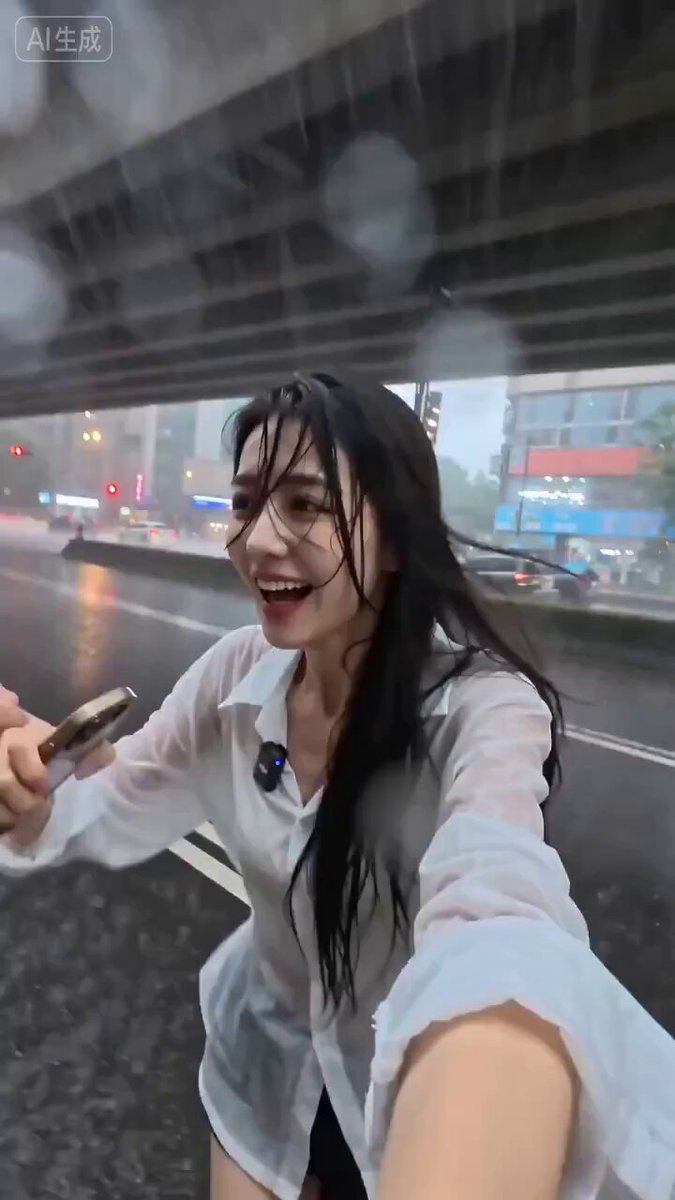
Rain physics: gentle drizzle continuously falls from above. Individual raindrops naturally land on her face, hair, neck, and white clothing. Water droplets accumulate gradually, merge into slightly larger droplets, and naturally slide downward across her skin following gravity. Some droplets cling to individual strands of wet hair before slowly falling. Rain droplets hitting her clothing create tiny realistic wet spots and subtle fabric darkening. No exaggerated rainfall.

Hair physics: her wet black hair rests naturally against the grass and her shoulders. A gentle breeze occasionally lifts a few loose strands and softly moves them across her cheek and neck. Heavier wet sections of hair remain weighted down by moisture and gravity. Hair movement must follow realistic airflow and wet-hair physics.

Flower and grass physics: the small white and yellow flowers surrounding her gently sway in the breeze. Individual stems bend naturally and slowly return to position. Nearby grass blades move with varying intensity according to the airflow. Foreground grass moves slightly more prominently while distant vegetation moves more subtly, creating natural depth.

Airflow: a soft, cool breeze passes through the meadow from a consistent but slightly varying direction. The breeze affects her loose hair, grass, flowers, and near