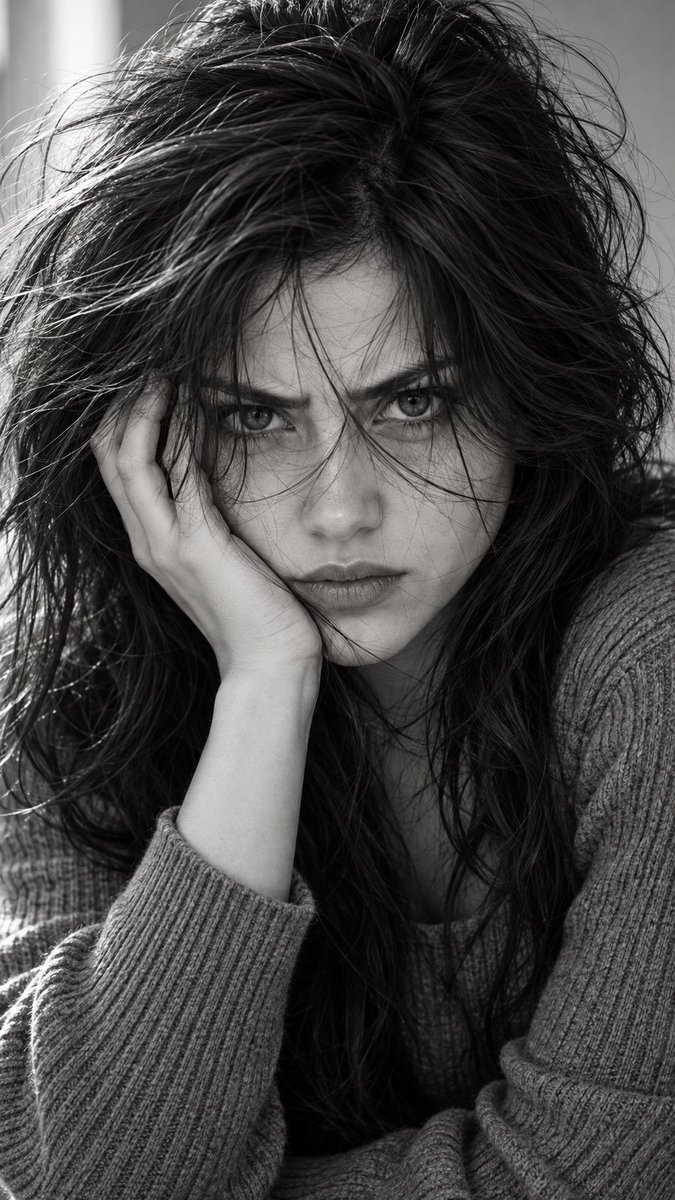
Brooding Monochrome Close-Up
조회836
좋아요23
댓글2
공유2
북마크7
인용0
Hyper-realistic IMAX-level Netflix-style black-and-white intense cinematic portrait, 9:16 vertical. Use the uploaded image as the primary visual reference and preserve the exact facial identity, proportions, and defining features. Create a woman wearing a simple soft gray ribbed knit sweater with long sleeves. She leans forward into a tight close-up, resting the left side of her face firmly against her left palm, fingers spread naturally along her cheek and jaw with the wrist and forearm supporting her head, shoulders slightly hunched forward and head tilted toward the hand. Her eyes are fully stretched wide open with an intense furious stare directly into the camera, upper and lower eyelids visibly extended, eyebrows strongly drawn inward and slightly lowered, creating pronounced tension between the brows; her gaze is sharp and confrontational, lips pressed together with subtle tension, jaw tightened, and the entire face conveying raw, restrained anger rather than sadness or softness. Her hair is long, extremely messy and heavily tousled, with abundant volume and irregular waves; thick strands are scattered chaotically across the forehead and directly in front of both eyes, with several fine strands crossing over the pupils and upper cheeks, loose sections falling across the nose and mouth, while longer tangled waves frame both sides of the face and spill over the shoulders, creating an uncontrolled windswept appearance. Fair luminous porcelain skin with a bright ivory to light beige tone and a neutral-cool undertone, retaining realistic skin texture and natural tonal variation. A minimal softly blurred light interior background keeps all attention on her face. Soft directional light from the upper-left illuminates the exposed forehead, eyes, nose and cheek while the opposite side remains deeply shaded, with individual hair strands casting sharp delicate shadows across the face and eyes. High-contrast m


