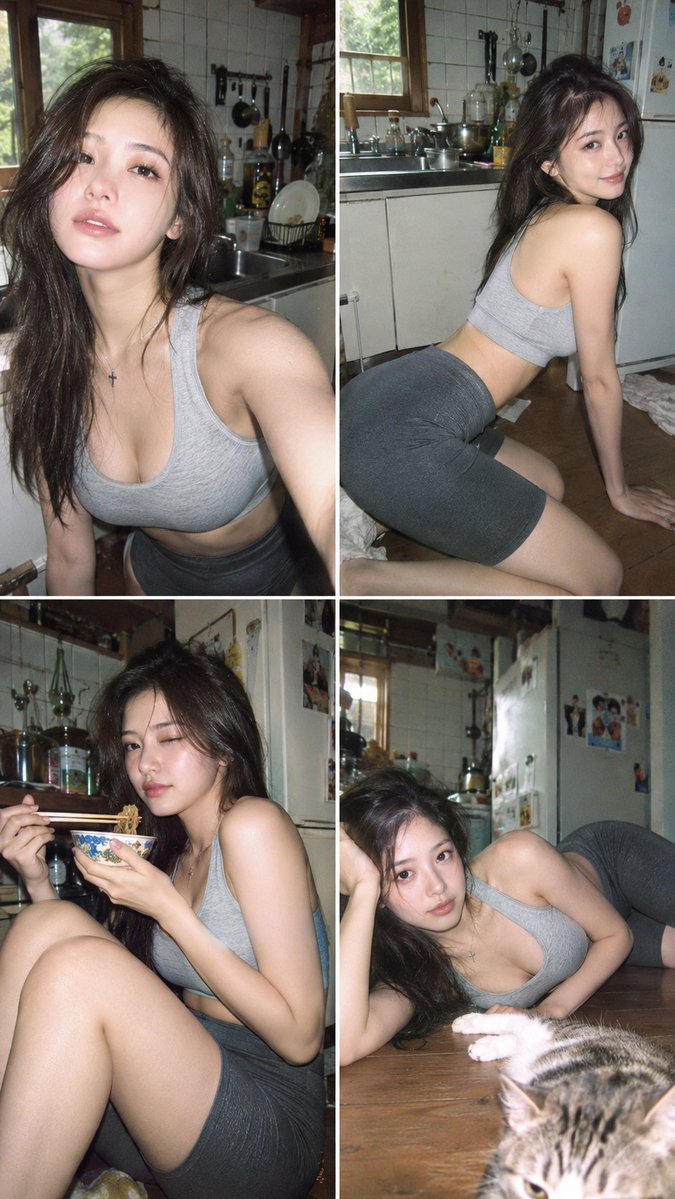
Kitchen CCD Photo Diary
조회2,810
좋아요42
댓글1
공유3
북마크16
인용0
Image Type:
Create a photorealistic editorial portrait.

Subject:
The subject is one 20-year-old Japanese or Korean female portrait subject. sexy tall slim-curvy silhouette, about 168-173 cm visual height and 53-58 kg lean visual weight, 94-58-92 body proportion anchor, long legs with about 3.8:6.2 torso-to-leg balance, full F-to-G-cup-scale bust, narrow defined waist, rounded hips, dramatic but lean bust-waist-hip curve. young beautiful Japanese transparent face, soft natural features, clean gentle eyes, airy fresh beauty, subtle innocent portrait presence. deep side-parted long soft waves, defined face-framing layers, polished wave shape. sleek wet finish, defined damp sections, neat separated strands, controlled close-to-head shape. soft black-tea brown hair, muted brown-black salon tone. soft matte skin texture, refined pores, velvety smooth finish. delicate innocent expression, relaxed brows, softly open eyes, gently closed lips, relaxed cheek muscles.

Wardrobe:
She wears light grey sports bra top, clean elastic underband, smooth technical jersey, minimal athletic seaming. dark grey knee-length stretch leggings shorts, fitted rhythmic dance shorts, elastic activewear fabric, streamlined mid-leg silhouette.

Pose and Composition:
elongated side-lying pose, extended body line, calm graceful low posture.

Scene:
The portrait takes place in lived-in Japanese home kitchen corner, wooden window frame, tiled wall, stainless steel sink counter, stacked dishes, drying rack, hanging utensils, pots, kettle, condiment bottles, refrigerator edge, everyday cooking clutter.

Camera Look:
early-2000s compact-digital rendering, on-camera flash glare, low-resolution CCD softness, narrow dynamic range, clipped highlights, crushed noisy shadows, magenta-green color cast, blocky JPEG artifacts.

Create a casual personal photo diary of the person described above, capturing different everyday moments and natural expressions through selfies and companion-taken snapsho


