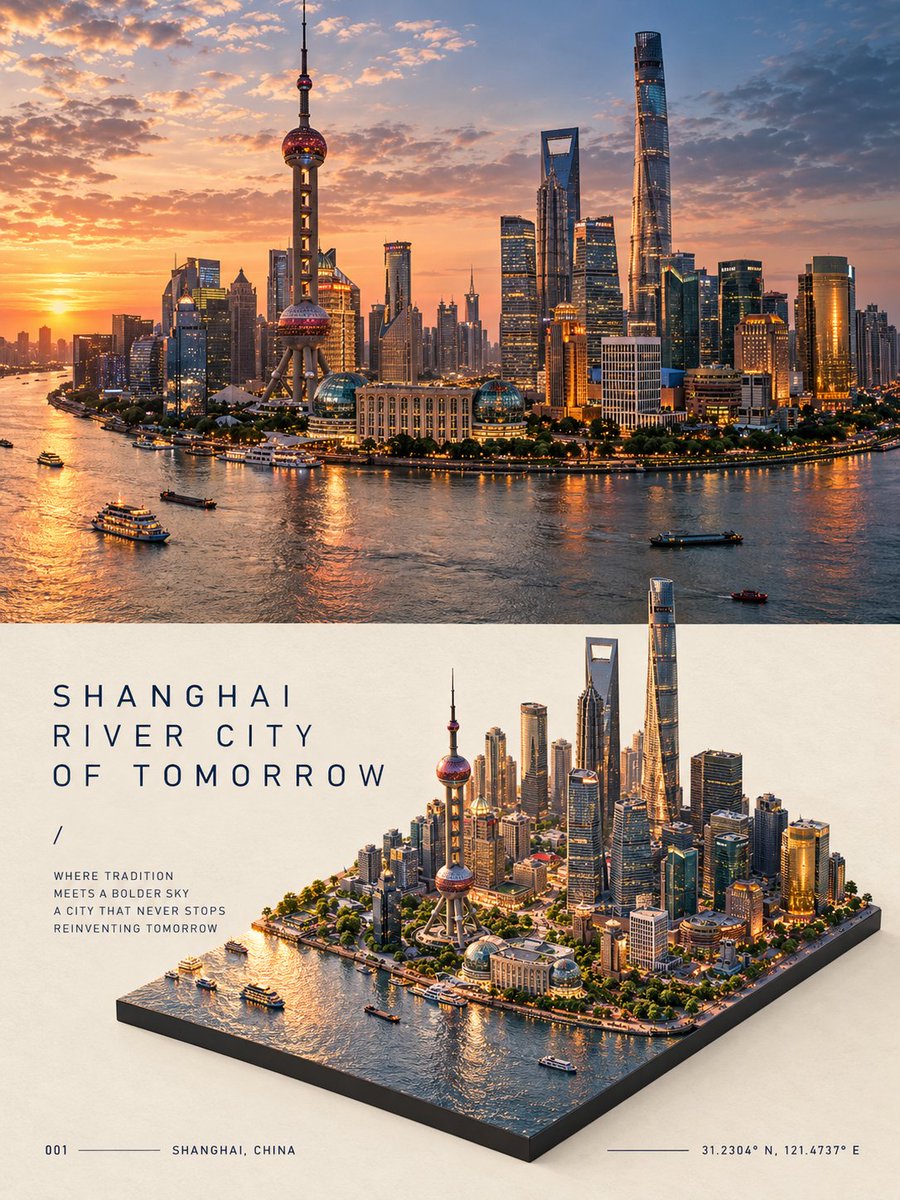
Split Scene Travel Poster
조회7,912
좋아요199
댓글23
공유30
북마크142
인용3
Create a premium 3:4 vertical editorial travel poster for [COUNTRY / CITY / LOCATION / SUBJECT].

TEXT-TO-IMAGE ONLY — generate the entire artwork creatively from [COUNTRY / CITY / LOCATION / SUBJECT] alone. No reference image required.

COMPOSITION
Divide the poster into two seamless stacked halves with no gap.

TOP HALF:
Create a full-width photorealistic cinematic travel scene representing [COUNTRY / CITY / LOCATION / SUBJECT]. Automatically choose its most recognizable architecture, surroundings, atmosphere, materials, colors, and natural lighting. Treat this as the authentic photographic view of the destination.

BOTTOM HALF:
Transform the same scene into a highly detailed isometric miniature diorama viewed from approximately a 45° elevated angle. Rebuild the recognizable architecture, streets, landscape, vegetation, and surrounding elements as a physically believable miniature world on a thin dark-gray rectangular base slab.

Maintain visual continuity between the upper photograph and lower diorama — same architecture, same environment, same lighting mood, and recognizable details — while making the lower section clearly handcrafted as a miniature.

EDITORIAL LAYOUT
Place the diorama toward the lower-right area, leaving generous warm off-white negative space around it.

Use thin dark-navy sans-serif typography in the empty space:
- a poetic 3-line uppercase title
- “/”
- a short 4-line travel verse
- bottom-left: “001” followed by a thin horizontal rule and [CITY / COUNTRY]
- bottom-right: a thin horizontal rule followed by accurate GPS coordinates

Automatically determine the appropriate city, country, landmark, and coordinates from [COUNTRY / CITY / LOCATION / SUBJECT].

STYLE
Photorealistic travel photography × hyper-detailed architectural miniature × premium editorial design × quiet luxury travel journal.

Use realistic materials, miniature-scale details, natural shadows, subtle depth of field, warm off-white paper, restrained dark-n


