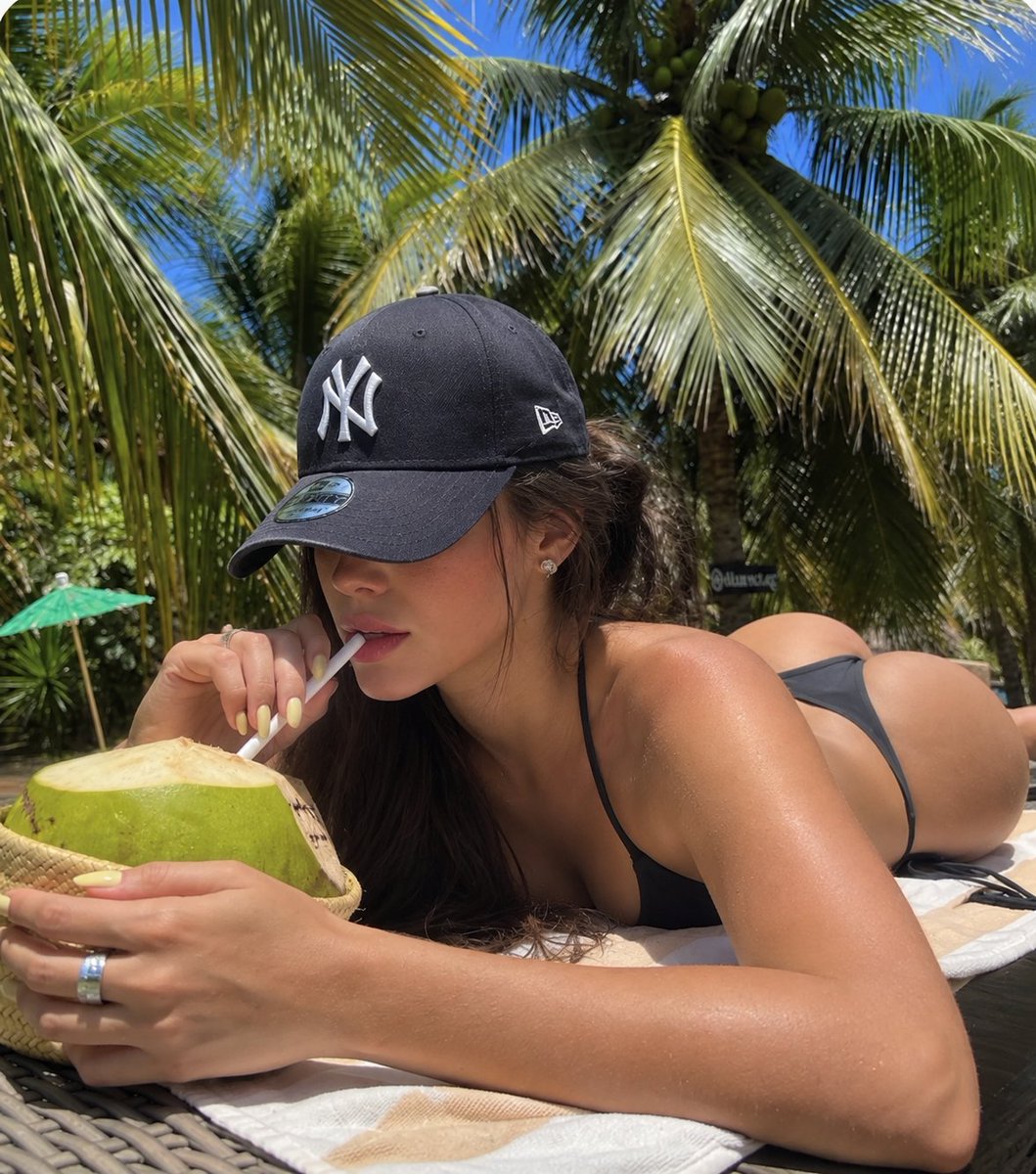
Locked Photo Identity Swap
조회18,154
좋아요350
댓글7
공유24
북마크525
인용2
{
  "prompt_type": "reference_template_identity_replacement",

  "CORE_RULE": "Use the supplied image as a locked photographic template. Preserve the photograph as closely as possible, but replace the woman's facial identity with a completely different fictional adult woman.",

  "PRESERVE": [
    "exact pose and body position",
    "head angle and gaze direction",
    "camera angle, height, perspective and framing",
    "subject scale and crop",
    "background and environment",
    "lighting and shadows",
    "hairstyle, hair length and placement",
    "ALL clothing exactly as shown in the reference",
    "ALL accessories and jewelry exactly as shown in the reference",
    "glasses, if present",
    "clothing colors, materials, patterns, fit and silhouette",
    "jewelry type, placement and appearance",
    "overall smartphone photography aesthetic"
  ],

  "IDENTITY_CHANGE": {
    "instruction": "Create a completely different fictional adult woman. Do not preserve the reference woman's recognizable identity or facial structure.",
    "change": [
      "face shape",
      "eyes and eye spacing",
      "eyebrows",
      "nose",
      "cheekbones",
      "jawline",
      "chin",
      "lips",
      "overall facial proportions"
    ],
    "rule": "The new woman must clearly look like a different person while keeping the same photograph composition."
  },

  "CLOTHING_AND_ACCESSORIES": {
    "instruction": "Do not invent, redesign or recolor the wardrobe. Automatically copy the clothing and accessories visible in the supplied reference image.",
    "preserve": [
      "top or shirt",
      "bottoms",
      "dress or outerwear if present",
      "shoes if visible",
      "glasses if present",
      "necklaces",
      "earrings",
      "rings",
      "bracelets",
      "watches",
      "all other visible accessories"
    ],
    "important": "Whatever the woman is wearing or carrying in the reference must remain visually consistent in the


