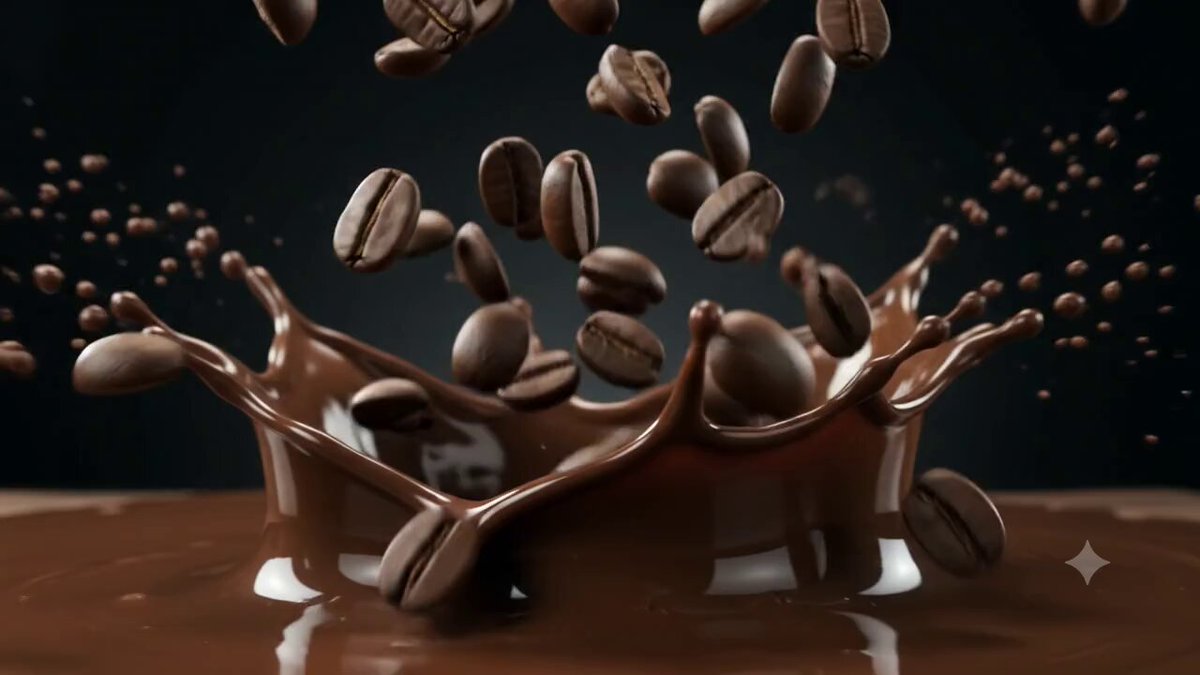
Coffee Bean Builds a Cafe
views1,936
likes40
comments10
shares4
bookmarks20
quotes0
{
  "description": "A cinematic 10-second magical transformation video starting with a single glowing roasted coffee bean suspended in a dark empty space under a dramatic spotlight. The bean smoothly rotates, levitates, and morphs fluidly into a layered espresso macchiato in a clear glass mug. As it transforms, a cozy modern Starbucks cafe instantly assembles around it: wooden tables, green armchairs, pendant lights, menu boards, shelves with cups, and large windows with natural light appear rapidly yet smoothly. The central drink then evolves through vibrant variations — caramel macchiato with drizzles, green matcha latte, pink strawberry drink with toppings, and a whipped cream Frappuccino — with colorful splashes, steam, and subtle particle effects. The camera starts with a fixed wide-angle hero shot with gentle push-in and subtle orbit, ending on a pristine, inviting full cafe scene with the final colorful drink as the glowing centerpiece. No text or logos except the subtle Starbucks siren emblem integrated naturally on the wall.",

  "style": "photorealistic cinematic, ultra-detailed magical realism, vibrant yet warm and inviting coffee commercial aesthetic, high-end product visualization, smooth fluid animations, premium lighting and textures",

  "camera": "Fixed wide-angle hero shot with slow subtle push-in (0-4s) focusing on the bean-to-drink transformation, gentle orbital movement around the central drink (4-7s) to reveal cafe assembly, smooth zoom-out and settle into a wide establishing shot (7-10s) showing the complete inviting cafe environment",

  "lighting": "Starts with a single warm dramatic spotlight on the glowing bean (0-3s), gradually transitions to bright, soft natural cafe lighting with warm pendant lights, gentle highlights on drinks, and subtle god rays through windows for a cozy morning feel",

  "environment": "Empty dark minimalist space that rapidly builds in