Rem Mac Desktop
visualizações173,395
curtidas1,141
comentários6
compartilhamentos98
salvos524
citações4
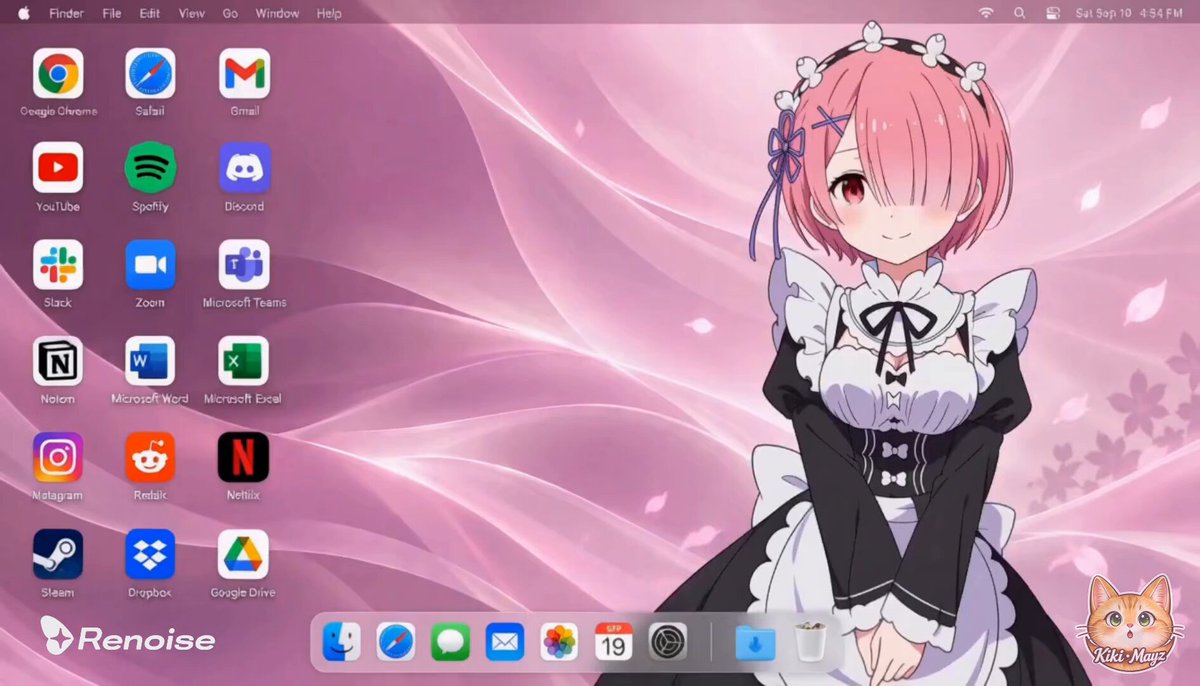
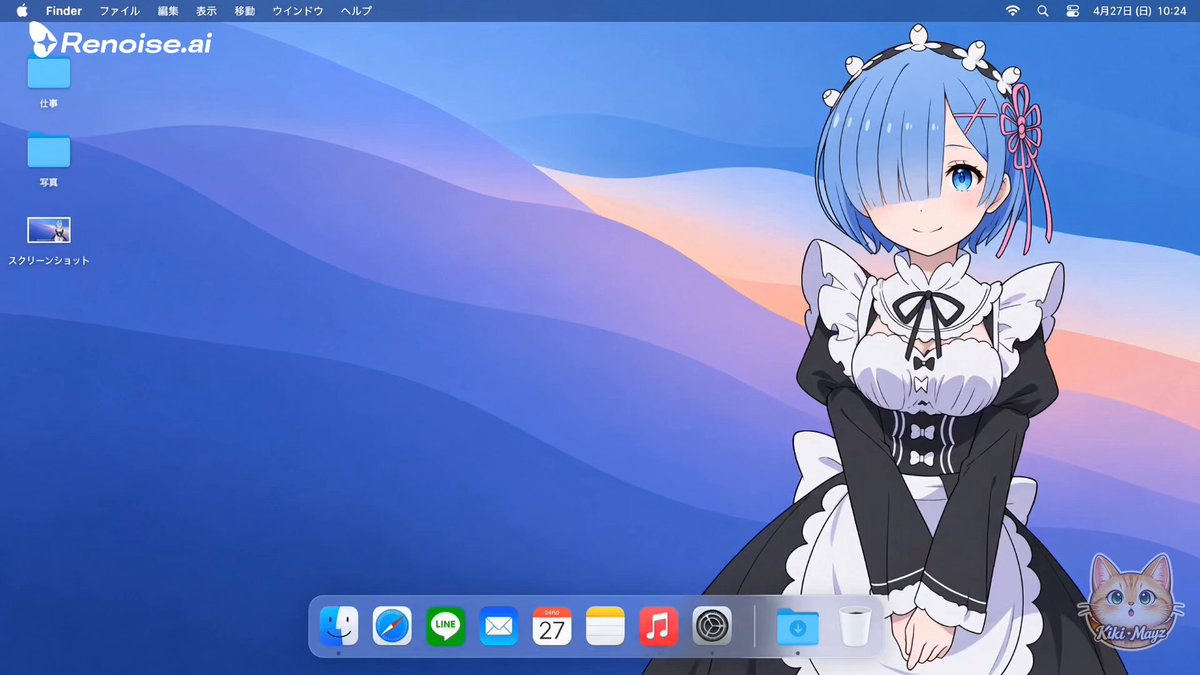
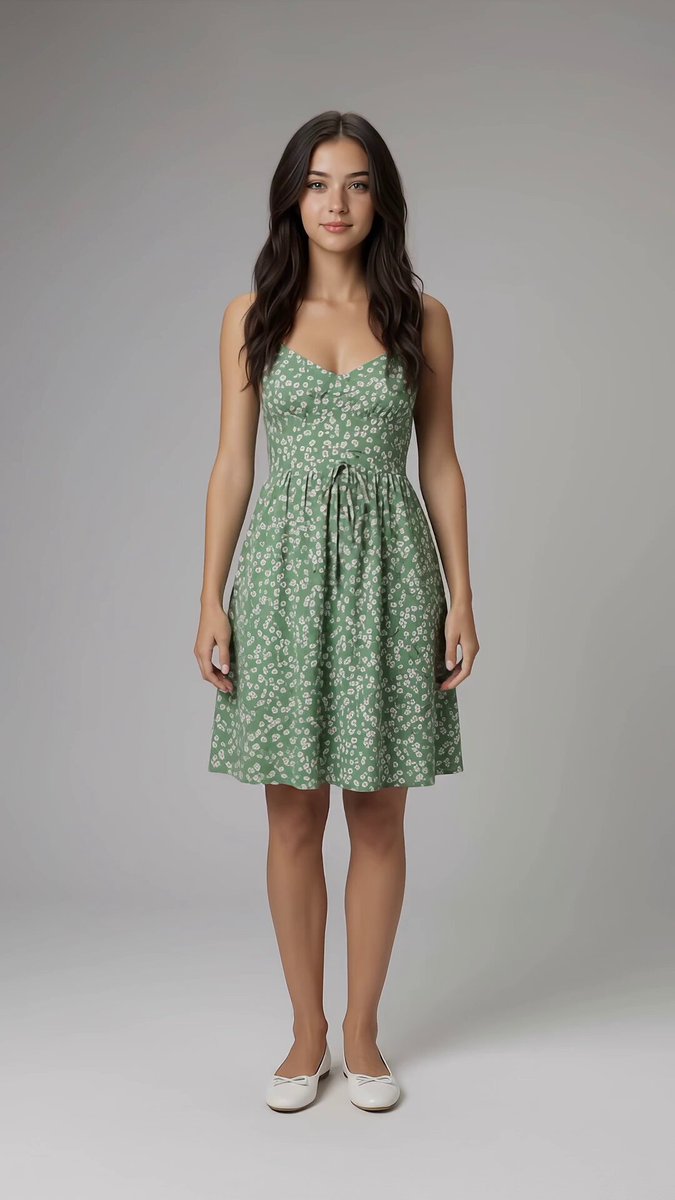
Create a polished horizontal 16:9 macOS desktop image using the uploaded image as the subject reference.

SUBJECT
Identify and preserve the main subject’s recognizable appearance, proportions, colors, clothing, accessories, and original visual style. Preserve anime subjects as anime, illustrated subjects as illustrations, and photographic subjects as photographic.

If the reference contains multiple interacting subjects, keep them together. If it is a character design sheet showing multiple views of one character, use only the main front or three-quarter view, without duplicating the character.

Separate the subject cleanly from the original background. Exclude reference-sheet panels, captions, borders, and unrelated interface elements.

COMPOSITION
Place the subject prominently on the RIGHT side, occupying approximately 40–45% of the canvas. Leave the LEFT side for application icons and keep the middle spacious.

Preserve the original pose where practical. Keep faces, important accessories, and visible hands fully inside the frame. Show the full body when the reference supports it; otherwise use a natural crop rather than inventing unseen anatomy. Do not stretch or distort the subject. Keep the menu bar and Dock clear of the face and hands.

ADAPTIVE BACKGROUND
Create a custom wallpaper that complements the subject’s actual color palette, visual style, and mood. Combine classic macOS-style flowing curves, layered abstract waves, and smooth gradients with colors drawn from the reference.

Choose the palette automatically:
- Gentle or cute subjects: soft, harmonious pastel tones.
- Energetic or playful subjects: lively colors with restrained bright accents.
- Elegant or mysterious subjects: rich, deeper tones with subtle highlights.
- Natural or minimalist subjects: calm, understated colors and simple shapes.

Do not apply the same blue background to every subject. Use clear tonal separation so the subject remains visible. Keep the left side quiet and sufficiently dark for readable white icon labels. Optional thematic details should be subtle and sparse.

LEFT-SIDE APPLICATION ICONS
Arrange exactly 18 recognizable application shortcuts in a clean grid of THREE columns and SIX rows on the left:

Row 1: Google Chrome | Safari | Gmail
Row 2: YouTube | Spotify | Discord
Row 3: Slack | Zoom | Microsoft Teams
Row 4: Notion | Microsoft Word | Microsoft Excel
Row 5: Instagram | Reddit | Netflix
Row 6: Steam | Dropbox | Google Drive

Use accurate recognizable logos, consistent icon sizes, generous spacing, and crisp white English labels beneath each icon. Use macOS-style rounded-square treatments where appropriate. Keep all icons separate from the subject, with no duplicates or missing items.

MACOS INTERFACE
Include a thin translucent menu bar across the top:
Apple symbol, Finder, File, Edit, View, Go, Window, Help.
Place small system status icons and a clock at the upper right.

Add a modest translucent rounded Dock along the bottom center, shifting slightly left if necessary to avoid the subject. Include Finder, Safari, Messages, Mail, Photos, Calendar, System Settings, a separator, Downloads, and Trash.

FINAL RESULT
Create a cohesive personalized desktop screenshot with a character-inspired wallpaper, clean English interface elements, and balanced spacing. The subject should feel naturally integrated into the wallpaper rather than pasted onto it.

Render the desktop directly edge to edge. No physical computer, monitor bezel, perspective tilt, open application windows, promotional banners, large titles, extra subjects, or additional desktop icons.

Output one finished high-resolution 16:9 image.