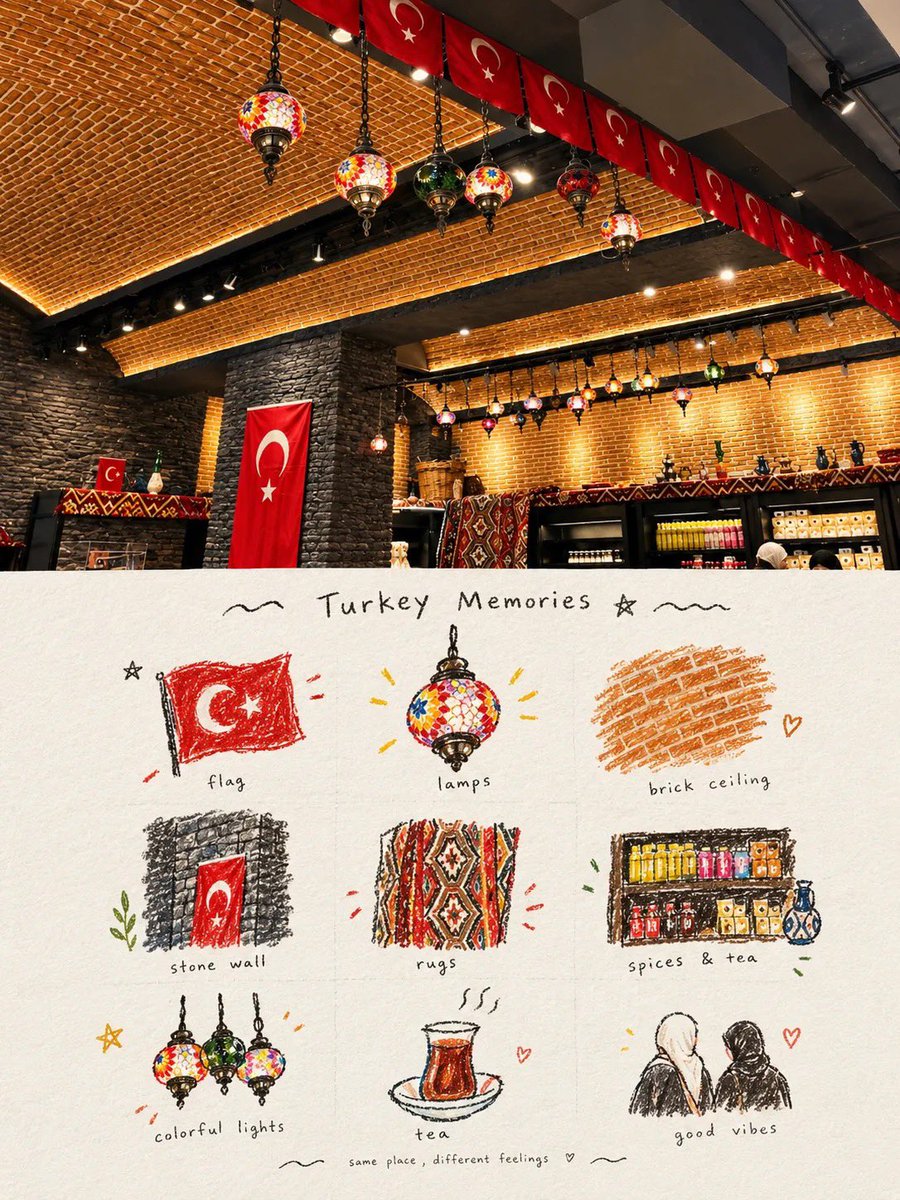
Travel Memory Scrapbook Poster
觀看4,423
按讚151
留言34
分享15
書籤93
引用0
Transform the uploaded photo into a premium travel-memory scrapbook poster.

Keep the original photo as the main visual reference and preserve the important subjects, objects, environment, composition, colors, and recognizable details accurately. Do not change the identity or structure of the main subject.

Create a vertical 3:4 editorial scrapbook layout divided horizontally into two equal sections:

TOP 50%:
Place the original photograph prominently, enhanced with warm, natural, slightly cinematic color grading. Keep it realistic, detailed, and photographic. Do not over-edit or make it look artificial.

BOTTOM 50%:
Create a beautiful hand-drawn illustrated journal page inspired directly by the photograph. Extract 6–9 of the most recognizable visual elements from the original image and turn each into a small individual colored-pencil / ink / watercolor-style sketch arranged in a clean 3×3 scrapbook grid.

Use:
- textured warm ivory/off-white paper background
- subtle paper grain
- hand-drawn pencil and ink outlines
- loose colored-pencil and watercolor shading
- slightly imperfect handmade strokes
- soft muted but cheerful colors
- tiny doodles such as stars, hearts, leaves, sparkles, waves and arrows
- thin, delicate hand-drawn grid dividers
- cozy travel-journal aesthetic
- sophisticated editorial composition
- authentic handmade imperfections

Add a handwritten title at the top of the illustrated section, customized to the photo's theme, such as “[LOCATION] Memories”, “[THEME] Moments”, “Sweet Moments”, “Blue Sky Memories”, etc.

Under each illustrated element, add a short handwritten label describing it, for example:
“street lamp”, “soft clouds”, “colorful lights”, “tea”, “old walls”, “sweet treat”, “green moments”, etc.

At the very bottom, add a small handwritten sentimental caption related to the photo, such as:
“a perfect day to remember ♡”
or
“same place, different feelings ♡”

The final result should feel like a luxury tra


