Interactive Mansion House Selector
Aufrufe2,069
Likes63
Kommentare28
Shares4
Lesezeichen19
Zitate0
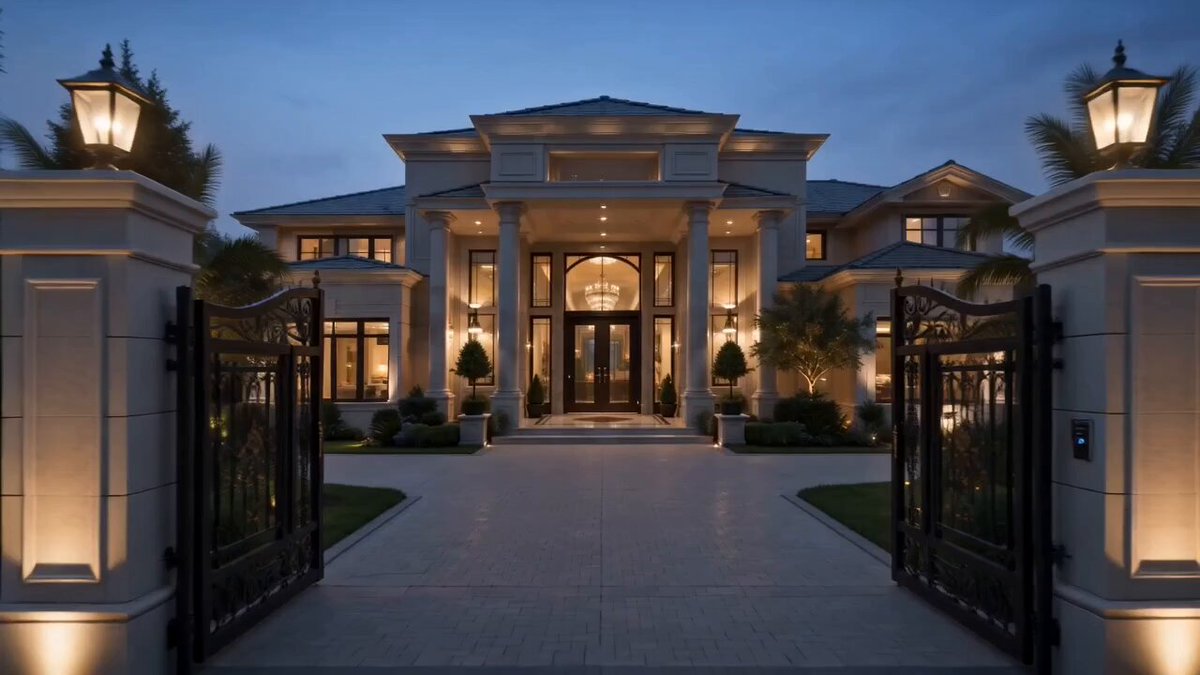
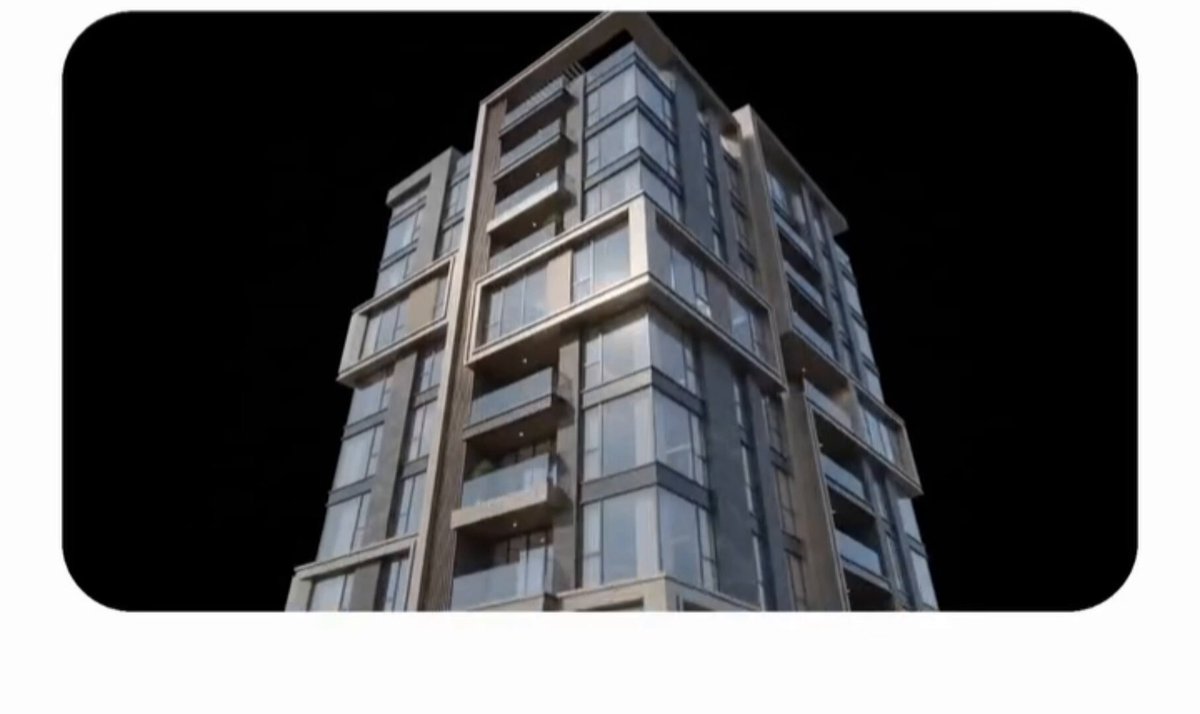
Use the uploaded storyboard as the exact reference for sequence, composition, pacing and timing. Duration: 10 seconds. Aspect Ratio: 16:9. Camera: completely static front camera, no movement, zoom, pan, tilt or rotation. Environment: pure black minimalist background with a glossy reflective floor. Scene: from the first frame, the luxury dark modern mansion from the reference is already fully built and centered. UI: at 1.0 second, two premium glassmorphism interfaces smoothly slide in from the left and right. Left interface: displays only large interior preview cards (living room, kitchen, bedroom, bathroom, office, luxury lounge), no text, icons or buttons, subtle floating animation. Right interface: displays large cards of available house designs (Luxury Dark Modern Mansion, Luxury Black A-frame Cabin, Curved Contemporary Villa, Minimalist Forest Residence), no text or icons, selected card receives an elegant glow animation. Hand: realistic male right hand from first-person perspective wearing a black smartwatch, interacting only with the right interface using smooth premium finger movements, each tap creating elegant glass ripples, soft glow and floating particles. Timeline: 0.0–1.0s the completed mansion stands with warm interior lights and no interfaces; 1.0–2.0s both interfaces slide in and settle with floating animation; 2.0–3.0s the hand taps the second house (Luxury Black A-frame Cabin); 3.0–4.0s the mansion elegantly disassembles into architectural modules and particles; 4.0–5.5s the A-frame cabin assembles realistically from foundation to final details; 5.5–6.5s the cabin remains complete and stable; 6.5–7.0s the hand taps the third house (Curved Contemporary Villa); 7.0–8.0s the A-frame cabin disassembles; 8.0–9.5s the curved villa assembles from foundation to completed architecture with landscape, waterfall, garage vehicle and lighting; 9.5–10.0s the villa stands fully completed while both interfaces continue fl