Miniature Building Construction
Aufrufe2,170
Likes42
Kommentare25
Shares2
Lesezeichen13
Zitate0
miniature construction video:
Duration: 10 seconds.
Aspect ratio: 16:9.
Camera: fixed isometric top-down view (~45°), no zoom, no pan, no rotation, no camera shake.
Style: ultra realistic architectural miniature, premium commercial quality, tilt-shift look, highly detailed scale model.
Background: clean white minimalist studio background.
Lighting: soft diffused studio lighting, realistic shadows, consistent exposure.
Scale: the building, machinery, workers and props remain miniature throughout the entire video.
Construction logic: every stage must naturally continue from the previous one. Never skip steps. Every new element appears only after the previous stage is complete.
Physics: realistic object placement, gravity, collisions, crane movement and construction machinery behavior.
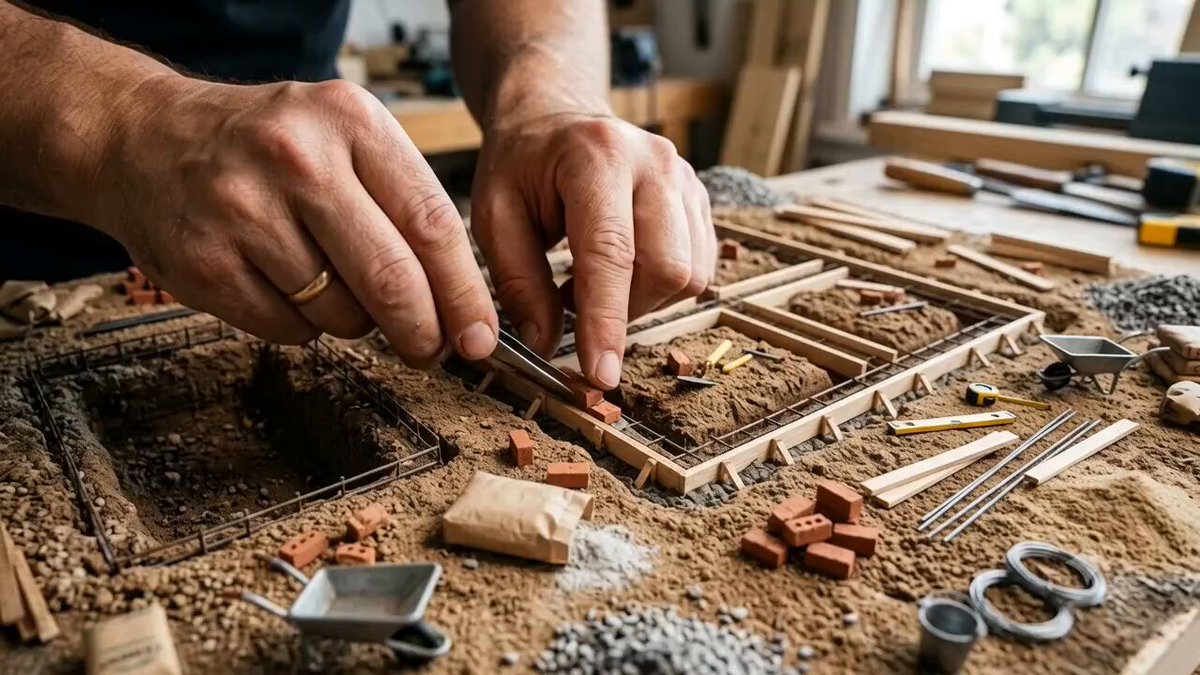
Hands: only one giant realistic human hand is visible. The hand carefully places, assembles and moves miniature construction elements. Never cover the building. No additional hands.
00:00–00:00.6 — Site Preparation
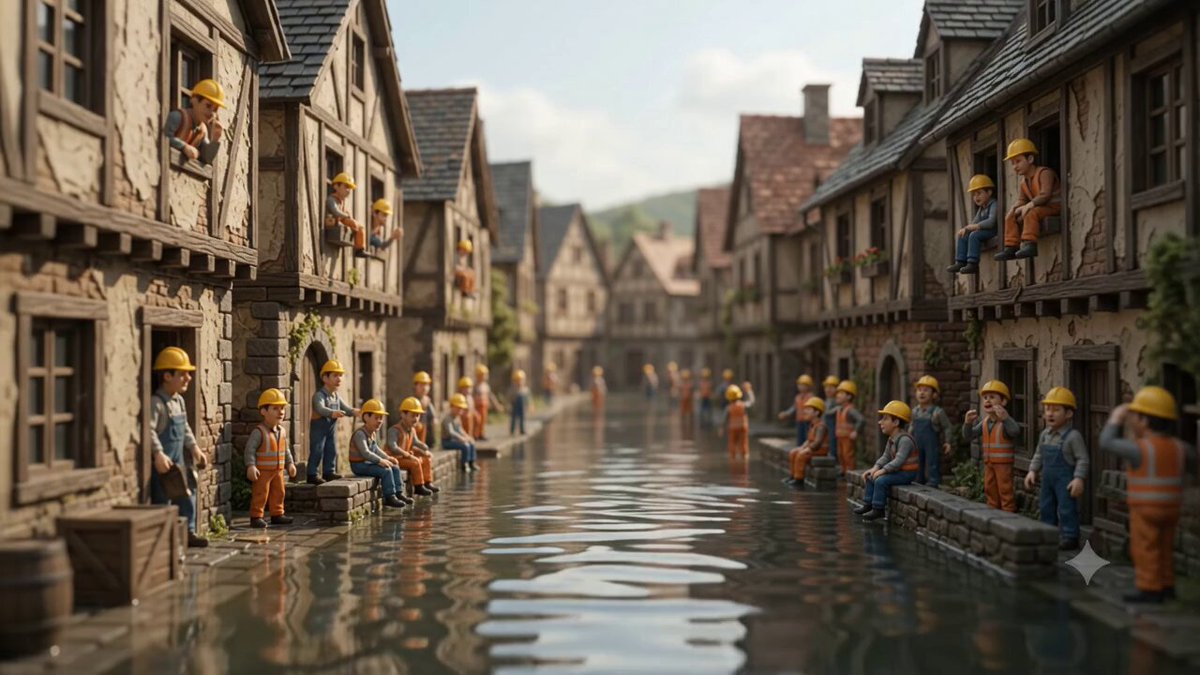
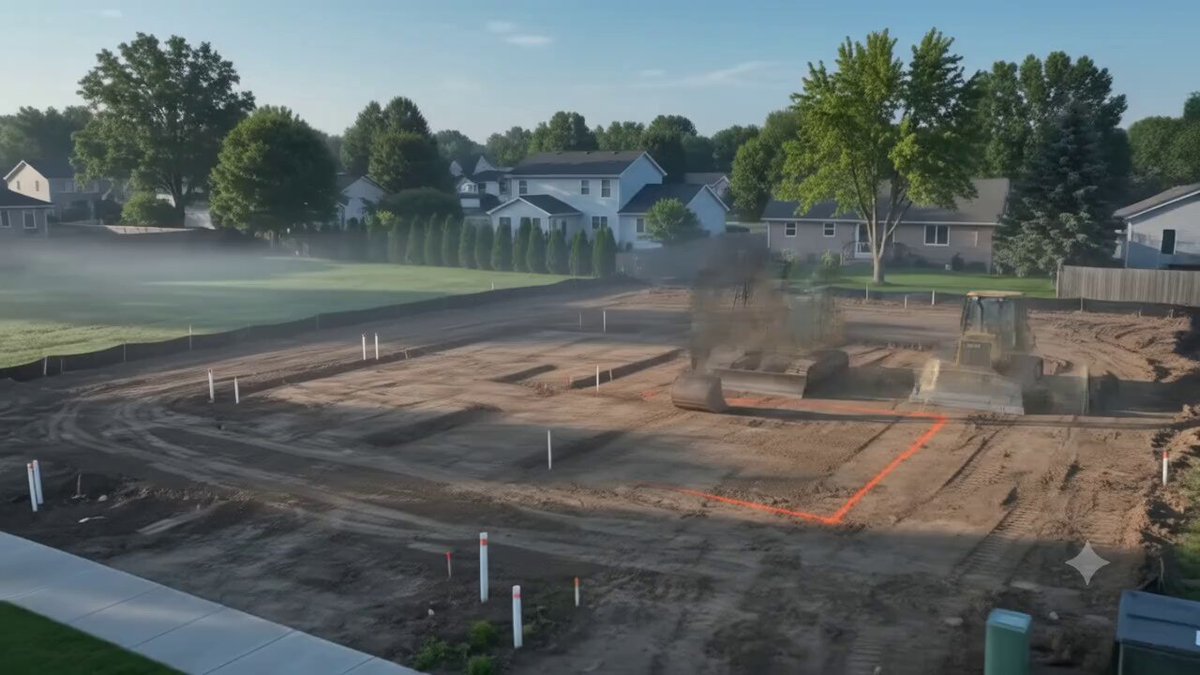
A giant hand drives a miniature bulldozer to level the terrain. Small workers prepare the construction site. Soil is flattened and cleaned.
00:00.6–00:01.2 — Foundation
The hand precisely places the completed concrete foundation and basement module onto the prepared ground. Construction markings remain visible.
00:01.2–00:02.0 — Structure
The hand sequentially installs reinforced concrete floor modules. The structural frame grows floor by floor until the full skeleton is completed. Mini cranes assist the process.
00:02.0–00:02.8 — Walls & Partitions
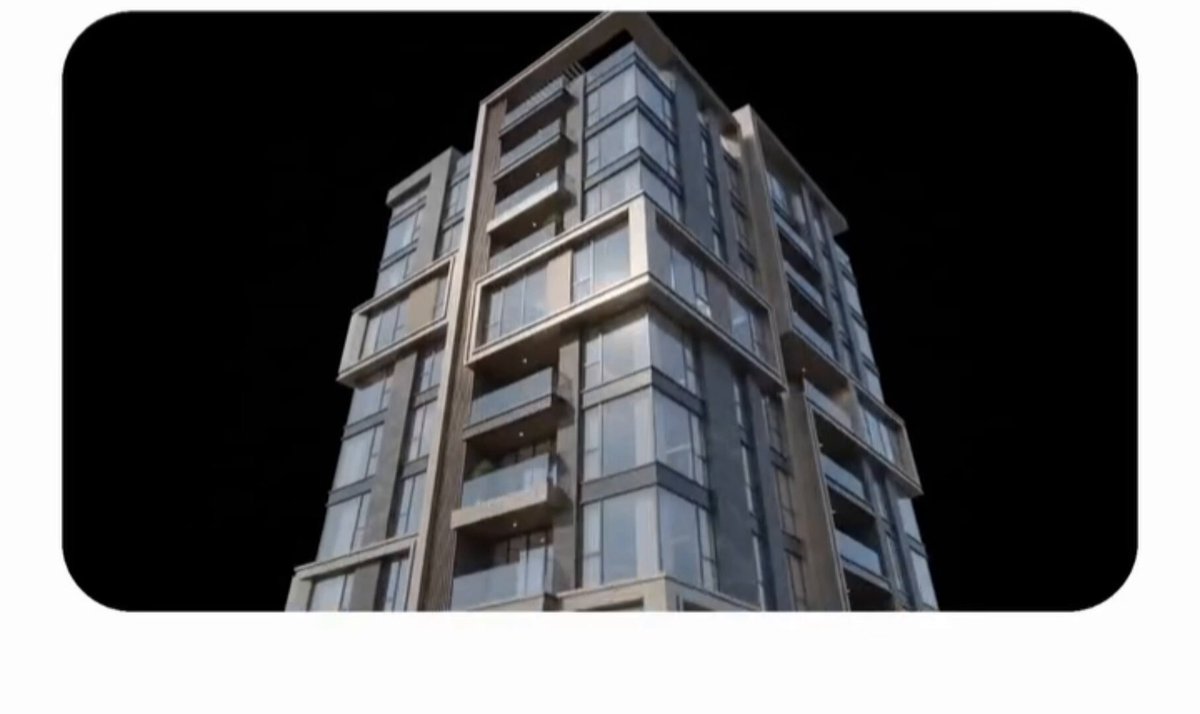
Exterior walls and interior partitions are placed section by section. The building volume becomes fully enclosed while keeping realistic construction progression.