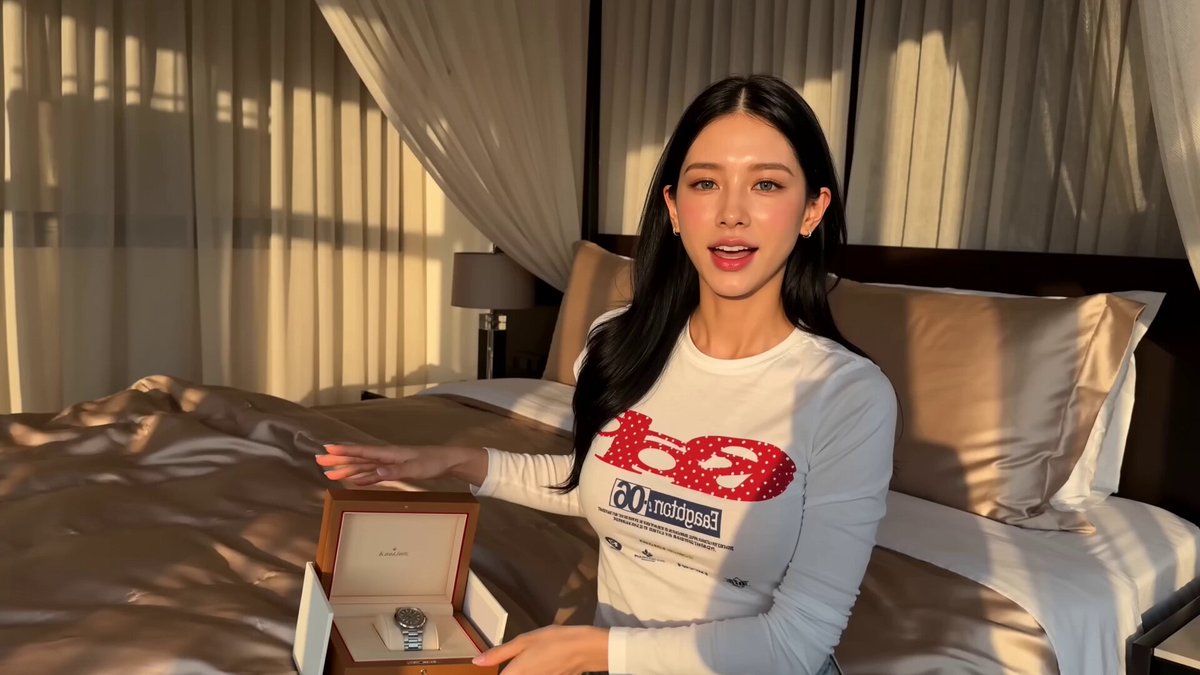
Luxury Sunglasses Review
vistas14,584
me gusta106
comentarios87
compartidos4
guardados19
citas0
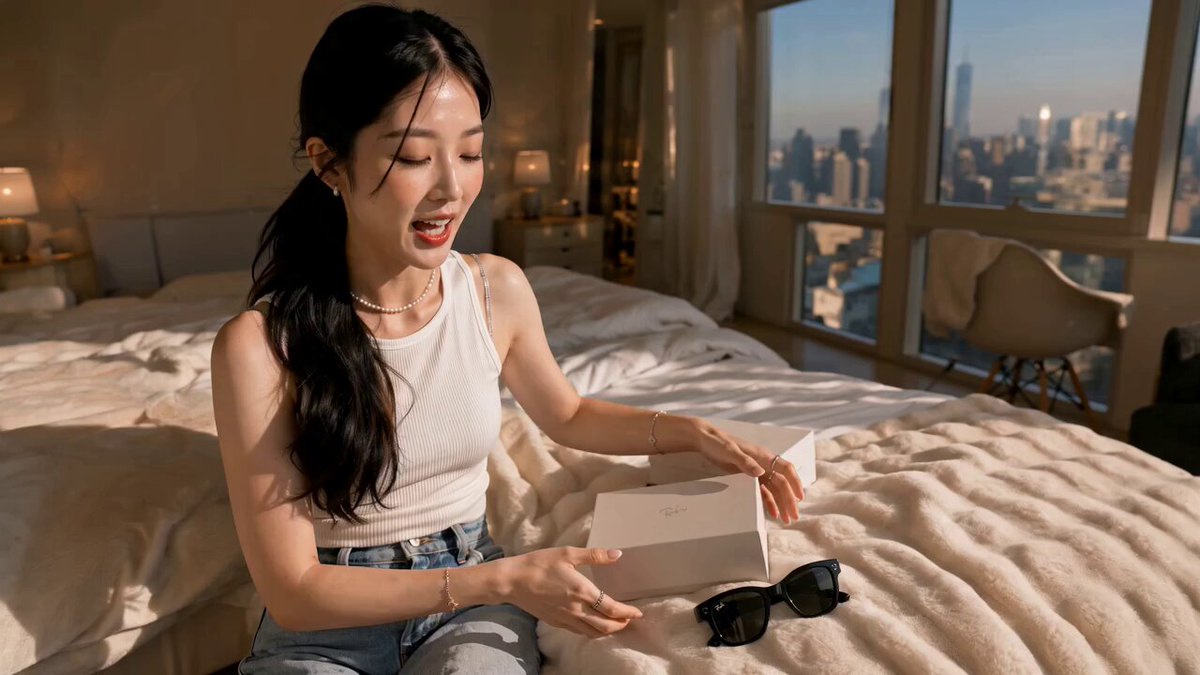
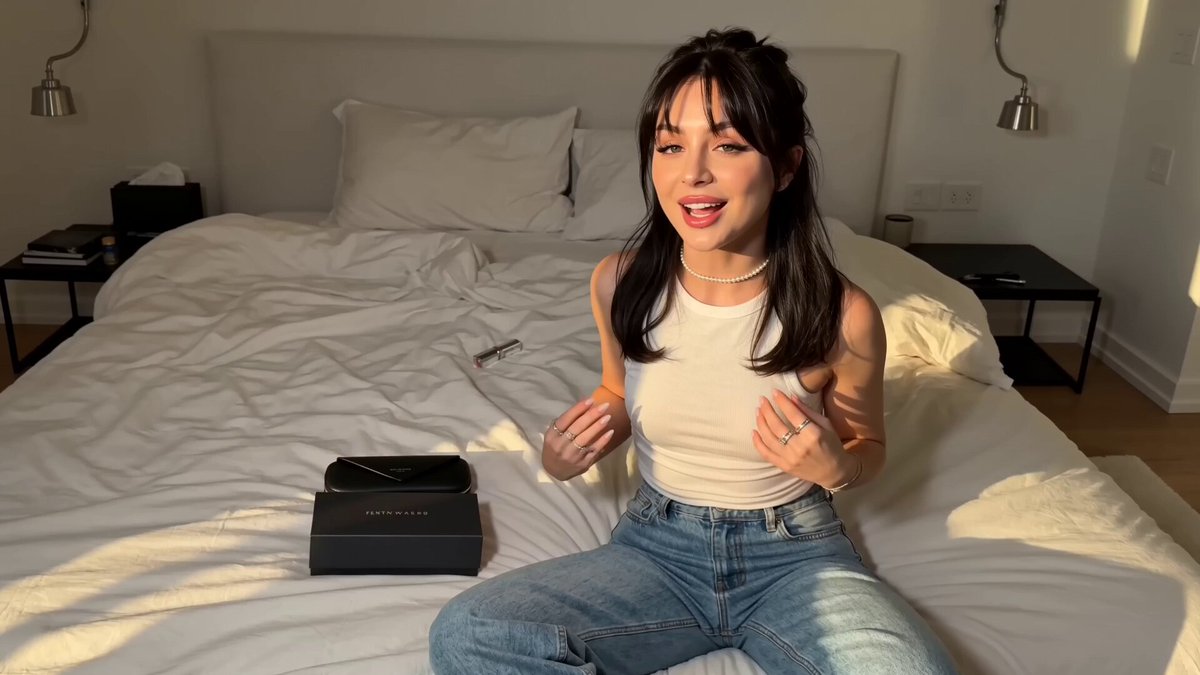
Use the attached girl as the exact character reference. Preserve her facial identity, facial features, eye color, long wavy brown hairstyle, makeup, skin tone, body proportions, jewelry, and overall appearance consistently across every shot.

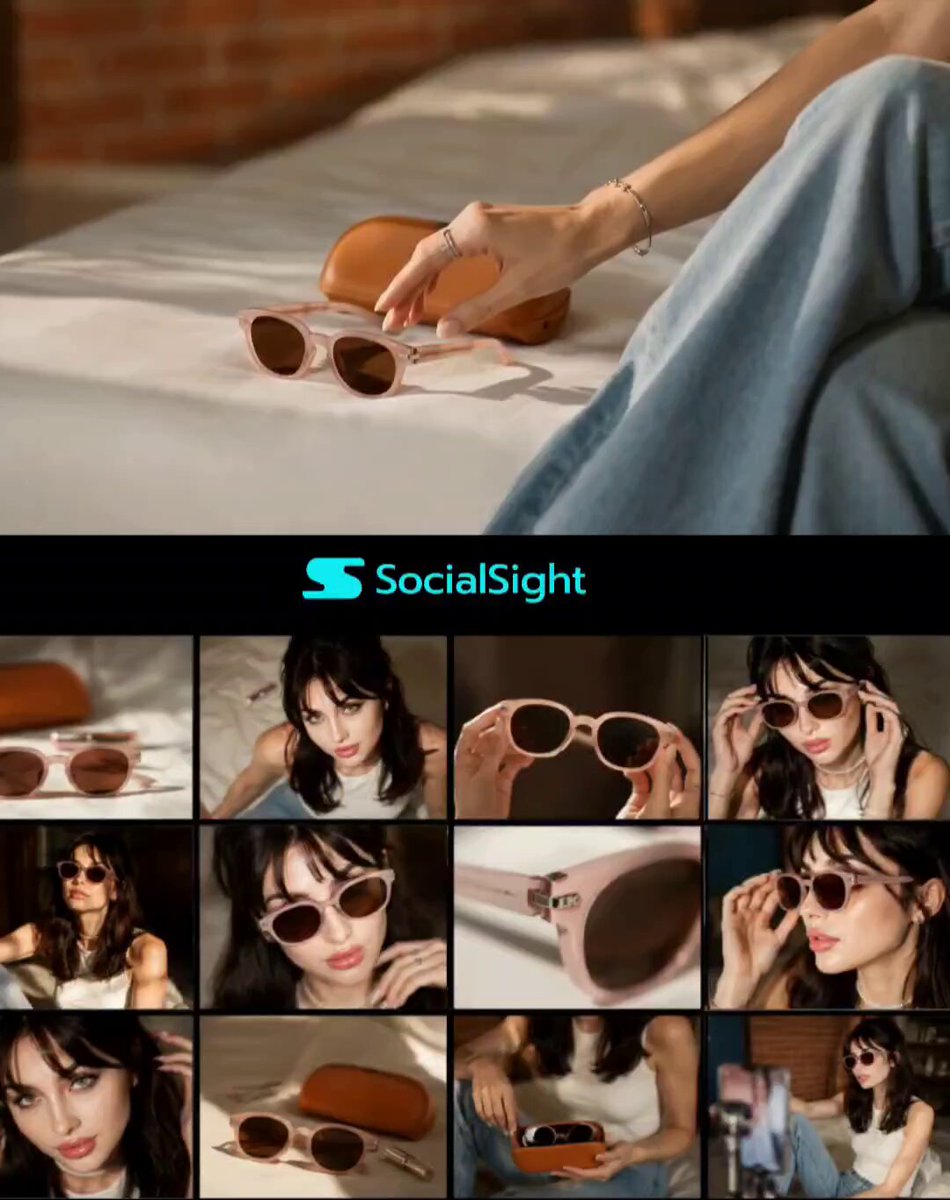
Use the attached sunglasses as the exact locked product reference. Preserve the black oval-shaped frames, dark lenses, gold detailing at the temples, hinge structure, proportions, materials, and finish exactly. The sunglasses must remain identical in every frame.

Create an ultra-realistic luxury UGC creator review filmed entirely in an elegant modern lounge area, not a bedroom. The lounge should feel sophisticated, warm, expensive, and naturally lived-in: cream boucle sofa, marble or stone coffee table, soft neutral cushions, elegant floor lamp, subtle gold accents, large windows, tasteful décor, and warm late-afternoon sunlight entering from the side.

The woman wears the same cream/white knit sweater, beige trousers, gold hoop earrings, delicate pendant necklace, and rings from the reference image.

STORYBOARD — 15 SECONDS

SHOT 1 — 0–2 sec | Casual introduction
Medium handheld smartphone shot. The woman sits comfortably on the cream sofa in the lounge with the sunglasses box and leather carrying case placed naturally on the coffee table beside her. She looks directly into the camera with a genuine smile and says:

“Okay, these are way nicer than I expected.”

Natural creator energy, relaxed posture, subtle handheld movement.

SHOT 2 — 2–4 sec | Picking up the packaging
She leans toward the coffee table and picks up the luxury sunglasses box. Camera moves slightly closer as she turns the box toward the lens. She opens it naturally.

Capture realistic packaging texture and believable hand movements.

She says:

“Even the little details feel so well done.”

SHOT 3 — 4–6 sec | Case reveal
Close-up from slightly above her hands as she reveals t