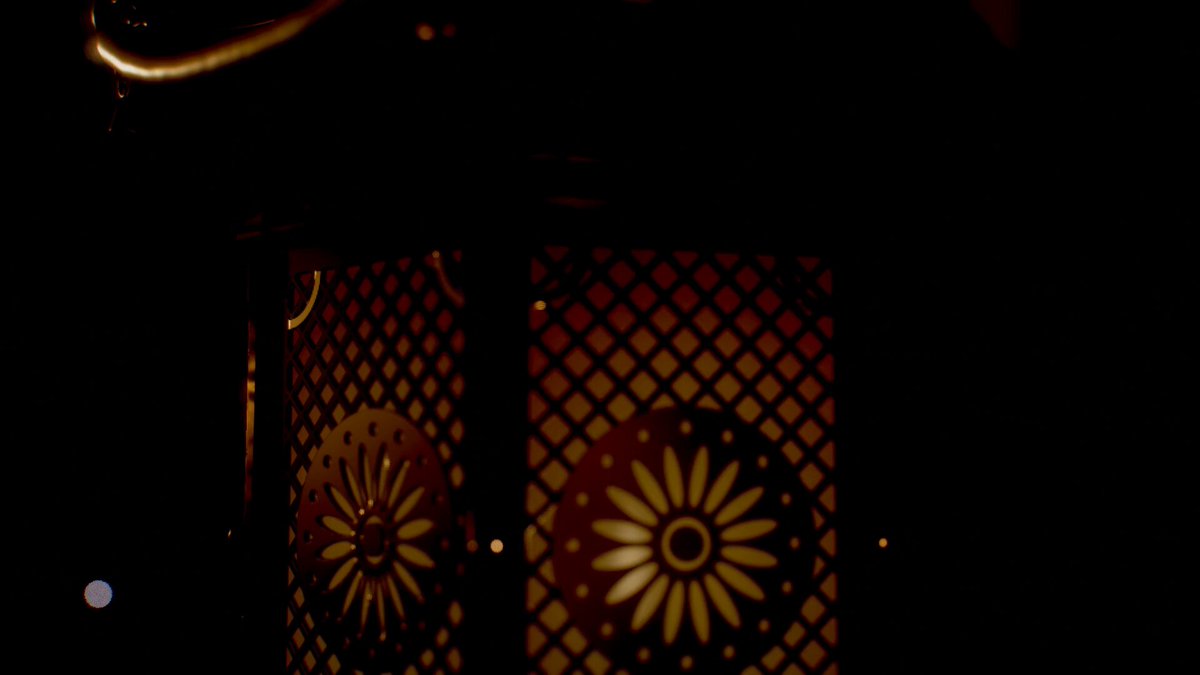
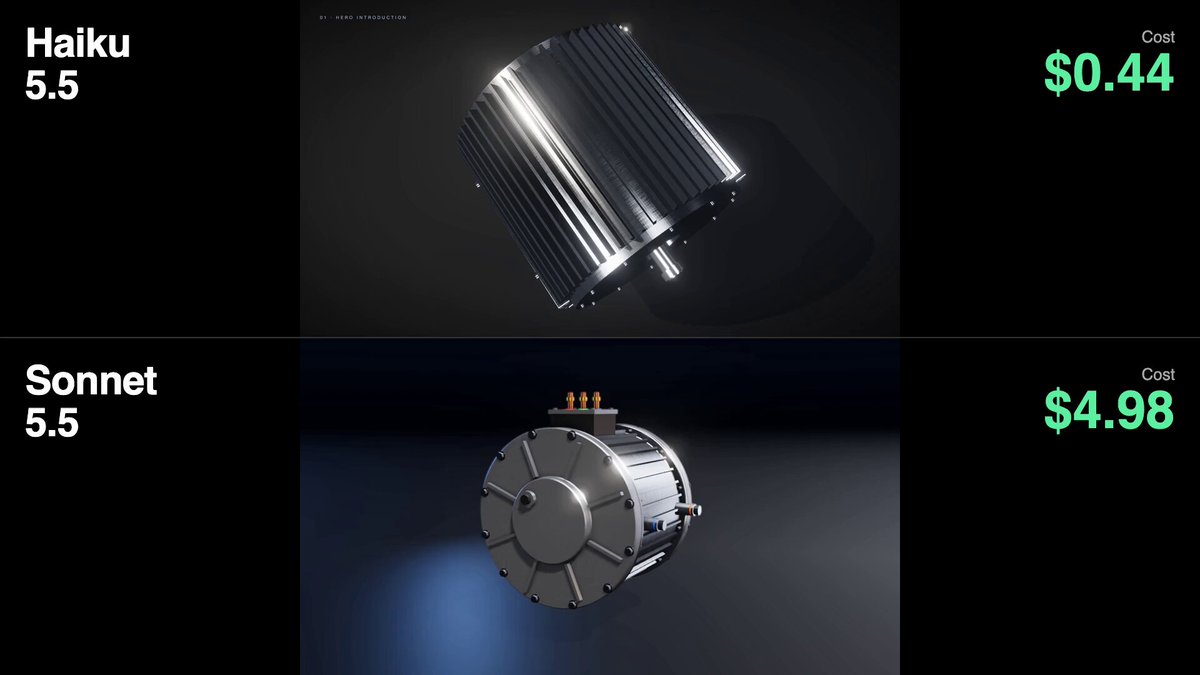
Kinetic spoken-word typography film
vistas1,496
me gusta11
comentarios5
compartidos0
guardados3
citas1
Create a 20.00-second kinetic spoken-word film titled "BUILD THE FLOOR." Treat this as an original miniature speech staged entirely through typography. Every line changes the architecture of the frame. The final declaration must stand on something the earlier words physically constructed. Deliver one self-contained HTML file, 1080×1080, targeting 60fps, using SVG and/or Canvas. Embed all required assets. ART DIRECTION Background #102820. Paper # F4E9D5. Structural accent # F2B544. A literary editorial world with the scale and confidence of a public monument. Use a high-contrast serif for the speech, a heavy grotesque for load-bearing words, and a restrained monospace for small timing marks. No distressed protest-poster clichés, megaphones, flags, crowds, microphones, or stock footage. ORIGINAL SPEECH — EXACT WORDS, EXACT ORDER "We were told to wait." "So we learned the weight of waiting." "Then one voice made room." "Then another." "Now the floor belongs to us." Do not attribute these words to any real person. No extra slogans. The complete speech must be understandable without audio. CENTRAL VISUAL RULE Words have assigned architectural roles. WAIT is a lintel. WAITING is a suspended load. VOICE is a support. ROOM is an opening. FLOOR is a platform. These roles must emerge from the actual letterforms, not from separate illustrations placed behind text. STORYBOARD 0.00–3.00 "We were told to wait." The sentence occupies a narrow horizontal opening beneath a massive WAIT. The opening slowly compresses while the sentence remains readable. The pressure comes from the layout, not camera shake. 3.00–6.50 "So we learned the weight of waiting." Reveal the sentence in spoken phrase groups. WAITING lowers on two fine vertical rules. Those rules become suspension cables. A baseline bends under the visual load using