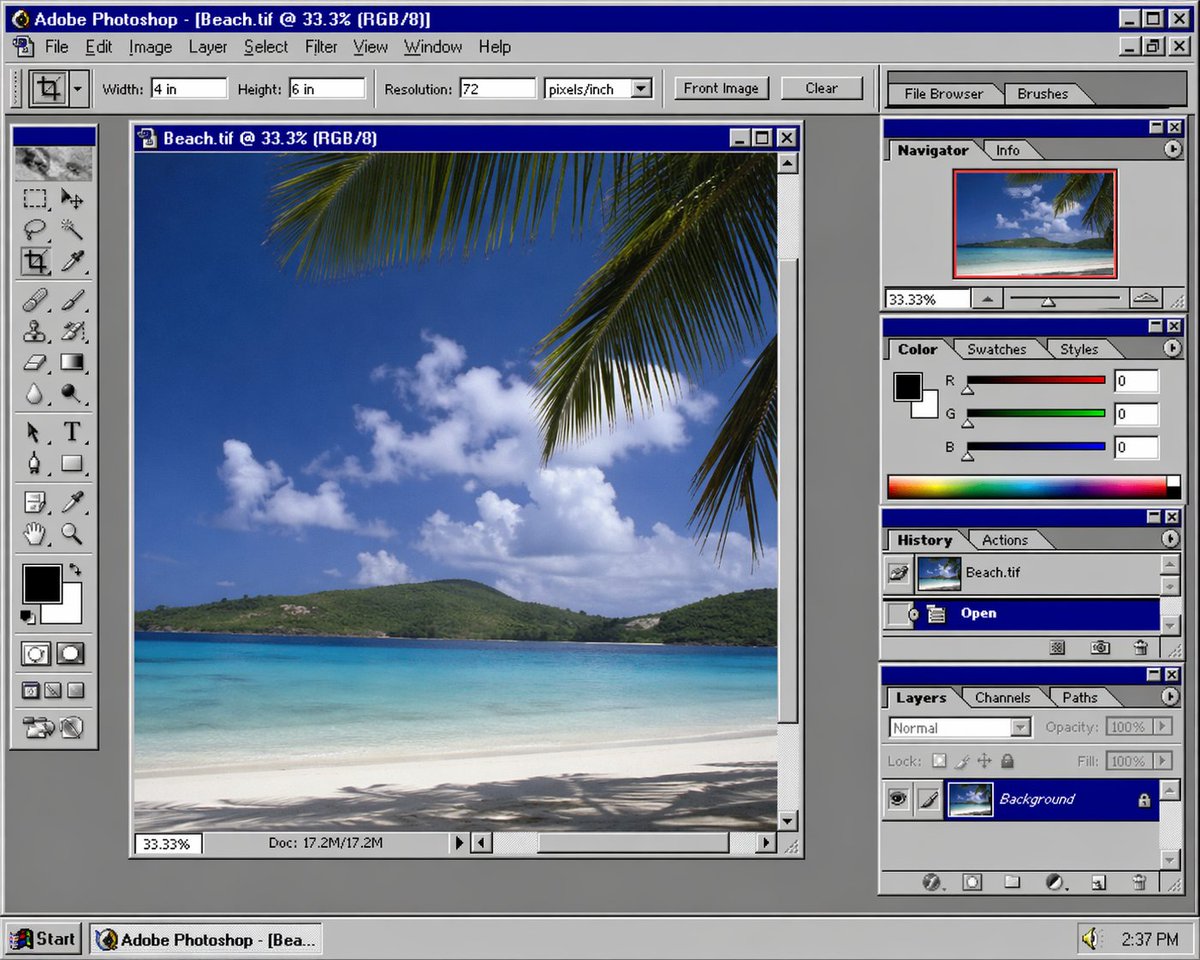
Nostalgic Software Interface
views2,400
likes51
comments15
shares5
bookmarks6
quotes0
a screenshot of {argument name="software" default="Photoshop"} in {argument name="era" default="90s"}
a screenshot of {argument name="software" default="Photoshop"} in {argument name="era" default="90s"}
Copy the prompt and paste it into GPT Image 2. Keep the composition, lighting and style terms as written — they are what produced this result. Swap the subject or scene details to make it yours, keep the aspect ratio, and attach the reference images the prompt mentions if any. Regenerate two or three times; the strongest version is usually not the first.


