Minimal SaaS Poster with Pink Mascot
views40,500
likes951
comments12
shares54
bookmarks1,000
quotes1
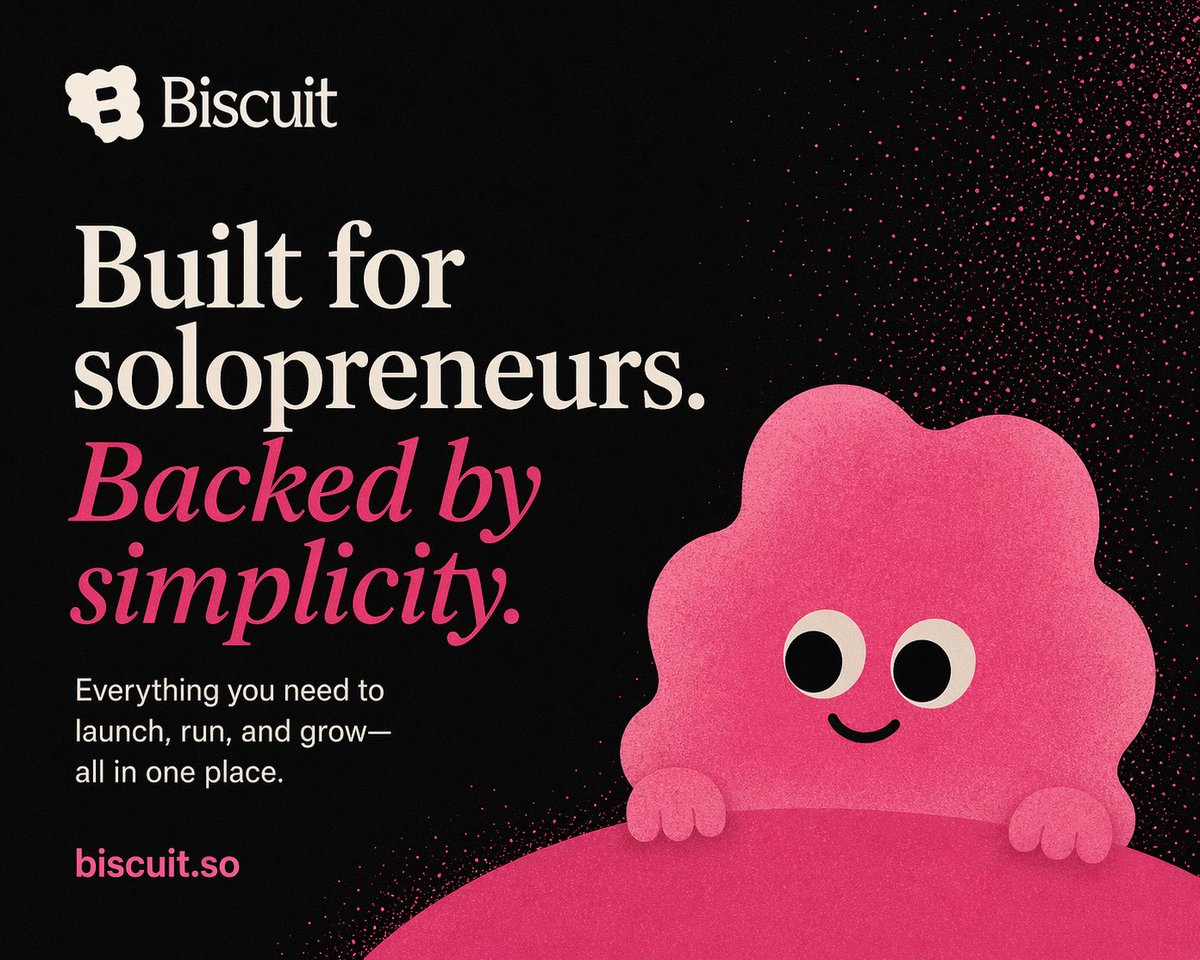
A bold minimalist brand poster on a matte black background with a soft grainy print texture, designed like a startup landing-page hero graphic. In the top left, place a simple cream-colored logo icon followed by the brand name {argument name="brand name" default="Biscuit"} in a refined serif wordmark. Below it, create a large left-aligned typographic block occupying roughly the left half of the composition. The main headline reads: {argument name="headline text" default="Built for solopreneurs."} in oversized elegant cream serif type with strong contrast and generous line spacing. Directly beneath it, add a second headline line in vivid hot pink italic serif reading {argument name="tagline text" default="Backed by simplicity."}. Below that, add a smaller white sans-serif body copy block, left aligned, reading {argument name="body text" default="Everything you need to launch, run, and grow—all in one place."}. Near the bottom left, place the URL {argument name="website text" default="biscuit.so"} in bold hot pink sans-serif. On the right half, feature a cute abstract mascot: a rounded irregular cloud-like pink blob character with scalloped edges, 2 large cream-and-black circular eyes, 1 small curved smiling mouth, and 2 tiny rounded hands resting on top of a large curved pink foreground shape that rises from the bottom edge like a hill or product surface. Add a dense field of hot pink spray-like speckles and particles in the upper-right quadrant fading toward the center, giving a playful cosmic ink-splatter effect. Use a limited palette of black, cream, white, and saturated pink; high contrast editorial typography; lots of negative space; a clean, modern, approachable, founder-friendly SaaS branding aesthetic; centered-right character placement; portrait poster composition.


