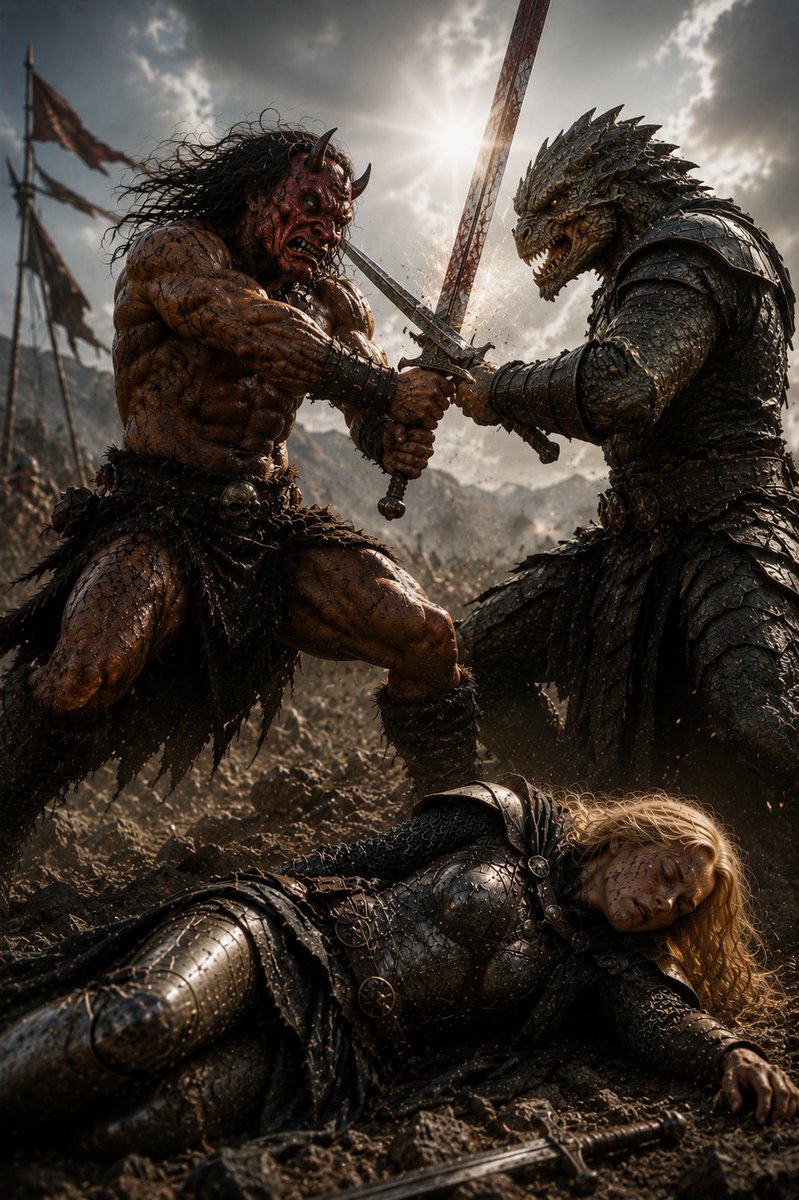
Barbarian and Dragon Knight Battlefield Duel
views66
likes10
comments0
shares2
bookmarks0
quotes0
Create a dark cinematic high-fantasy battlefield scene titled {argument name="scene title" default="Alliance with the Barbarian 4"}: in the midground, two powerful warriors fight back-to-back as allies, crossing swords against unseen enemies amid dust and flying sparks. On the left is a massive horned {argument name="barbarian type" default="demon-like barbarian"}, bare-chested, extremely muscular, scarred and muddy, with reddish-brown skin, long wild black hair, small curved horns, a snarling face, leather-and-fur loincloth, bone and skull belt ornaments, wrist wraps, and a heavy sword gripped in both hands. On the right is a towering {argument name="creature warrior" default="dragon-headed reptilian knight"} wearing dark layered scale armor and spiked pauldrons, with a fierce open-jawed reptile head, ridged horns, clawed hands, and a sword locked with the barbarian's blade in a dramatic crossed composition. In the foreground, show one fallen {argument name="fallen warrior" default="blonde female knight"} lying on rocky mud in blackened plate armor and chainmail, long golden hair spread across the ground, one hand outstretched, a sword dropped near her body, and her face intentionally obscured by a plain solid dark-brown square censor block. The setting is a chaotic medieval war zone with tattered battle banners on poles, distant mountains, smoke, dirt, and a huge army blurred in the background. Use a low-angle epic composition, vertical 2:3 framing, gritty photorealistic fantasy concept art, ultra-detailed armor scratches, wet mud, sweat, bloodless but brutal atmosphere, dramatic backlighting from a bright sun breaking through storm clouds directly behind the crossed swords, high contrast, volumetric dust, sharp focus on the duel, shallow depth of field, cinematic color grading, no readable text.


