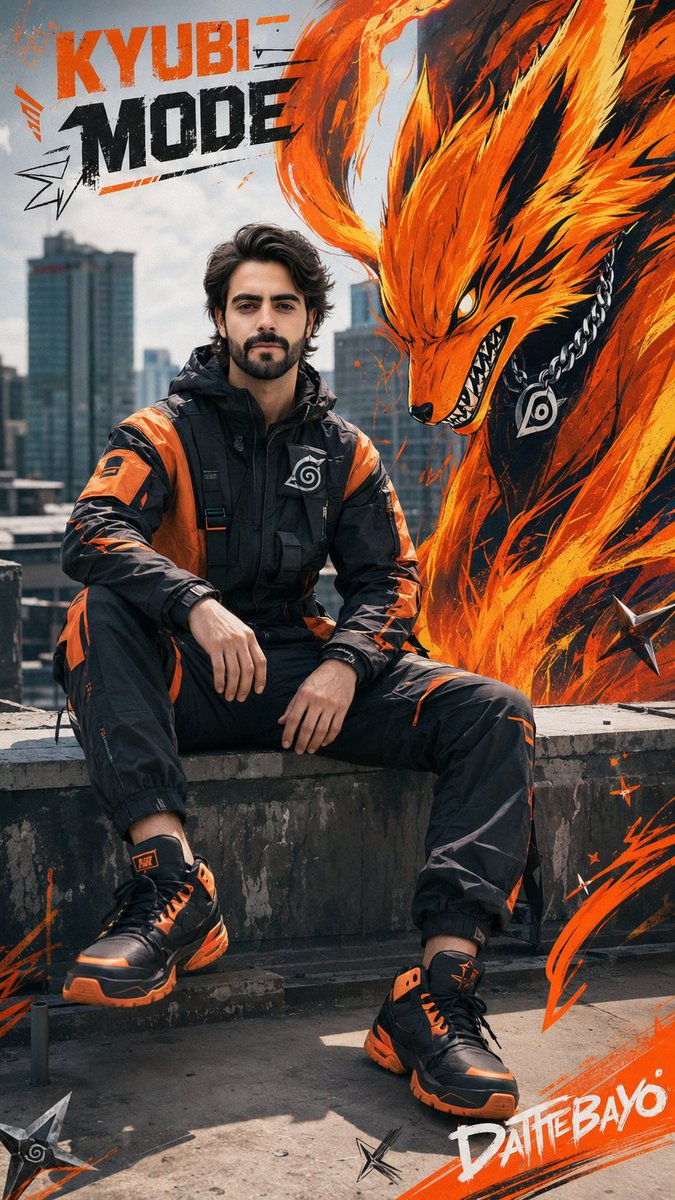
Futuristic Sportswear Campaign Portrait
views1,100
likes75
comments41
shares10
bookmarks8
quotes0
Create a hyper-realistic full-body portrait of a {argument name="subject" default="25-year-old young man"} whose face EXACTLY matches the uploaded reference image (STRICT IDENTIFICATION: identical facial structure, skin tone, eyes, eyebrows, nose, lips, smile, jawline, and hairstyle—no alterations, no styling, no beautification).

He sits casually on the edge of a modern urban building's rooftop, his entire body visible, in a 9:16 vertical composition. His pose is relaxed yet confident, leaning slightly forward, as in a futuristik fashion campaign.

Clothing:
Futuristic {argument name="outfit" default="parachut jacket suit"} (black and orange)
sporty sneaker black and orange

Background: Global sportswear campaign aesthetic, bold and clean composition, minimal clutter, strong subject focus.

Add a large stylized image of the Nine-Tailed Fox (Kyubi) next to it:

graffiti street art style (no real and no 3D)
neon orange and yellow fur flames
sharp, dynamic tail
wearing a modern chain
designed like a brand mascot
naturally integrated into the scene (not floating awkwardly)

Graphic elements:
dynamic kunai
paint strokes
geometric shapes
subtle, clean graffiti accents (NOT cluttered)

Typography: Top left: "{argument name="branding text" default="KYUBI MODE"}" (bold, modern, and strong branding style) Bottom right: "DATTEBAYO" (dynamic, sporty font)

Lighting: Bright daylight, high contrast, cinematic shadows, premium commercial lighting

Background: Modern urban skyline, slightly blurred (depth of field), clean roof texture

Skin details: Ultra-realistic skin texture, visible pores, natural imperfections, NO smoothing, NO skin  Plastic

Style: Nike/Adidas campaign aesthetic, ultra-realistic, street culture, bold, clean, HDR, 8K, cinematic. Sharpness

Camera: DSLR, 50mm lens, f/2.8, sharp focus on subject, slight depth of field


