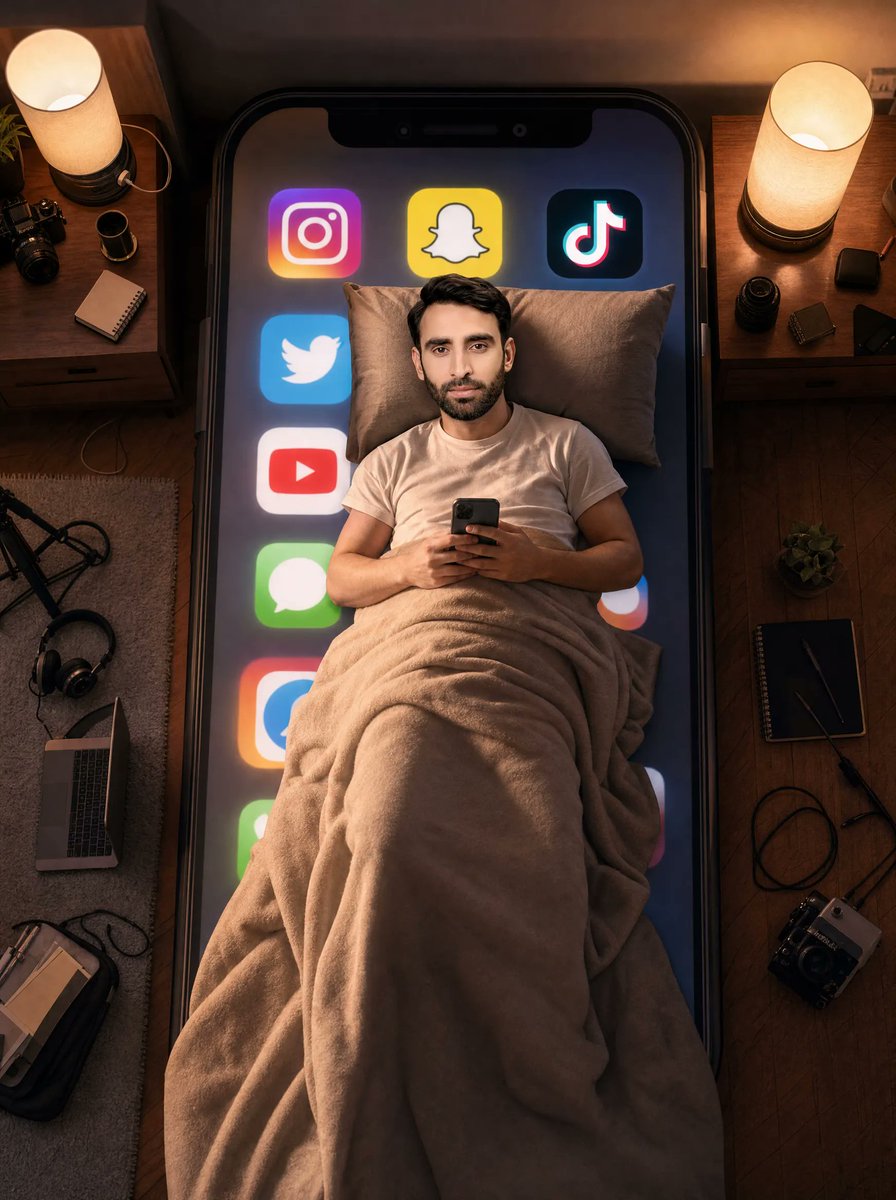
Man Sleeping on Giant Smartphone
views3,700
likes98
comments36
shares30
bookmarks27
quotes1
Create an ultra-realistic cinematic overhead photo of {argument name="character description" default="a young South Asian man with short black hair"} lying in bed at night, centered on top of an enormous black smartphone that functions like a mattress. He is wearing a plain white T-shirt, resting on two beige pillows, covered from chest to feet by a thick plush beige blanket with heavy realistic folds, and holding a small dark smartphone with both hands as if scrolling before sleep. His face is intentionally obscured by a soft square blur or anonymized patch while the hairline and ears remain visible. The giant phone screen beneath him glows dark blue and displays exactly 8 large social media/app icons arranged around his body: Instagram at upper left, Snapchat at top center, TikTok at upper right, Twitter/X-style bird icon on the left, YouTube icon below it, green Messages icon lower left, a partially visible blue-and-orange app icon near the lower left edge, and a partially visible multicolor circular app icon on the right edge. Surround the giant phone-bed with a cozy creator bedroom setup viewed from directly above: two wooden nightstands at the top left and top right, each with a warm cylindrical bedside lamp; on the left nightstand include a small potted plant, a camera, a camera lens, and a notebook; on the right nightstand include small camera lenses, dark tech accessories, and cables. On the floor around the bed include a rug on the left, an open laptop, headphones, a tripod or light stand, notebooks, a backpack, and a camera; on the right wooden floor include a notebook, pen, cable, small plant, and camera gear. Use warm amber lamp light mixed with cool phone-screen glow, realistic shadows, shallow cinematic contrast, detailed fabric texture, reflective glass phone edges, 35mm editorial photography look, vertical 3:4 composition, no text overlays, no watermark. Customize the phone screen glow as {argument name="screen color mood" default="dark blue with neon app glows"}, the blanket as {argument name="blanket color" default="warm beige"}, the room lighting as {argument name="lighting mood" default="warm cozy night lighting"}, and the device scale as {argument name="giant phone scale" default="bed-sized smartphone"}.


