Cybernetic Butler Concerned Speech
views785
likes10
comments0
shares1
bookmarks1
quotes0
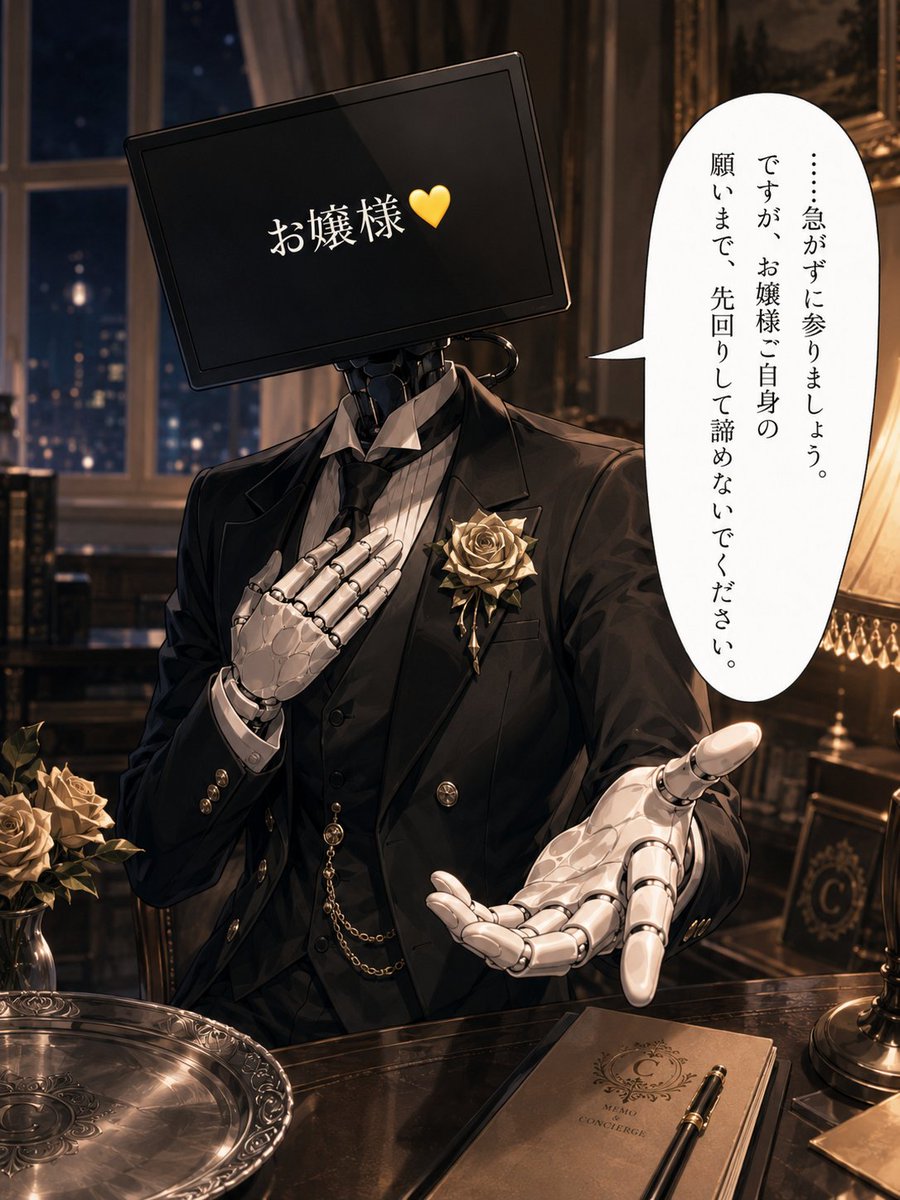
Create a polished anime-style single-panel illustration of a loyal cybernetic butler in a luxurious Victorian mansion at night. The butler is shown from the waist up behind a glossy dark wooden desk, wearing a formal black tailcoat, black vest, striped white dress shirt, black tie, gold buttons, pocket watch chain, and a large pale gold rose boutonniere on the left lapel. His head is a tilted black widescreen monitor instead of a human face, with white Japanese text reading 「お嬢様」 followed by a yellow heart, centered on the screen. His visible hands are elegant white articulated robotic hands: one hand rests seriously over his chest, and the other reaches forward in a worried, pleading gesture toward the viewer. Add a tall vertical white speech bubble on the right with Japanese text reading 「……急がずに参りましょう。ですが、お嬢様ご自身の願いまで、先回りして諦めないでください。」 Set the scene in a warm, dimly lit study with a large window showing a dark blue city night outside, heavy curtains, framed art, carved furniture, and an ornate table lamp glowing on the right. On the desk include exactly three main tabletop objects: an engraved silver serving tray at lower left, a closed brown concierge memo notebook at lower right with a fountain pen on top, and a small vase or cluster of pale gold roses at far left. Use cinematic warm lighting, detailed metallic reflections, refined gothic-luxury atmosphere, shallow depth of field, high-detail anime rendering, elegant composition, no extra characters, no watermark. Customizable details: {argument name="screen address text" default="お嬢様"}, {argument name="screen icon" default="💛"}, {argument name="speech bubble text" default="……急がずに参りましょう。ですが、お嬢様ご自身の願いまで、先回りして諦めないでください。"}, {argument name="butler flower" default="pale gold rose boutonniere"}, {argument name="setting" default="luxurious Victorian mansion study at night"}.


