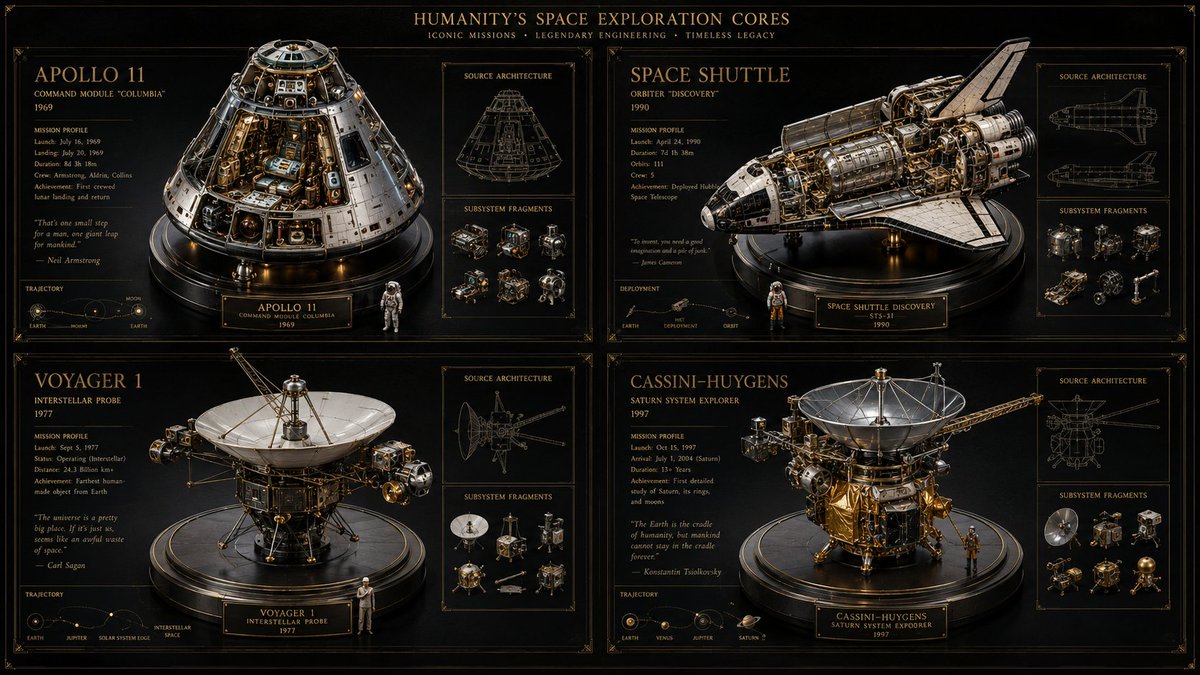
Space Mission Technical Artifacts
views488
likes20
comments1
shares4
bookmarks14
quotes0
16:9, do this for 4 famous space missions: void main() { string[] subjects = {"{argument name="subject one" default="[SUB_1]"}", "{argument name="subject two" default="[SUB_2]"}", "[SUB_3]", "[SUB_4]"}; // Setup Materials vec3 bg_mat = pure_black_matte(); vec3 ui_ink = unlit_metallic_gold(depth: 0.0); vec3 sculpture_mat = pbr_metal(brass, chrome) + refractive_glass(IOR: 1.5); // Setup Viewports (2x2 Grid) vec4 canvas = clear(bg_mat); for(int i=0; i<4; i++) { vec2 quadrant = get_grid_cell(i, columns: 2); // Render 3D Centerpiece mat4 reliquary = build_intricate_model(subjects[i], sculpture_mat); render_to_cell(quadrant, reliquary, lighting: museum_spotlight); // Render 2D UI Overlays vec3 wireframe = generate_blueprint(subjects[i]); vec3 text_data = infer_specs_and_quotes(subjects[i]); draw_hud(quadrant, wireframe + text_data, material: ui_ink); } // Add Global Text draw_hud(header, "{argument name="mission theme" default="[THEME]"} CORES", material: ui_ink); fragColor = canvas; }


