Gothic Cathedral Anime Battle
views64
likes3
comments0
shares2
bookmarks0
quotes0
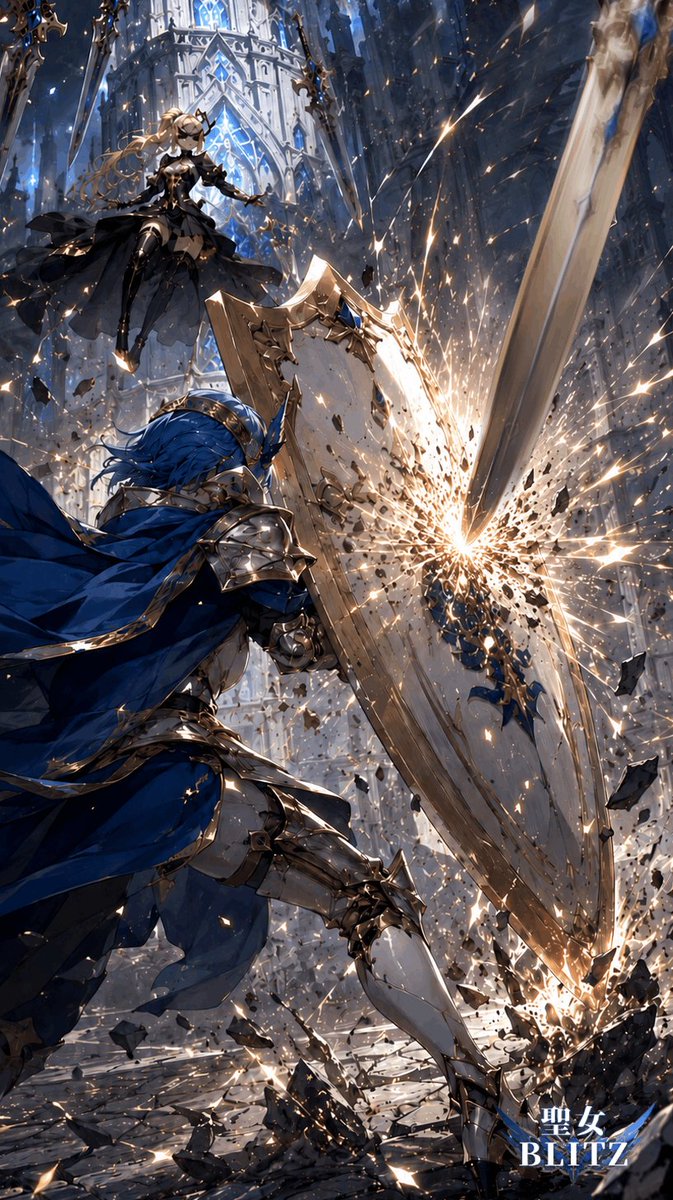
Create a vertical 2:3 high-impact anime fantasy battle illustration in an ornate gothic cathedral interior. Show exactly 2 combatants: a foreground knight and a hovering female opponent. The foreground character is {argument name="foreground knight" default="a blue-haired male knight in polished silver armor with gold trim"}, seen from a low rear three-quarter angle, lunging forward with a flowing deep-blue cape and bracing behind one huge engraved kite shield. His shield is being struck by one enormous descending greatsword blade from the upper right, producing a blinding white-gold impact burst, sparks, shattered stone fragments, and debris flying outward. The second combatant is {argument name="airborne opponent" default="a blonde holy maiden warrior in a black gothic dress and armor"}, floating in the upper left with long windblown hair, dark layered skirt, elegant gold accents, and an outstretched hand, framed against tall glowing blue stained-glass windows and white cathedral arches. Use an extreme dynamic diagonal composition: the greatsword slashes from top right toward the shield at center, the knight occupies the lower left and center, the airborne opponent is small but clear in the upper left, and rubble explodes across the bottom. Visual style: premium Japanese light-novel / mobile-game key art, highly detailed armor, dramatic motion blur, crisp linework, painterly rendering, cinematic lighting, cool blue and silver palette contrasted with hot golden sparks, intense depth, particles everywhere, no gore. Add a small title logo at the bottom right reading {argument name="logo text" default="聖女 BLITZ"} in white with a blue glow, keeping it unobtrusive and not covering the action.


