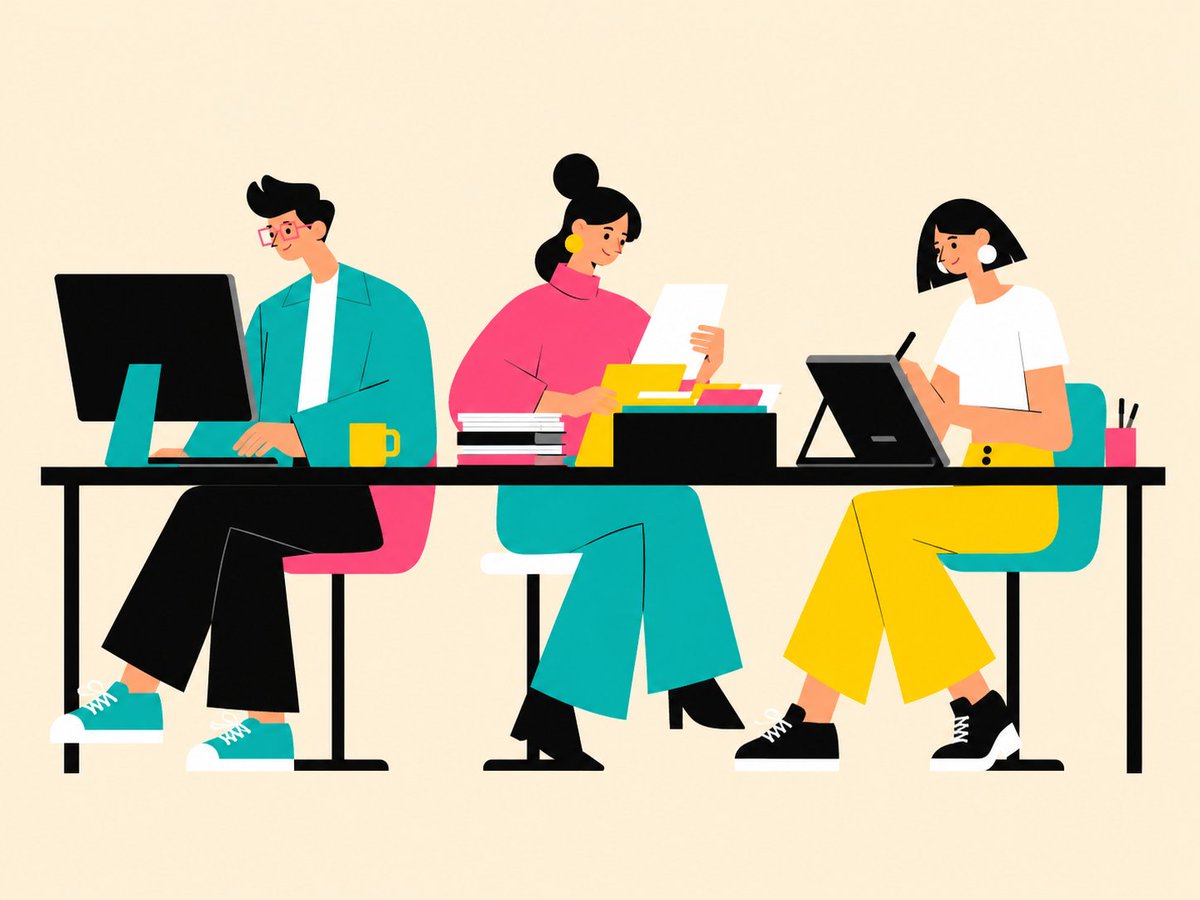
Flat Vector Office Team Illustration
views3,500
likes32
comments0
shares1
bookmarks35
quotes1
Create a clean flat vector illustration of a modern collaborative office scene on a warm cream background. Show exactly 3 seated coworkers at one long black desk, all in a bold minimalist geometric style with no outlines except a few thin black detail lines and with their facial features intentionally obscured by soft square blur blocks. On the left, a slim man with {argument name="hair color" default="black"} swooped hair and red glasses sits on a pink chair, wearing a teal jacket over a white shirt, black cropped pants, teal sneakers with white soles, typing at a large black desktop monitor with a teal stand; place a yellow mug beside his keyboard. In the center, a curvy woman with black hair in a high bun sits on a teal chair, wearing a bright pink turtleneck top, large yellow circular earrings, teal wide-leg pants, and black shoes; she holds one white sheet of paper and reviews documents. On the right, a woman with a black bob haircut sits on a teal chair, wearing a white short-sleeve shirt, bright yellow wide-leg pants, and black sneakers; she draws with a stylus on a tilted black pen tablet. Include exactly 8 visible desk objects: 1 large desktop monitor, 1 yellow mug, 1 stack of black-and-white books, 1 white paper sheet held by the center coworker, 1 black document tray, 3 colorful folders inside the tray in yellow, teal, and pink, 1 tilted drawing tablet, 1 black stylus, and 1 pink pencil cup holding 2 black pens. Use a horizontal 4:3 composition, plenty of empty space above the characters, crisp edges, high-contrast colors of teal, hot pink, yellow, black, and white, and a friendly editorial illustration feel. Avoid text, logos, photorealism, shadows, gradients, and extra people.


