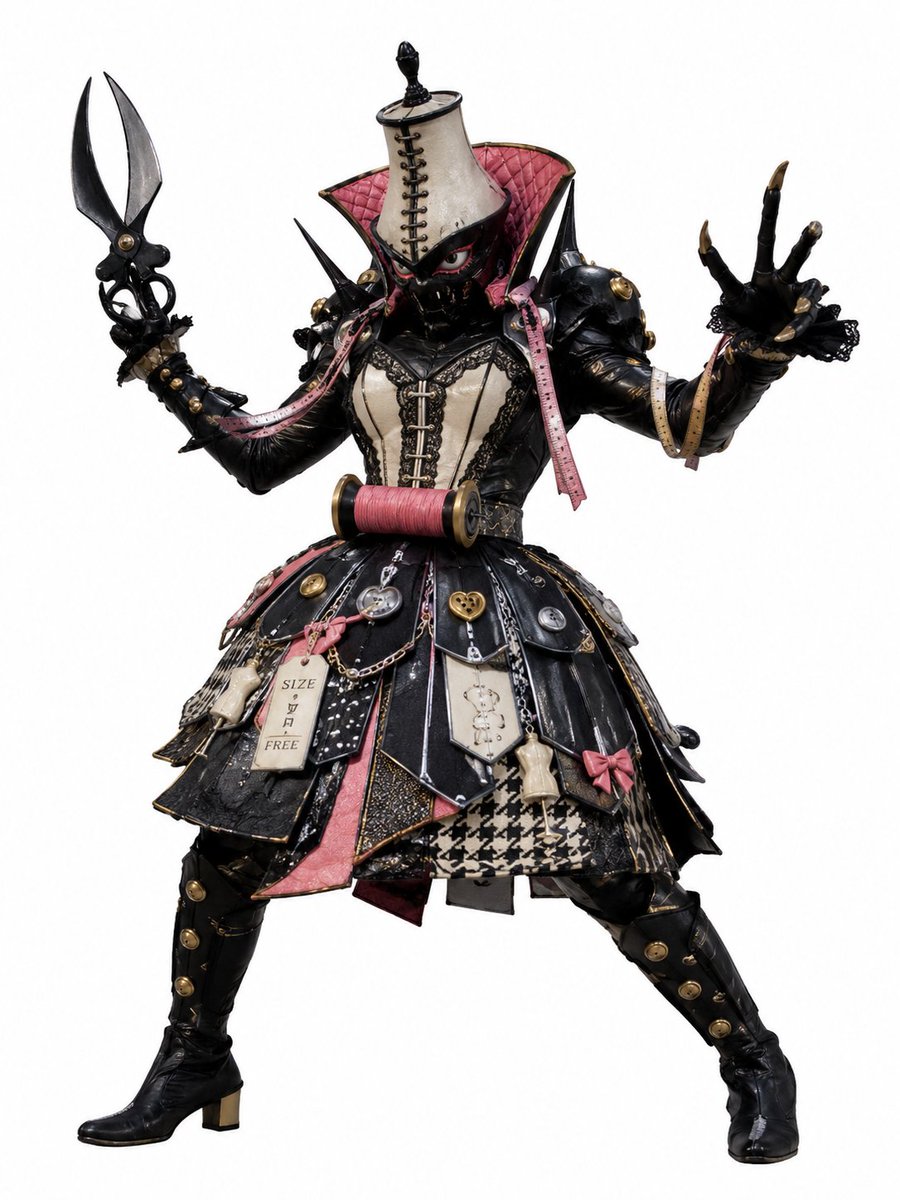
Tokusatsu Tailor Monster Villain
views6,100
likes20
comments1
shares0
bookmarks7
quotes0
Create a full-body studio character portrait of a tokusatsu-style enemy monster villain, standing in a wide aggressive stance on a plain white background. The character is a bizarre haute-couture sewing/dressmaker kaijin named {argument name="character name" default="the tailor demon"}, combining glossy black insectoid armor with Victorian gothic fashion. The figure has a black masked face with narrow red eyes, a tall beige dress form mannequin headpiece laced down the front with black cord, and a dramatic high flared collar lined in quilted {argument name="accent color" default="dusty pink"}. The outfit is an elaborate black leather and lace dress with cream corset panels, gold buttons, black lace trim, chains, heart charms, safety-pin details, measuring-tape ribbons, bows, and patchwork skirt panels. Use a palette of {argument name="main colors" default="black, cream, dusty pink, gold, and houndstooth beige"}, with glossy rubber, leather, metal, lace, and fabric textures. Show exactly 6 prominent costume ornaments on the skirt and waist: 1 large pink thread spool across the waist, 1 dangling beige price tag reading "SIZE / FREE", 1 small round pocket watch charm, 1 gold heart lock charm, 1 beige dress-form charm, and 1 pink bow. The left hand holds a giant black tailor scissor weapon with two long curved blades, while the right hand reaches forward with five clawed black fingers tipped in gold. Add spiked shoulders, studded forearms, thigh-high black boots with gold buttons, and a layered skirt made of glossy black triangular panels plus a visible houndstooth front panel. The lighting should be crisp catalog-style, highly detailed practical suit photography, as if a real special-effects monster costume from a Japanese hero TV show, no environment, no text except the small tag.


