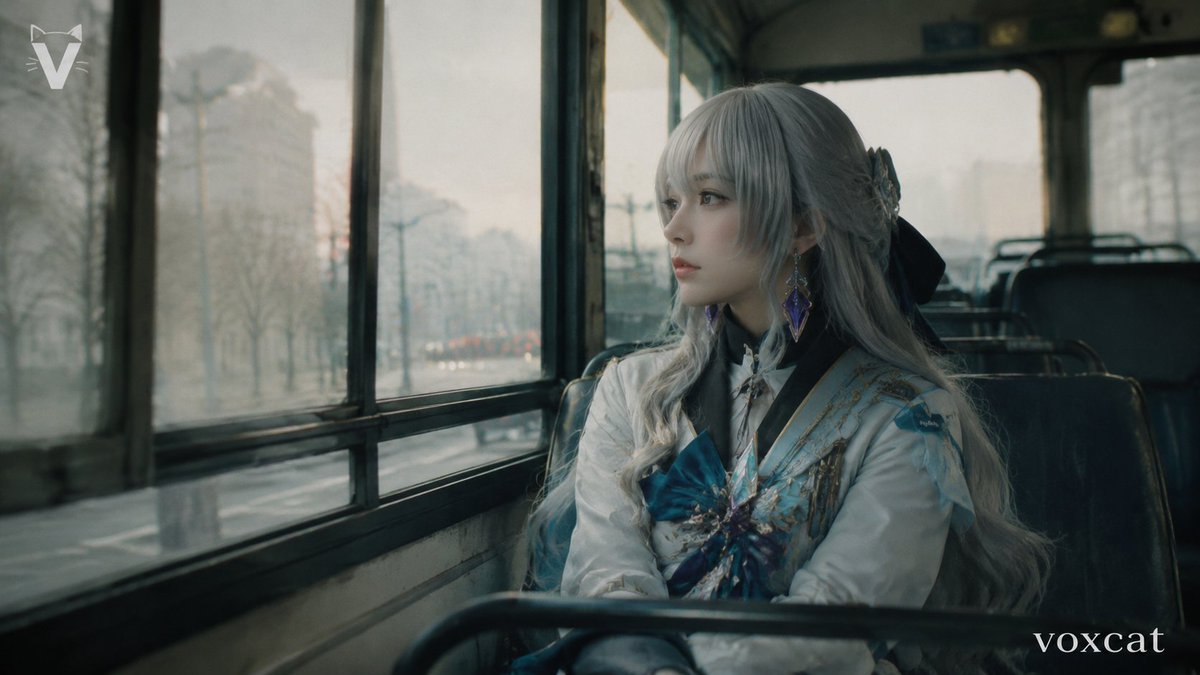
Rainy Bus Live-Action Cosplay Still
views5,000
likes77
comments26
shares1
bookmarks48
quotes0
Create a live-action cinematic cosplay photograph of an {argument name="character name" default="elegant silver-haired fantasy heroine"} seated alone on an old city bus, framed from the waist up beside the left-side bus windows. The subject is an adult cosplayer with a believable pose, looking quietly out the rainy window rather than at the camera; keep the face mostly hidden by long bangs and soft shadow, with no glamour retouching. Use natural skin texture and realistic fabric texture. The costume should feel elegant and integrated into daily life: exactly 6 visible costume cues, including long wavy {argument name="hair color" default="silver-gray"} hair, a large black ribbon bow behind the head, a white high-collar coat, pale blue and gold embroidered shoulder panels, a large teal-blue chest bow with jeweled ornament, and dangling purple gemstone earrings. The setting is the interior of a worn public bus with dark green-black vinyl seats, metal seat rails in the foreground, tall fogged windows on the left, and a blurred low-saturation city street outside after rain with bare trees, streetlights, and distant traffic. Shoot in a 16:9 film still composition with the subject on the right third, bus windows leading into the left background, shallow depth of field, muted teal-gray color grading, soft overcast winter light, slight glass reflections, subtle motion blur outside, visible film grain, old DV / early-2000s movie still texture, realistic lens softness, and a melancholic quiet mood. Add a small white angular V-like logo in the upper-left corner and a small lowercase serif watermark reading {argument name="watermark text" default="voxcat"} in the lower-right corner. Avoid illustration, anime rendering, plastic skin, studio lighting, exaggerated cosplay posing, and overly clean AI perfection.


