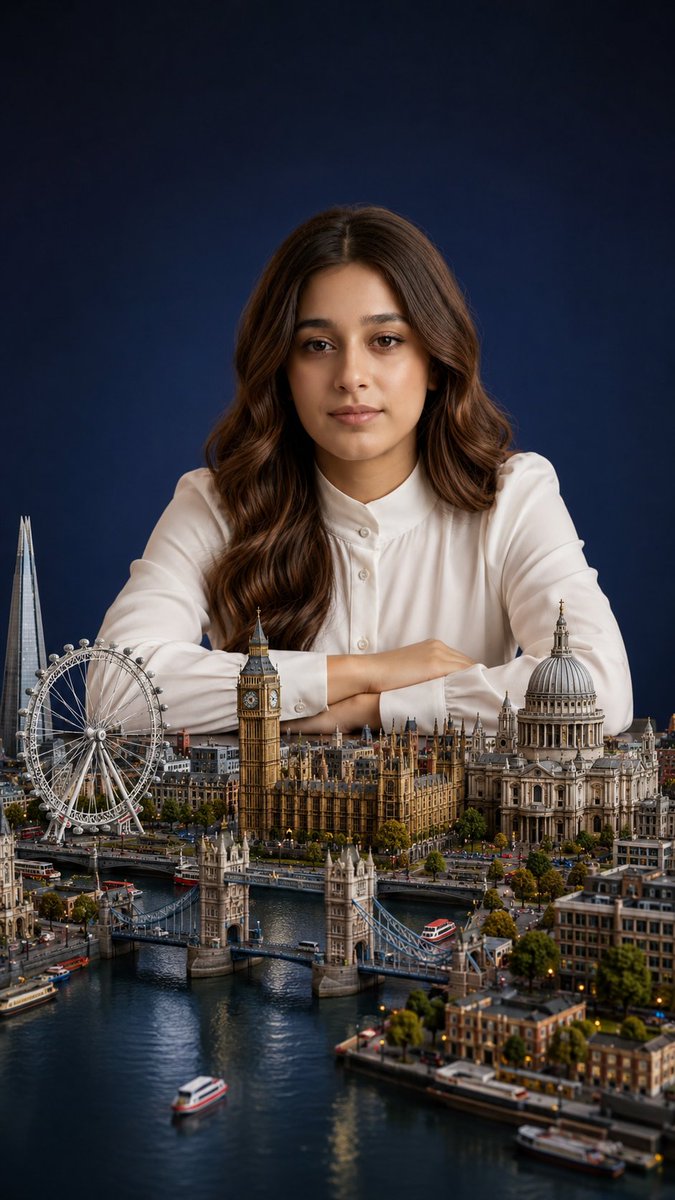
Miniature London City Portrait
views3,300
likes96
comments46
shares13
bookmarks48
quotes0
Create an ultra-realistic miniature city portrait in a vertical 9:16 composition. A {argument name="subject" default="beautiful young woman"} sits behind a detailed tabletop-scale miniature of {argument name="city" default="London"}, leaning forward with both forearms crossed gently on the table, wearing a crisp {argument name="outfit" default="white long-sleeve blouse with a buttoned collar"}. She has long, glossy {argument name="hair style" default="chestnut-brown wavy hair parted in the center"}, warm medium skin, and a calm elegant studio-portrait pose. The miniature city fills the lower half of the frame with exact recognizable London landmarks: 5 major landmarks are visible, including the London Eye on the left, The Shard rising behind it, Big Ben and the Houses of Parliament in the center, Tower Bridge spanning the river in the foreground, and St. Paul’s Cathedral on the right. Add the River Thames winding through the foreground with small boats, bridges, embankments, trees, streets, tiny cars, buses, buildings, warm city lights, and realistic reflections on the water. Use cinematic shallow depth of field: the woman’s upper body and hair are sharp, the miniature foreground is richly detailed, and the far background softly fades. Lighting is soft studio lighting with gentle highlights on the white blouse and warm rim light on the hair. Background is a dark navy-blue seamless studio backdrop. Make the scale feel magical and surreal, as if the woman is a giant carefully posed behind a hyper-detailed miniature London. Ultra-realistic photography, high detail, natural skin texture, realistic hair strands, premium editorial portrait quality, no text, no watermark, no distorted architecture.


