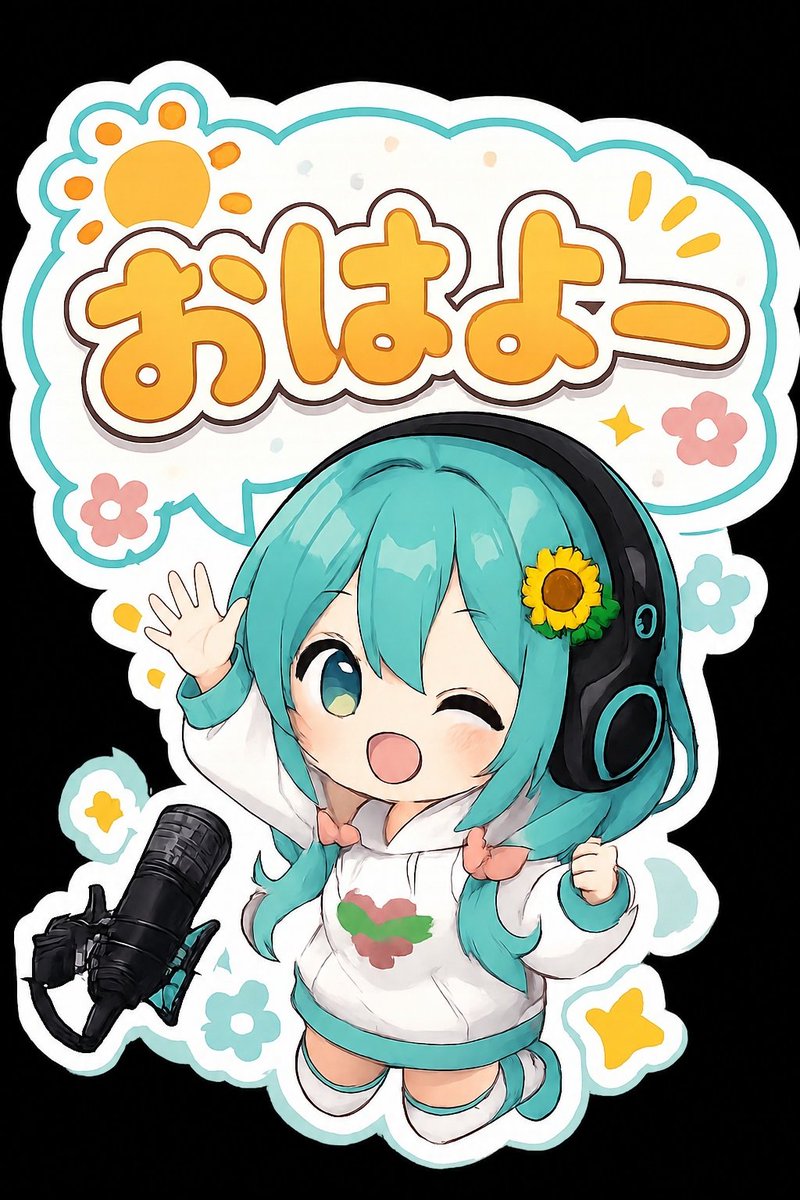
Chibi Morning Greeting Sticker
views95
likes11
comments2
shares0
bookmarks0
quotes0
Create a cute chibi anime sticker illustration on a black background, shaped like a die-cut vinyl sticker with a thick white outer border and a thin teal outline. The main subject is a cheerful chibi virtual singer girl with {argument name="hair color" default="turquoise twin-tail hair"}, big glossy teal eyes, one eye winking, rosy cheeks, and an open smiling mouth. She wears oversized black headphones with teal accents and a small sunflower hair accessory on the right side. Dress her in a white hoodie with teal cuffs and hem, a small red-and-green emblem on the chest, tiny peach bow ties at the twin-tails, white socks, and teal shoes. Pose her floating energetically, one hand raised in a wave with five visible fingers and the other hand clenched in excitement. Place a black studio microphone on a boom arm in the lower left foreground, angled toward her. Behind her, add a large rounded speech-bubble sign with a scalloped cloud shape, white fill, teal border, and soft pastel confetti. Inside the bubble, write large bubbly Japanese text {argument name="greeting text" default="おはよー"} in warm orange-yellow with a white inner outline, dark brown stroke, and subtle shadow. Add exactly 8 decorative motifs around the sticker: 1 orange paw-print sun in the upper left, 2 small yellow exclamation rays in the upper right, 1 yellow sparkle near the text, 2 pink flowers, 1 teal flower, and 1 yellow star near the bottom right. Use a clean kawaii mascot style, rounded proportions, bold outlines, soft cel shading, glossy highlights, playful morning greeting mood, high resolution, no watermark, no extra text.


