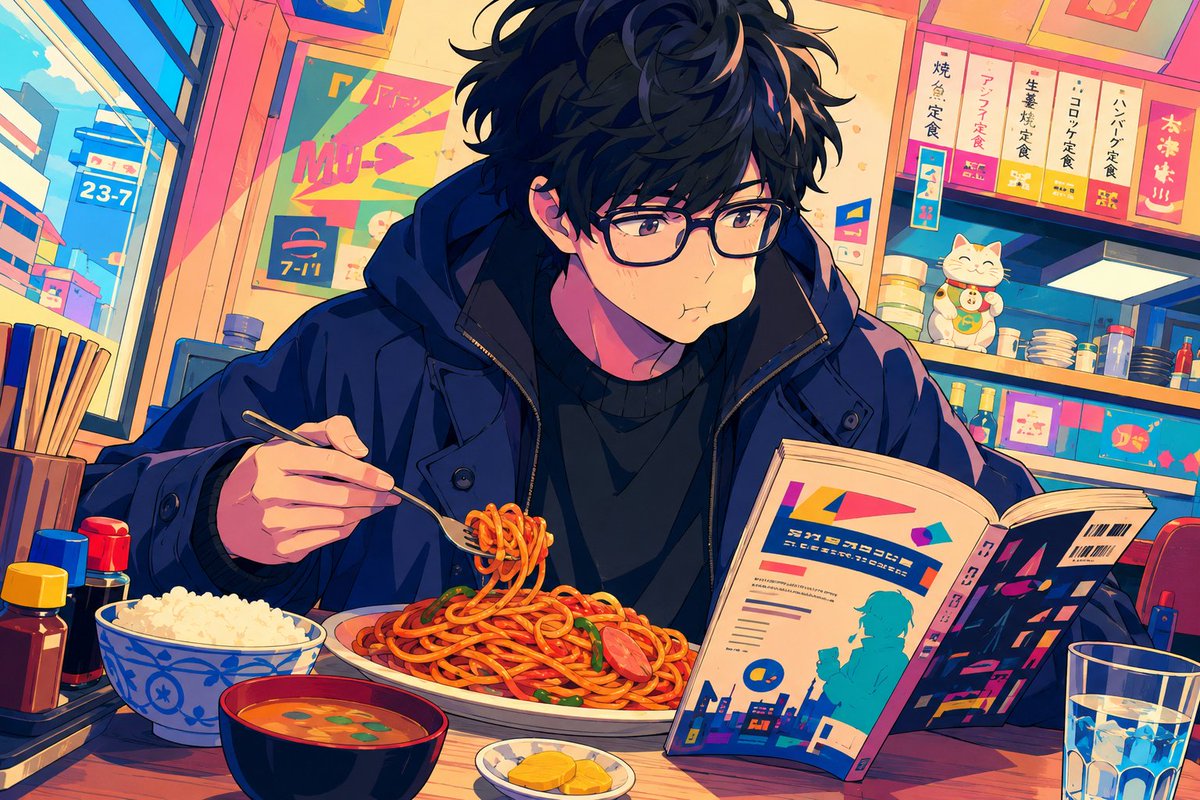
Anime Diner Munching Scene
views743
likes35
comments0
shares1
bookmarks2
quotes0
Create a vibrant anime-style illustration of {argument name="character name" default="a young man"} eating in a cozy Japanese diner, shown in a medium close-up at a wooden counter. The character is a slim young adult with messy wavy {argument name="hair color" default="black hair"}, pale skin, rectangular black glasses, soft brown eyes, and a slightly puffed cheek expression as if chewing. He wears a dark navy oversized winter jacket over a black sweater. He holds a fork in his left hand, lifting a small coil of spaghetti from a large plate of red-sauce pasta with sausage slices and green garnish, while his right hand holds open a colorful magazine or manga with abstract city graphics and pseudo-Japanese typography. Place exactly 5 main food and drink items on the counter: 1 large plate of spaghetti, 1 blue-and-white bowl of white rice, 1 black bowl of orange miso soup with green garnish, 1 small plate of yellow pickles, and 1 clear glass of ice water. Add exactly 4 condiment bottles clustered on the left side: a yellow-capped sauce bottle, a red-capped sauce bottle, a blue-capped sauce bottle, and a dark soy-sauce-style bottle. The background is a lively small restaurant or convenience-diner interior with warm sunset lighting, large windows on the left showing a bright city street and a blue sign reading “23-7,” shelves and counters on the right with stacked bowls, bottles, boxed goods, and a smiling lucky cat figurine. Include colorful menu placards above the counter with Japanese-inspired vertical lettering, one sign resembling “7-11,” and bright pink, teal, orange, and deep blue accents. Use a cinematic manga composition, detailed line art, expressive face, saturated colors, strong rim lighting, cozy clutter, shallow depth of field, and a cute “munching while reading” mood. Do not add extra characters, photorealism, watermark, or English explanatory captions.


