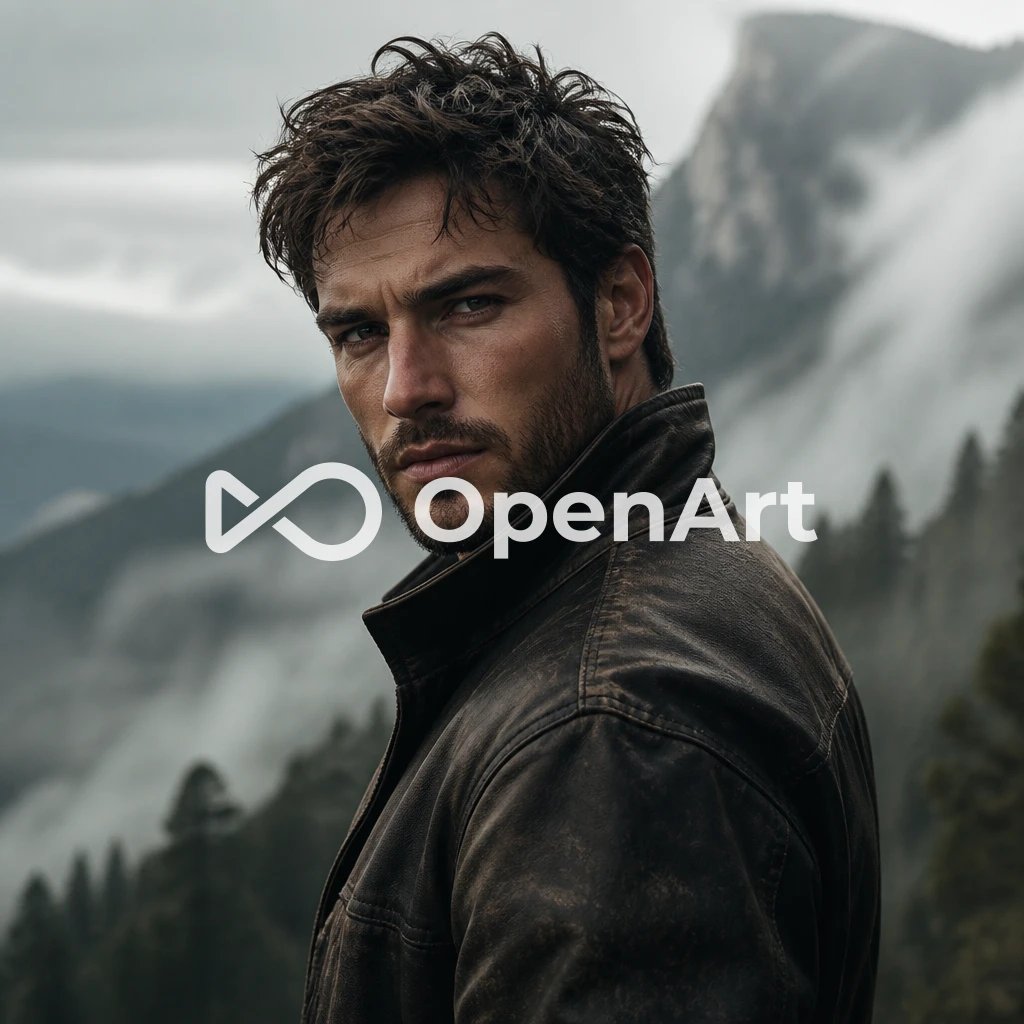
Cinematic Mountain Portrait With OpenArt Watermark
views1,400
likes29
comments9
shares4
bookmarks13
quotes1
Create a cinematic photorealistic portrait of a rugged {argument name="character description" default="young adult man with dark messy curly hair, light stubble, sharp cheekbones, intense eyes, and a serious expression"} standing outdoors in a misty alpine mountain landscape. He is shown from the chest up in a three-quarter pose, body turned slightly away while looking directly back at the camera over his shoulder. He wears a weathered dark brown-black leather jacket with a raised collar, visible seams, worn texture, and subtle rain or dust marks. The background is a dramatic, desaturated mountain valley with steep gray cliffs, blurred evergreen forest, low clouds, fog, and a cold overcast sky; use shallow depth of field so the man is sharply focused and the landscape is soft and atmospheric. Lighting should feel natural and cinematic, with soft diffused daylight, muted green-gray tones, high detail in skin and jacket texture, and a moody commercial-film aesthetic. Add a large centered semi-transparent white watermark/logo reading {argument name="watermark text" default="OpenArt"} with an abstract infinity-like icon to the left, spanning across the subject’s chest and face area. Square 1:1 composition, close portrait framing, ultra-realistic photography, 35mm cinematic lens feel, no extra text or objects.


