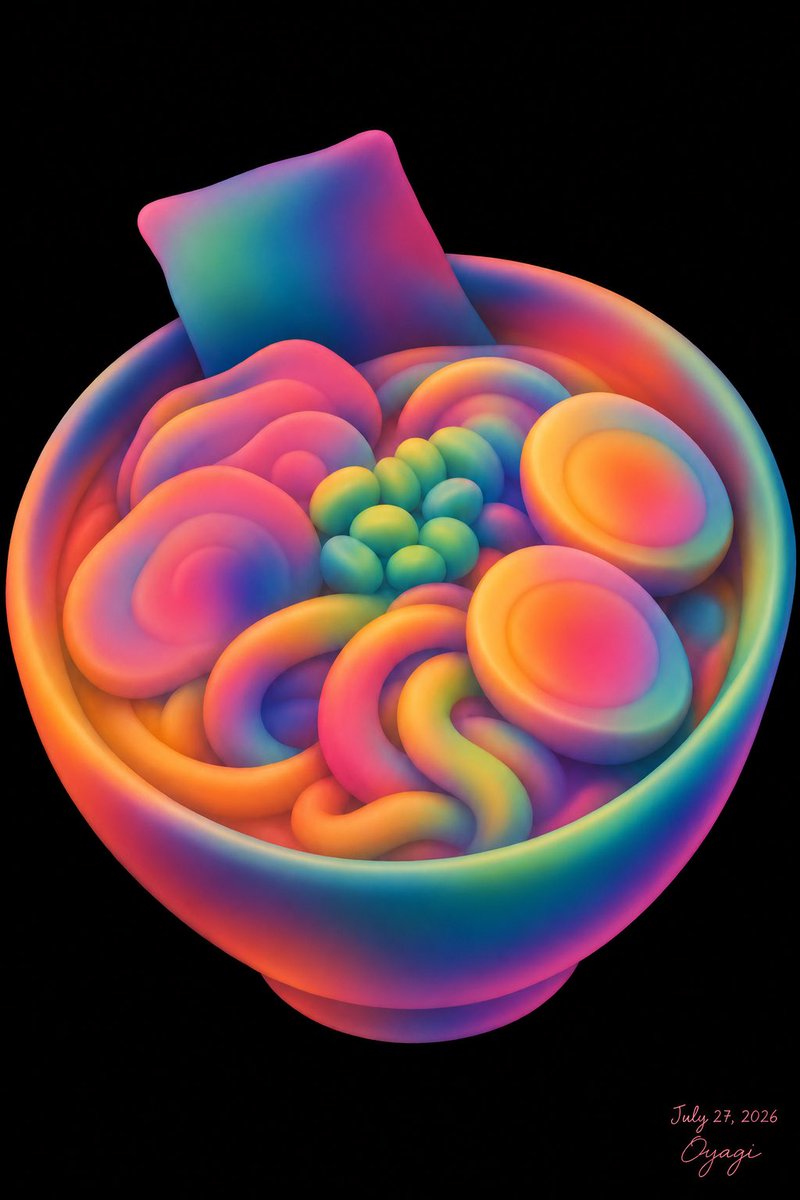
Neon Clay Rainbow Ramen Bowl
views141
likes12
comments0
shares2
bookmarks0
quotes0
Create a whimsical 3D clay-like illustration of an unappetizing yet cute bowl of ramen made entirely from soft, rounded, inflated shapes in a vivid rainbow neon gradient. The scene is a single centered subject on a pure black background, vertical portrait canvas. Show one large round ramen bowl viewed from a slightly elevated three-quarter angle, with a thick rim and small pedestal base, rendered in smooth matte rubber or polymer-clay texture with glowing saturated colors blending through hot pink, orange, yellow, green, cyan, blue, and purple. Inside the bowl, include exactly 8 visible topping groups: 1 square sheet of nori standing upright at the back left, 2 halved boiled eggs on the right side with bright oval yolks, 4 large pink spiral narutomaki slices clustered on the left and rear, 1 cluster of small green peas or edamame in the center made of about 13 round beads, 1 rainbow spiral roll near the back center, 1 thick looping noodle mass in the front center forming soft U and S curves, 1 orange curved noodle band along the front-left rim, and 1 small purple-blue mound partially hidden under the noodles. Make the food look deliberately artificial and not very appetizing, but visually charming and toy-like. Use soft studio lighting, strong ambient glow, subtle depth, smooth gradients with no hard outlines, high-resolution digital art, no photorealistic food texture. Add a small handwritten artist signature and date in the bottom-right corner reading {argument name="signature text" default="Oyagi"} and {argument name="date text" default="July 27, 2026"}. Keep the background empty and black, with no table, chopsticks, steam, extra text, watermark, or realistic details. Primary palette should be customizable as {argument name="color palette" default="neon rainbow gradient"}, and the dish should remain {argument name="dish subject" default="a bowl of ramen"}.


