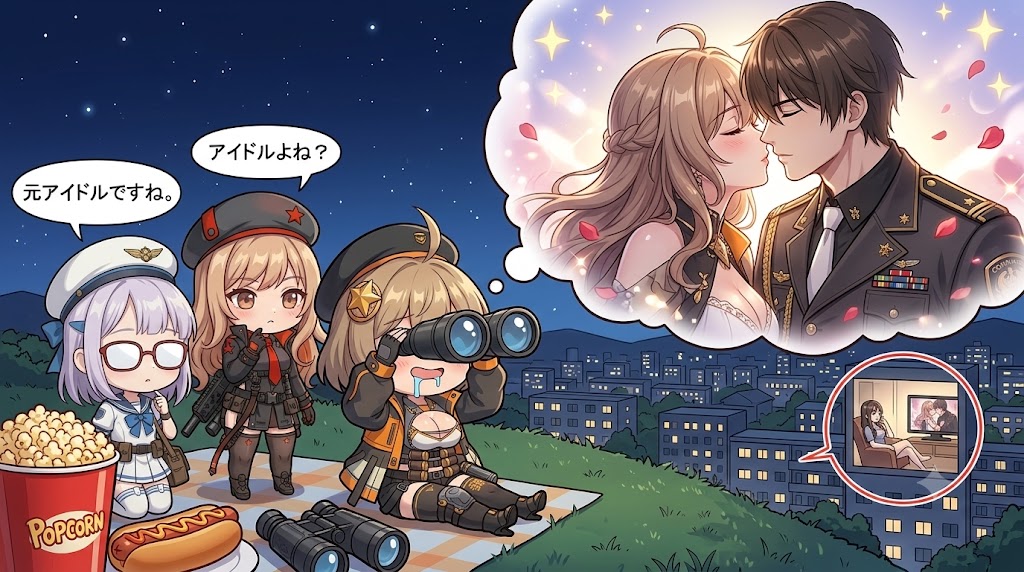
Chibi Anime Surveillance Picnic
views877
likes6
comments0
shares1
bookmarks0
quotes0
Create a wide 16:9 anime-style humorous night scene on a grassy hill overlooking a city. Three chibi military-girl characters are having a picnic-like surveillance session under a dark blue starry sky, with glowing apartment buildings in the valley below. On the left foreground, show exactly 3 chibi girls: first, a small pale lavender-haired girl in a white sailor-style military uniform and white peaked cap, wearing oversized red glasses, standing beside a giant red popcorn bucket labeled “Popcorn” and a hot dog; second, a blonde girl in a dark gray military outfit with a red-accented cap and rifle, standing with a skeptical expression; third, a blonde girl in black-and-orange tactical clothing sitting on a checkered picnic blanket, holding large binoculars to her eyes while drooling comically. Add a second pair of binoculars lying on the blanket in front. Include exactly 2 Japanese speech bubbles above the standing girls: {argument name="left speech bubble" default="元アイドルですね。"} and {argument name="right speech bubble" default="アイドルよね?"}. On the right upper half, add a large fluffy thought bubble from the binocular girl showing a romantic fantasy: a young woman in a white wedding dress with long light-brown hair and a handsome dark-haired man in a decorated black military dress uniform, almost kissing, surrounded by sparkles, soft pink light, and falling rose petals. On the lower right over the city, add one circular inset speech-bubble frame showing a room interior where a seated woman watches a screen or framed image of the romantic couple. Use clean high-detail anime line art, soft cel shading, cute chibi proportions for the observers, more polished romantic shoujo rendering inside the fantasy bubble, saturated colors, crisp outlines, playful comedy mood, no watermark, no extra characters, no extra text beyond the specified labels.


