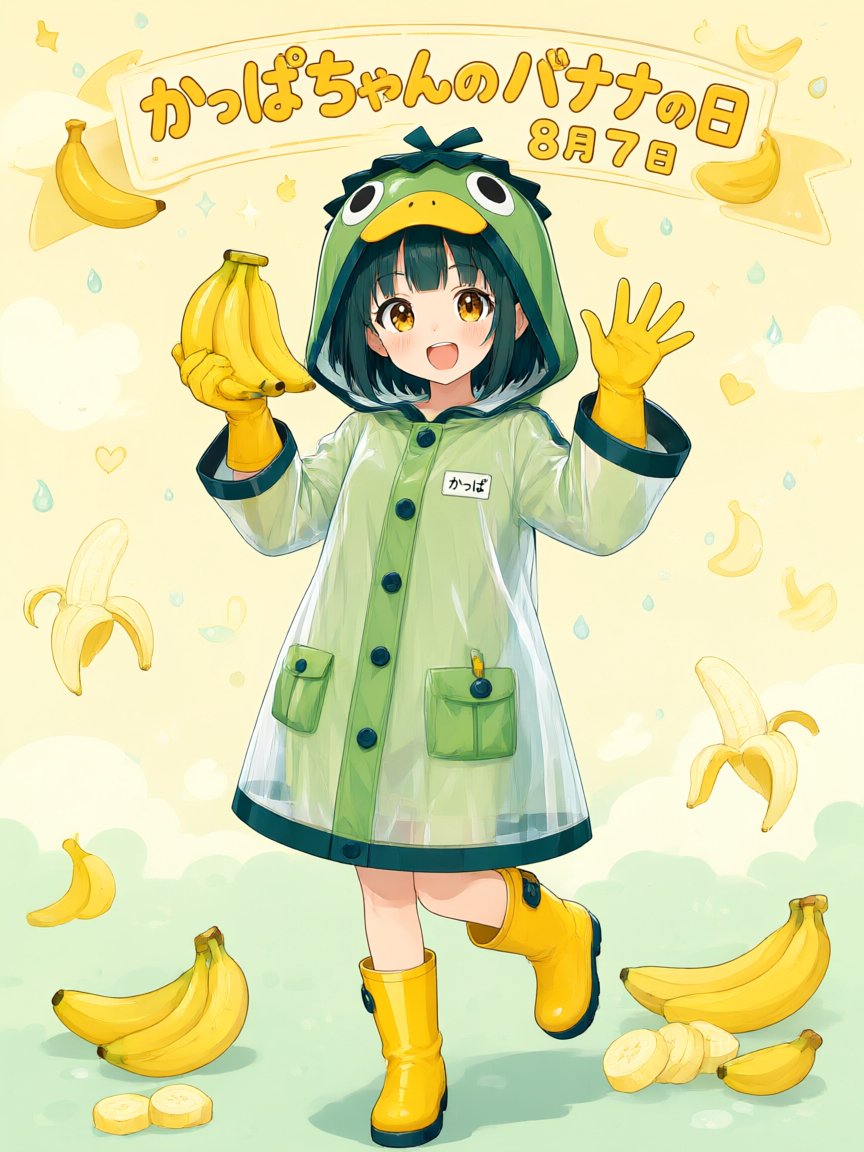
Kappa-chan Banana Day Poster
views33
likes0
comments0
shares0
bookmarks0
quotes0
Create a cheerful vertical anime poster for {argument name="holiday headline" default="かっぱちゃんのバナナの日"} with the date text {argument name="date text" default="8月7日"} in large rounded orange Japanese lettering on a curved cream banner across the top. Center a full-body cute anime girl, {argument name="character name" default="Kappa-chan"}, smiling with an open mouth and golden eyes, short dark teal bob hair with bangs, wearing a translucent glossy pale-green raincoat shaped like a kappa costume: frog-like green hood with big cartoon eyes and a yellow beak, dark teal trim, large buttons, two front pockets, and a small white name tag reading {argument name="name tag text" default="かっぱ"}. She wears bright yellow rubber gloves and yellow rain boots with dark teal soles and accents; her left hand holds one bunch of exactly 5 bananas, and her right hand is raised in a friendly wave with 5 visible fingers. Use a soft pastel cream-yellow background with mint-green ground, floating raindrops, tiny stars, hearts, crescent shapes, and banana motifs. Include exactly 12 visible banana-related illustrations around her: 1 curved banana at upper left, 1 banana bunch in her hand, 1 small banana at top right near the banner, 1 peeled banana at lower left side, 1 pale banana outline at upper right, 1 small curved banana icon at mid-right, 1 peeled banana at lower right side, 1 small banana at lower left, 1 large banana bunch on the ground at bottom left, 2 banana slices in front of it, and 1 large banana bunch on the ground at bottom right with sliced pieces beside it. Style: polished Japanese kawaii illustration, clean line art, watercolor-like pastel shading, glossy highlights on the raincoat and boots, warm sunlight, playful festival-poster composition, no photo realism. Keep the main character centered and fully visible, preserve the Japanese text legibly, and avoid adding extra characters or extra large text.


