Streetwear Character Reveal
views17,006
likes426
comments51
shares45
bookmarks221
quotes3
Create an explosive, motion-graphics-driven character reveal trailer in 16:9, exactly 13 distinct cuts, 24fps, total 15.00s.

CHARACTER (lock this design; never redesign):
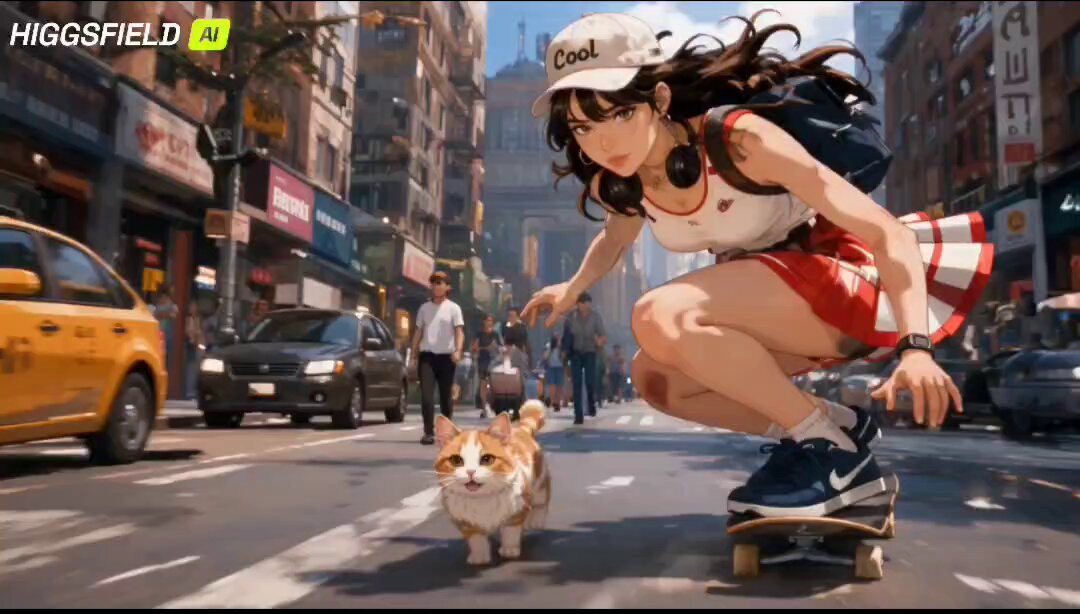
Anime streetwear girl from the reference still. Twin high buns of vivid mint-teal hair with long flowing tails and warm orange/gold streaks. Messy side-swept bangs. Large orange over-ear headphones with mint accents and a small logo plate. Sharp amber-orange eyes, one eye winking. Playful open-mouth grin. Oversized color-block windbreaker: navy body, vivid orange sleeves, white ribbed cuffs, silver zippers, circular teal tech buttons, a teal utility pocket on the sleeve. Orange cropped turtleneck under the open jacket. Light-wash ripped denim shorts, thick orange belt with a silver buckle. Navy thigh-high socks with orange ribbed cuffs and an orange X stitch on the left shin. Chunky white sneakers with orange details. Preserve exact face, proportions, hairstyle, outfit, materials, accessories and colors in every frame.

This film is 80% bold graphic design in motion and 20% character action. Graphic language is **retro OS chrome + music-player UI**, not ice/frost/barcode-lock. Use slamming window frames, title bars, close/minimize widgets, equalizer bars, waveforms, progress ticks, folder tiles, cursor arrows, CRT scanlines, pixel shatter, vinyl-ring stamps, music-note particles, media-player transport icons. Palette: mint teal, vivid orange, navy, cream-white, silver. Style: premium AAA motion-graphics title sequence × streetwear campaign film × Windows-era media player. Every graphic element moves fast and snaps hard on the beat.

CUT 01 | 0.00–1.00s — Pure graphics: a mint title-bar slams onto a cream field, an orange CLO