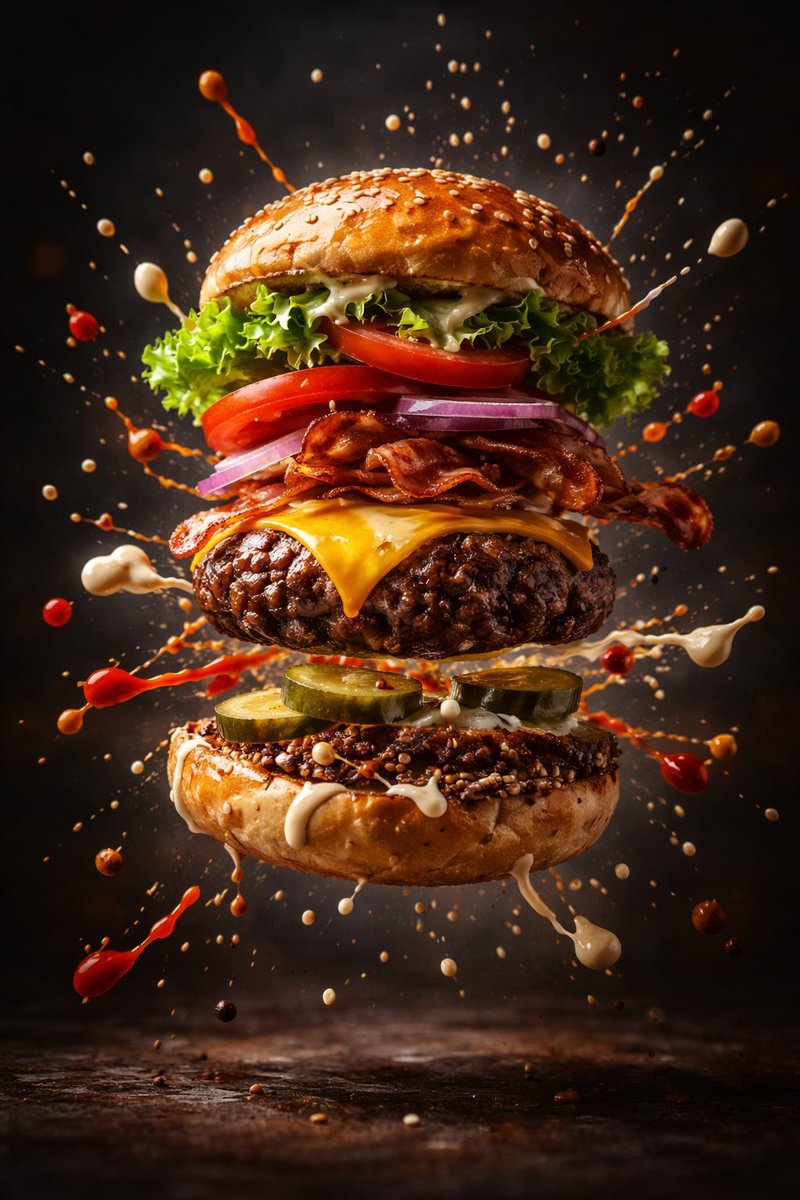
Cinematic Gourmet Burger Explosion Prompt (Code Style)
views2,300
likes100
comments26
shares8
bookmarks50
quotes0
import physics_engine as cinematic
from studio_lighting import RimLight, SpotLight

class GourmetBurger:
    def __init__(self):
        self.state = "assembled"
        self.ingredients = [
            "toasted_brioche_bun",
            "wagyu_patty",
            "molten_cheddar",
            "crispy_lettuce",
            "heirloom_tomato",
            "secret_sauce_droplets"
        ]

    def trigger_explosion(self):
        """
        Executes the slow-motion deconstruction effect.
        """
        self.state = "mid-air_burst"

        for item in self.ingredients:
            # Applying physics for the "flying" effect
            item.apply_force(direction="outward", velocity="slow_motion")
            item.render_texture(quality="hyper_detailed")

        # Suspends liquid particles in 3D space
        cinematic.suspend_fluids(type="sauce", density="high_viscosity")

# Environment Configuration
scene = cinematic.Scene(background="dark_studio_charcoal")
scene.add_lighting([
    RimLight(intensity=0.8, color="warm_gold"),
    SpotLight(target="patty_texture", focus="ultra_sharp")
])

# Execute the render
burger = GourmetBurger()
burger.trigger_explosion()

render_output = scene.capture(style="cinematic_advertising", realistic=True)


