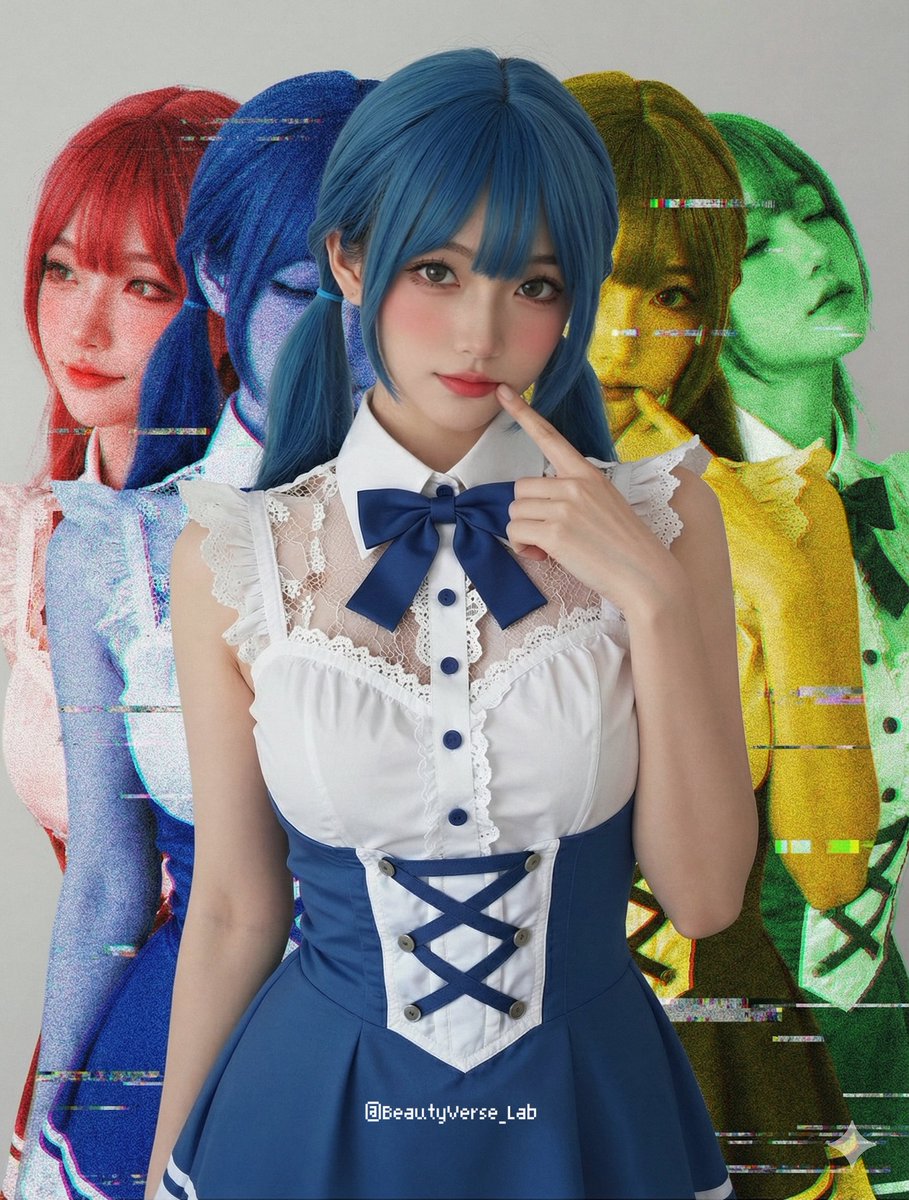
Shadow and Glitch Effect Prompt with Color Separation
views11,800
likes122
comments3
shares13
bookmarks96
quotes8
Ref Image: Based on the provided reference image, keep the main subject in the center sharp, natural-colored, and completely unaffected by filters.

Shadow Effect: Behind the main subject, generate four ghost-like duplicates of the same subject. Offset two duplicates to the left (colored {argument name="left color 1" default="Red"} and {argument name="left color 2" default="Blue"}) and two to the right (colored {argument name="right color 1" default="Yellow"} and {argument name="right color 2" default="Green"}).

Glitch Effect: Apply heavy analog noise, VHS scan lines, and digital glitch artifacts ONLY to these four colored background layers, creating a gritty, unstable look behind the clean high-definition foreground subject.


