Product Design Innovation Board
views188
likes1
comments0
shares0
bookmarks2
quotes0
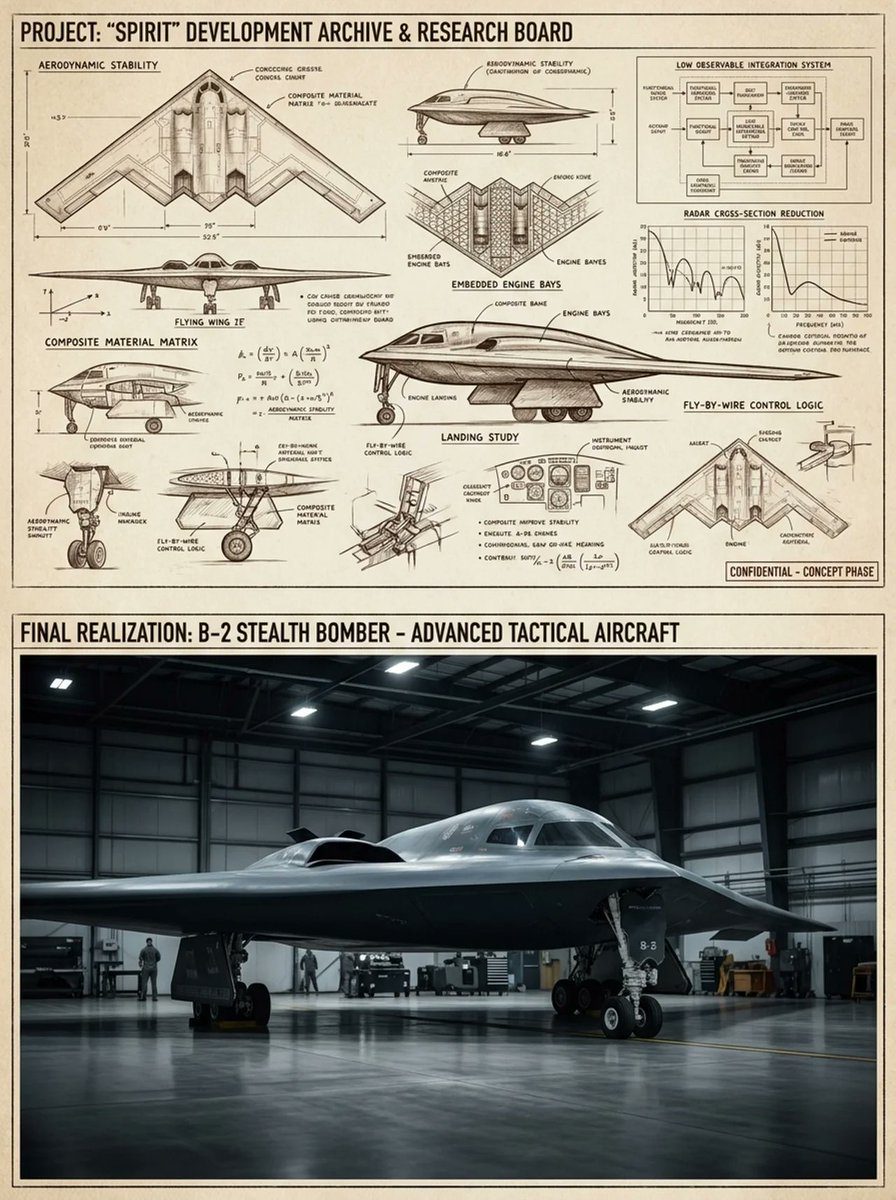
Do this for {argument name="product" default="B2 plane"}: inputs ::= product ::= [any product / device / tool / appliance / machine] functions ::= [ai infer 3 to 7 core functional systems of product] subsystem_count ::= [ai infer] material_logic ::= [ai infer likely materials and mechanical parts] era_bias ::= [{argument name="style" default="industrial / retro-futurist / modern / luxury engineering"}] sketch_style ::= [{argument name="sketch type" default="patent sketch / engineering notebook / blueprint engraving / industrial concept sheet"}] hero_style ::= [studio product photo / cinematic workshop render / luxury catalog shot] layout ::= +----------------------------------------------------------------------------------+ | top panel :: invention / research board | | | | [orthographic sketch] [section cutaway] [component studies] [functional diagram]| | [gauge / chart / equation / small notes] [exploded parts] [form variants] | | | | goal: show how product might have been invented, refined, tested, and iterated. | | | |----------------------------------------------------------------------------------| | bottom panel :: polished final product | | | | [hero shot of fully realized product] | | [beautiful materials] [precise machining] [studio/warm workshop lighting] | | | +----------------------------------------------------------------------------------+ instruction ::= generate a two-panel invention inspiration board for product. the top half must look like a dense r&d archive showing ai-inferred mechanisms, studies, performance ideas, component experiments, and form exploration. the bottom half must show the final refined product as a premium finished object. make the whole image feel like "from concept science to product realization." no hard-coded product details unless provided by the user.


