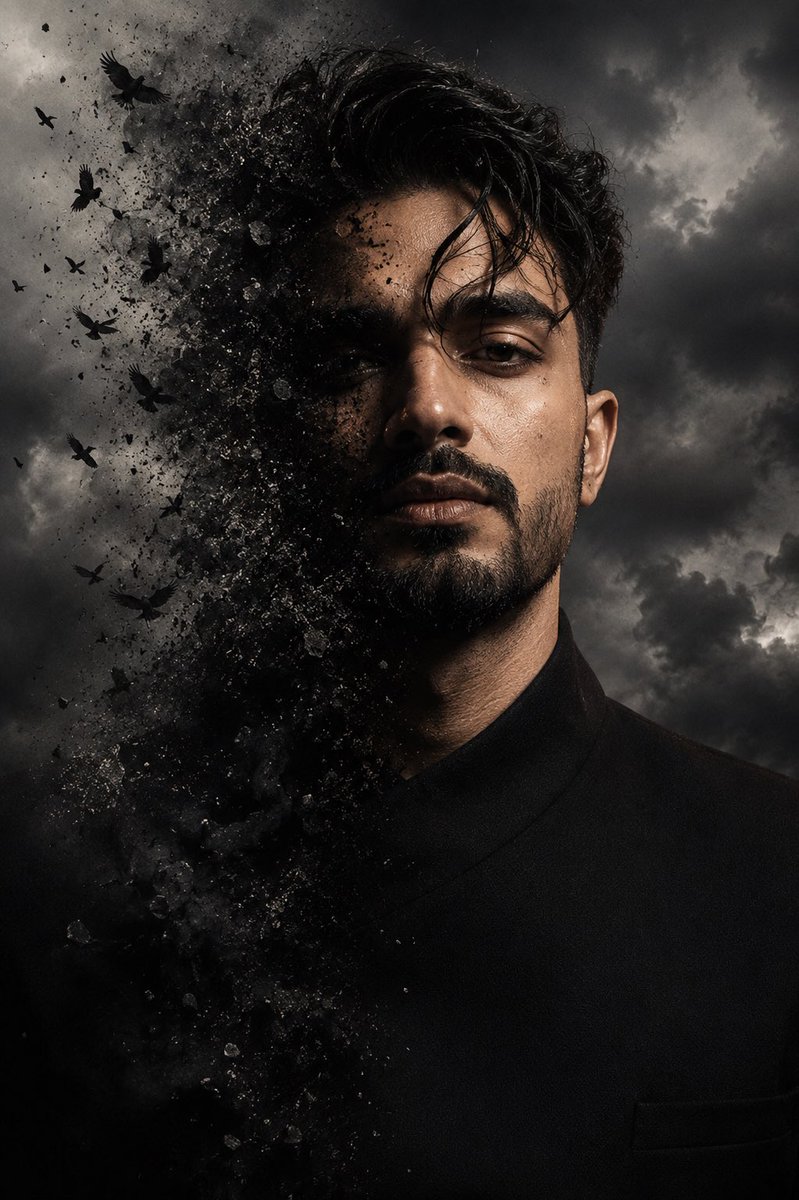
Cinematic Face Dissolve Effect
views2,000
likes89
comments39
shares8
bookmarks26
quotes0
Use my uploaded face image as the primary identity reference. Preserve my exact facial identity, face shape, hairstyle, hair texture, beard style, skin tone, eye shape, eyebrows, nose, lips, and all unique facial details with maximum accuracy. Do not change my face or make me look like a different person. Create a hyper-realistic cinematic portrait inspired by the reference image: a close-up dramatic half-face composition where one side of my face is naturally visible and the other side dissolves into {argument name="effect particles" default="dark particles, dust, and flying black birds"}. The effect should look like my face is transforming into smoke and fragments, blending into the atmosphere. Keep my realistic facial features sharp and detailed, with intense eyes, textured skin, natural lighting, and a dark moody cinematic atmosphere. Add a {argument name="background" default="stormy cloudy background"}, high contrast, deep shadows, and a premium movie poster style. Ultra-realistic photography, 8K detail, professional portrait photography, dramatic visual effects.


