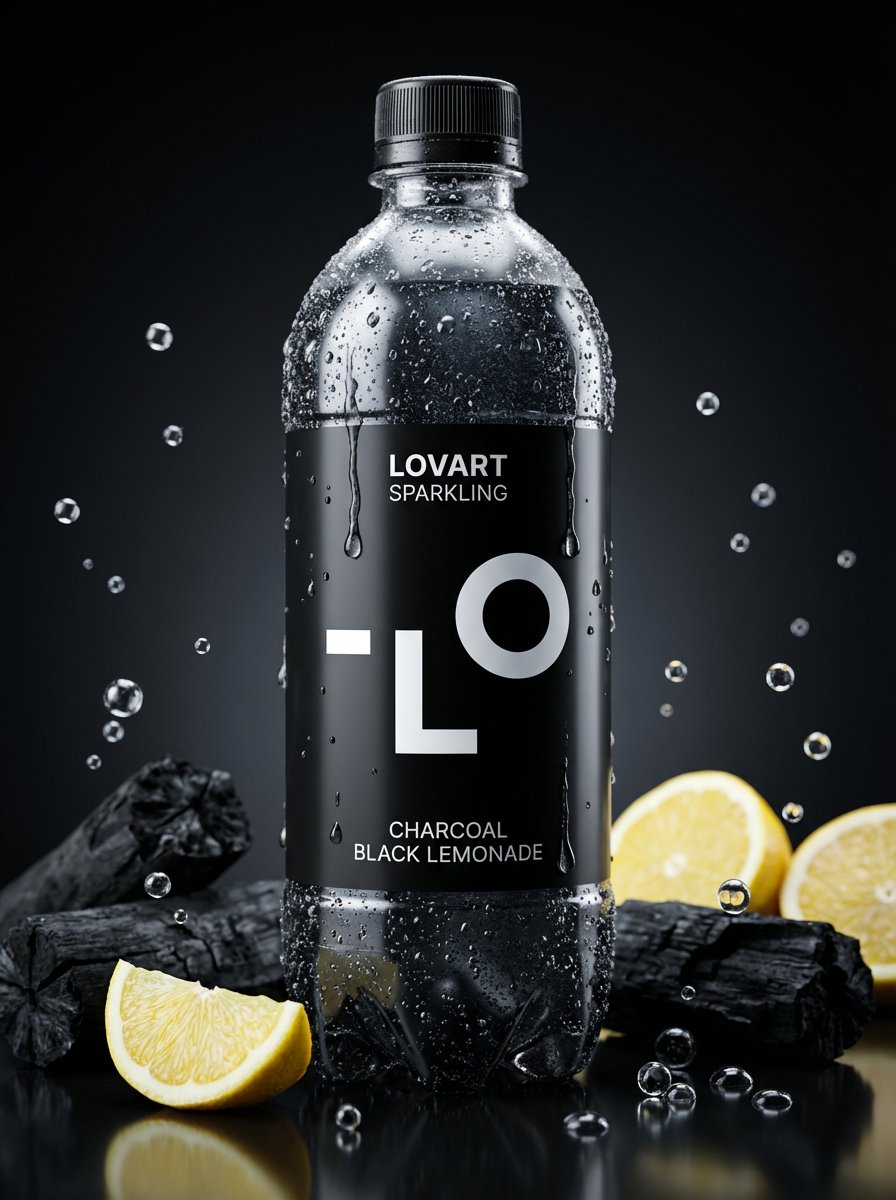
Image-to-Beverage Mockup Conversion
views569
likes9
comments2
shares1
bookmarks4
quotes0
Translated
[AI Instructions: Image → PET Bottle Beverage Conversion]

Analyze the [Input Image].

Extraction: Read [Main Motif], [Atmosphere], [Color Palette].
Drink Selection: Freely decide the drink based on the image's color and atmosphere ({argument name="ドリンクの種類" default="フルーツウォーター、炭酸、お茶、乳酸菌飲料、エナジードリンク、スムージー"} etc.)
Label Design: Use the motif for label illustrations or logos. Reflect the drink's liquid color in the label.
Text: If there is text in the image, use it as product name or flavor name.
[Main Motif]
A new PET bottle product that stands out in the convenience store beverage corner. A design where the worldview of the [Input Image] becomes the drink itself. The [Detected Motif] adorns the label, and the liquid color is the theme color. The bottle shape can be free (slim, round, can type, etc.).

[Atmosphere]
Product advertisement photo taken in a professional studio. The bottle has a chilled texture with water droplets. It's okay to have fruits or ingredients scattered in the background. 8k, f/1.8 shallow depth of field, product photography lighting. Photorealistic.
Machine-translated — the original is what produced this result.


