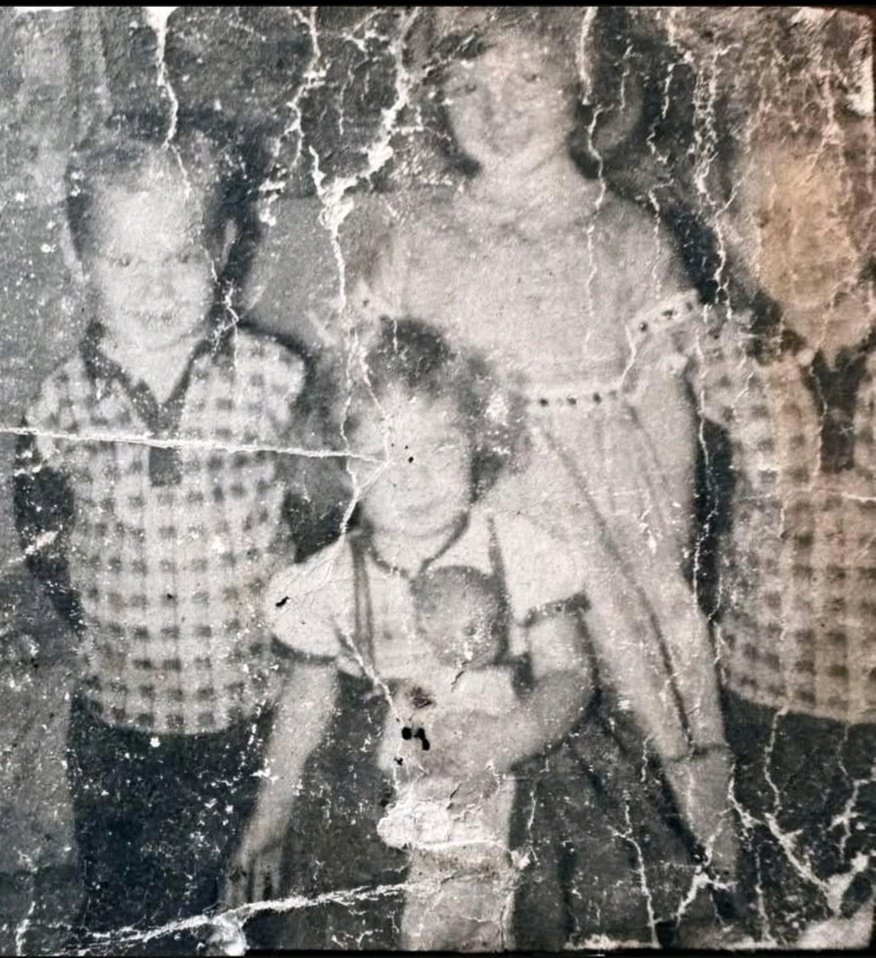
Image Restoration and Upscale Prompt
views17,800
likes404
comments33
shares61
bookmarks398
quotes2
{ "task": "image_restoration_upscale", "positive_prompt":
"Restore and enhance the provided image. Preserve original identity, facial structure, proportions and composition. High-fidelity photo restoration, ultra-realistic, natural skin texture, accurate details, professional photographic look. 4K output, sharp but natural focus, modern cinematic lighting, subtle volumetric lighting, professional color grading, depth of field, HDR. Shot on Arri Alexa, raw photo aesthetic, masterpiece.",
"negative_prompt": "Creative reinterpretation, style change, identity alteration, face reshaping, exaggerated features, cartoonish, painting, illustration, over-sharpening, plastic skin, blur, noise, film grain, jpeg artifacts, distortion, bad anatomy, overexposed, underexposed, washed out colors.", "parameters":
{ "steps": 30, "cfg_scale": 6.5, "denoising_strength": 0.45,
"upscaler": "4x_NMKD_Siax_200k", "target_resolution": "4K" } }


