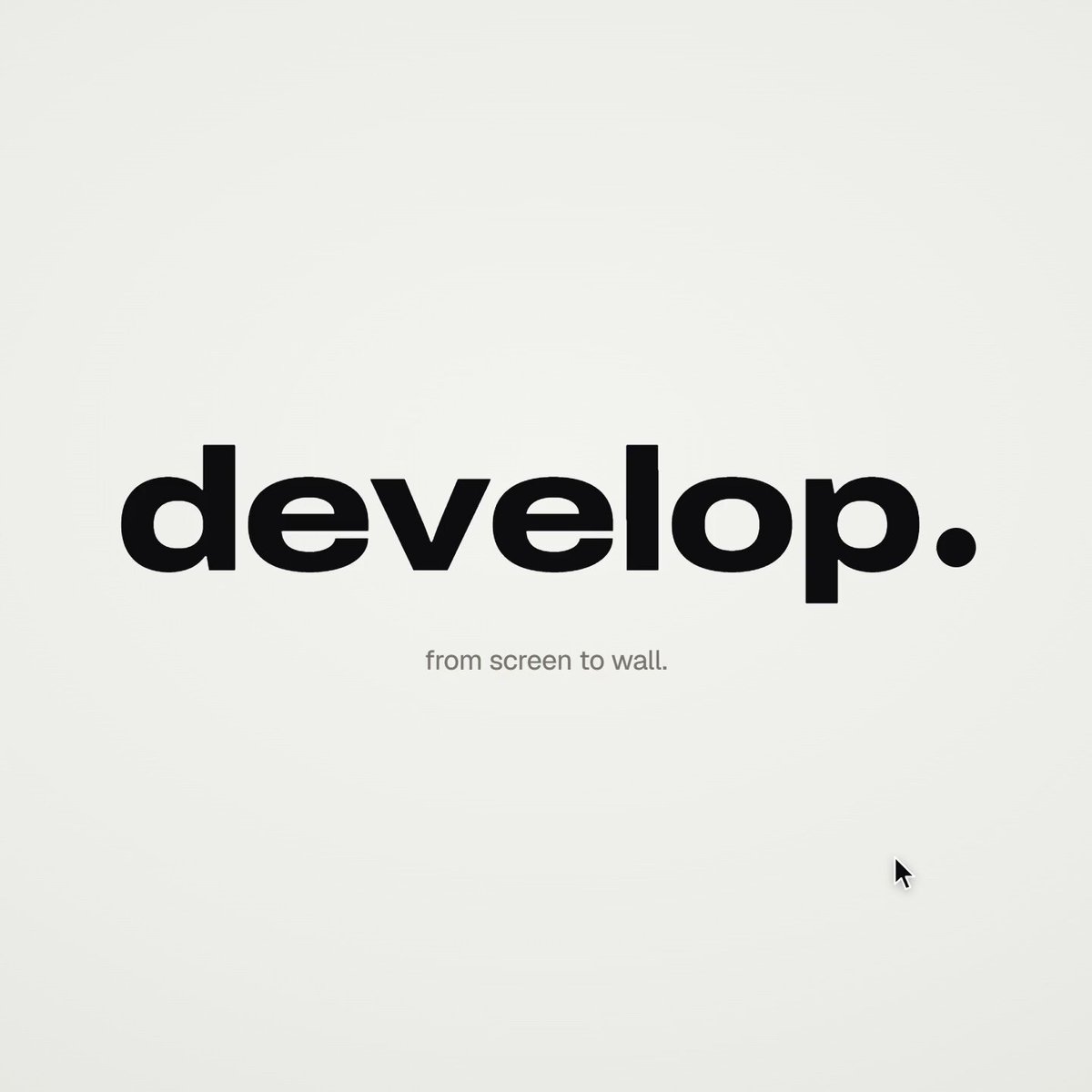
Premium product film for Taxtello
views3,496
likes10
comments7
shares0
bookmarks6
quotes1
You are the senior motion designer, product designer and Remotion engineer for Taxtello.

Your task is to create a genuinely premium, Apple-level product film for Taxtello.

This is NOT a generic SaaS explainer.
This is NOT a feature walkthrough.
This is NOT a startup template animation.

I want a maximum 15-second brand/product showreel that makes Taxtello look like a mature, expensive, beautifully designed financial product.

Think:

Apple product launch film
× premium fintech
× editorial motion design
× restrained Stripe-like product presentation
× Taxtello's own visual identity

The desired reaction is:

"Wait, this is a German bookkeeping app?"

The film should feel expensive.

────────────────────────────────────
REPO / SOURCE OF TRUTH
────────────────────────────────────

First inspect the real repositories before designing anything.

Main product:
  /taxtello/main

Existing Remotion project:
  /taxtello/beta-motion

Important real brand sources:

  /taxtello/main/public/css/app/_00-tokens.css
  /taxtello/main/docs/design/TOKENS.md
  /taxtello/main/public/taxtello-wordmark.png
  /taxtello/main/public/icons.svg

Existing current product screenshots can be found under:

  /taxtello/main/artifacts/smoke-ui-smoke/

Prefer the newest valid screenshots/current source over stale artifacts.

There is already an existing 24-second Remotion hero animation in
/taxtello/beta-motion.

DO NOT replace it.
DO NOT regress it.
DO NOT force its current AI-connections storyline into this new film.

Create a new independent composition for this task, e.g.

  TaxtelloShowreel15

You may reuse good infrastructure, fonts, rendering utilities, motion primitives,
easing curves, asset loading and QA infrastructure