Food Craving Launch Film
views37,914
likes574
comments15
shares47
bookmarks825
quotes3
<inputs>
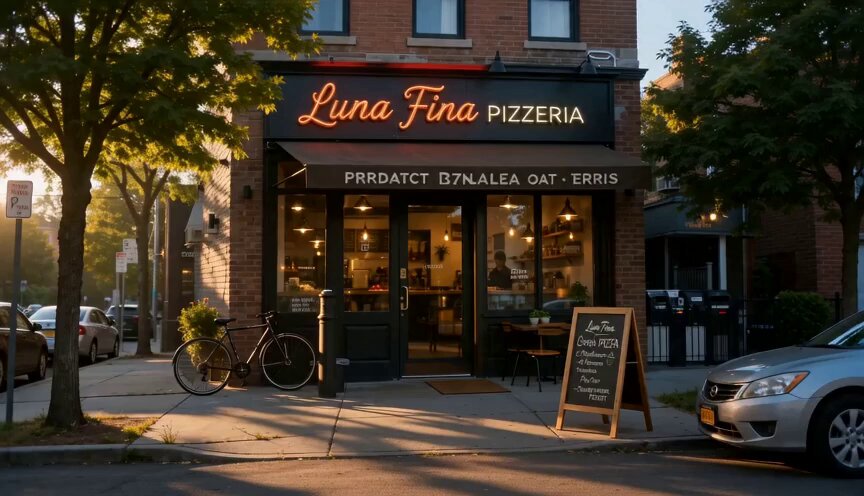
Ask me for: my product, the exact request a user types into it, 6 to 8 photos for the result cards, a royalty-free song around 130 BPM with a clear drop (Mixkit, free for commercial use), and my brand mark for the end card. If I skip anything, use the defaults: the food-ordering story below, food photos from Pexels (fire noodles, birria tacos, hot chicken, buffalo wings, smash burger, spicy ramen), and Mixkit "Cat Walk".
</inputs>

<direction>
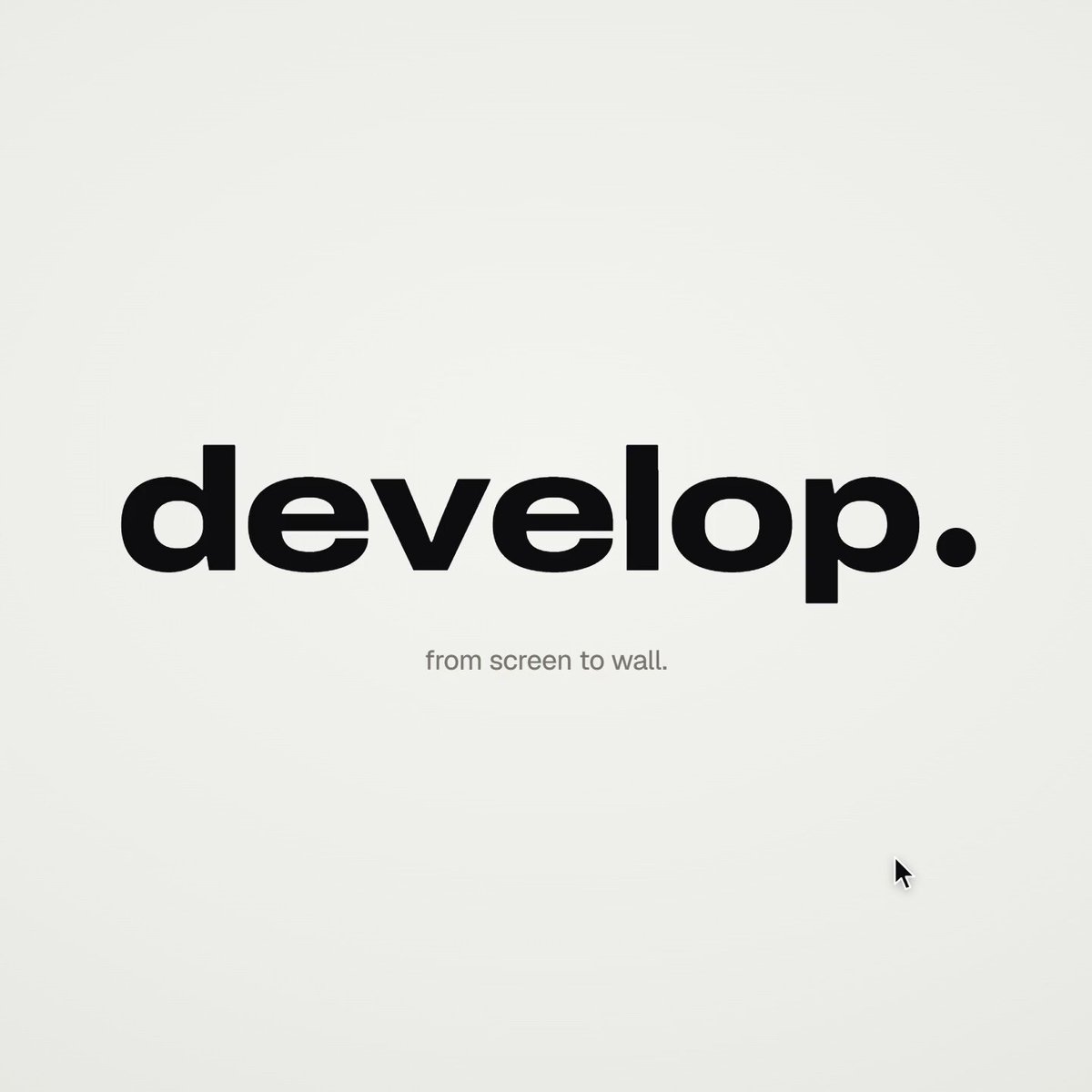
A 15-second product launch film, 1920x1080 at 60fps. 2D only, one continuous take. No fades, blurs or cuts: each scene grows from the last. Text rises from a mask line, buttons expand into pages, and color floods from one object before shrinking into another. Give the camera one eased move per scene, and never zoom in and out consecutively.

Look: warm white canvas (#f5f5f2), black UI (#0e0e10), lime accent (#cdf24f), orange (#ff6a2a), and a blue send button (#2f6bff). Add an Apple Intelligence-style iridescent glow around the input: a blurred conic gradient rotating through pink, orange, lime, cyan and violet. Use real food photography on dark cards, Geist for UI and a serif for the product name on the end card.

Banned: crossfades, blur-ins, 3D, particles, camera moves that reverse direction, holds longer than 1s, anything that feels like a template.
</direction>

<structure>
130 BPM, 32 beats (14.8s). Start the song 12 beats before its drop.

Beats 0-6, ask: push slowly into the glowing composer, about 3x zoom. Type the request over three fixed lines with a natural keystroke rhythm:
"I'm really hungry, I don't know
what I want but something
spicy, crispy and filling"

Beat 6, send: press the send button. A lime ripple spreads from it and transforms the message into a chat bubble. Pull back once to reveal the phone around it (428x900 sc